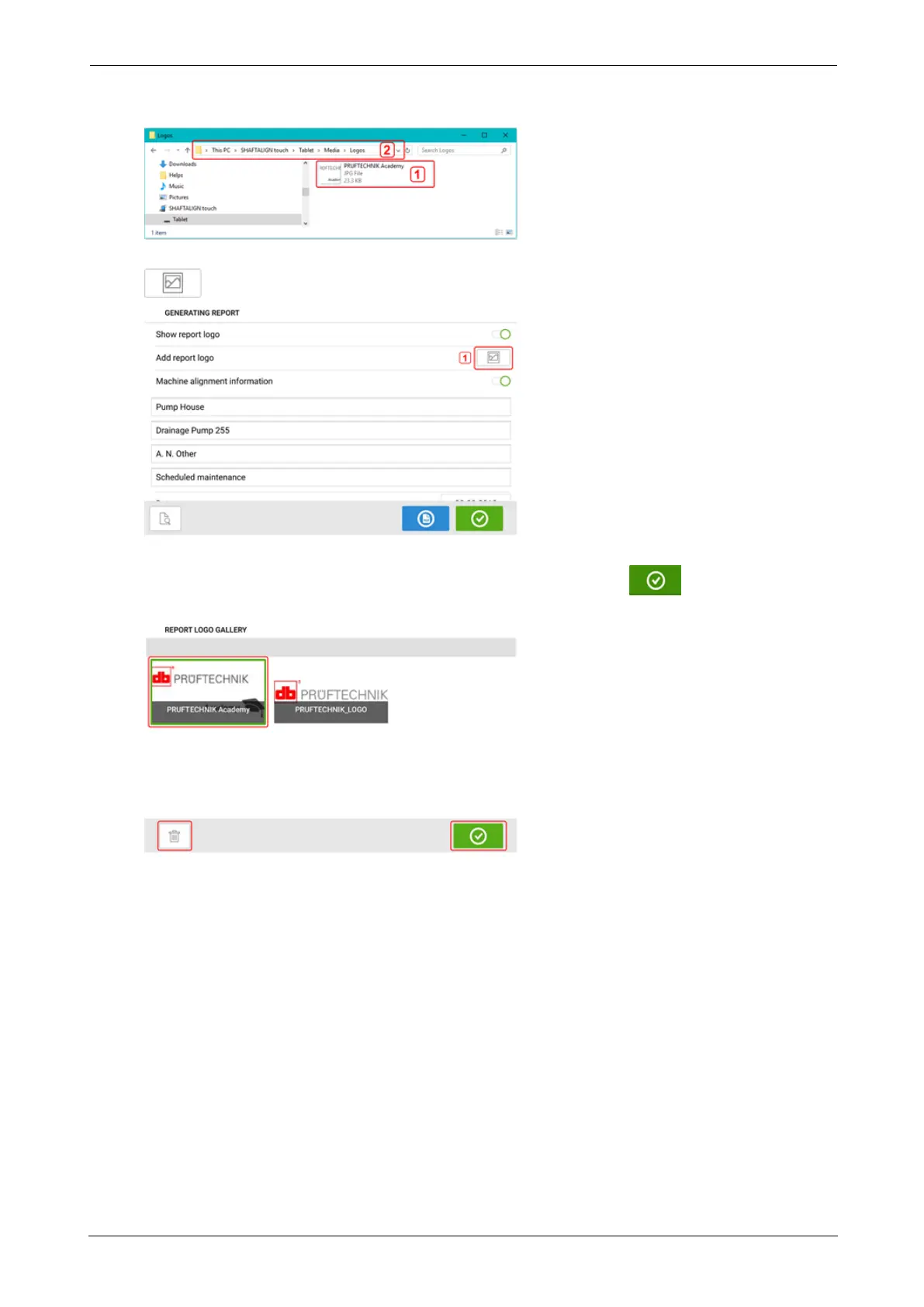
"SHAFTALIGNtouch\Tablet\Media\Logos".
l Disconnect the rugged device from the PC and then tap the "Add report logo" icon
.
The report logo gallery opens.
l
From the report logo gallery, tap the desired logo and then tap . The selected logo
will now appear on the PDF measurement report when "Show report logo" is activated.
Note: The delete icon is active. In this case, the added logo can be deleted from the gal-
lery.
SHAFTALIGNtouch 91
On-board help



 To Next Page