Rev. 1.0
Datalogger
● To select a flight rotate the knob; the currently selected flight is
highlighted.
● To save a flight on a USB flash drive click the “SAVE” button;
the name of the created file is “Flight_[Date]_[Time].CSV” or, if
no date and time is available, “Flight_NO_GPS_0000x.CSV”.
The format of this file is a generic “comma-separated value” file
format, importable by any spreadsheet software like Excel.
Inside this CSV file there are all the parameters recorded by
the Vigilus.
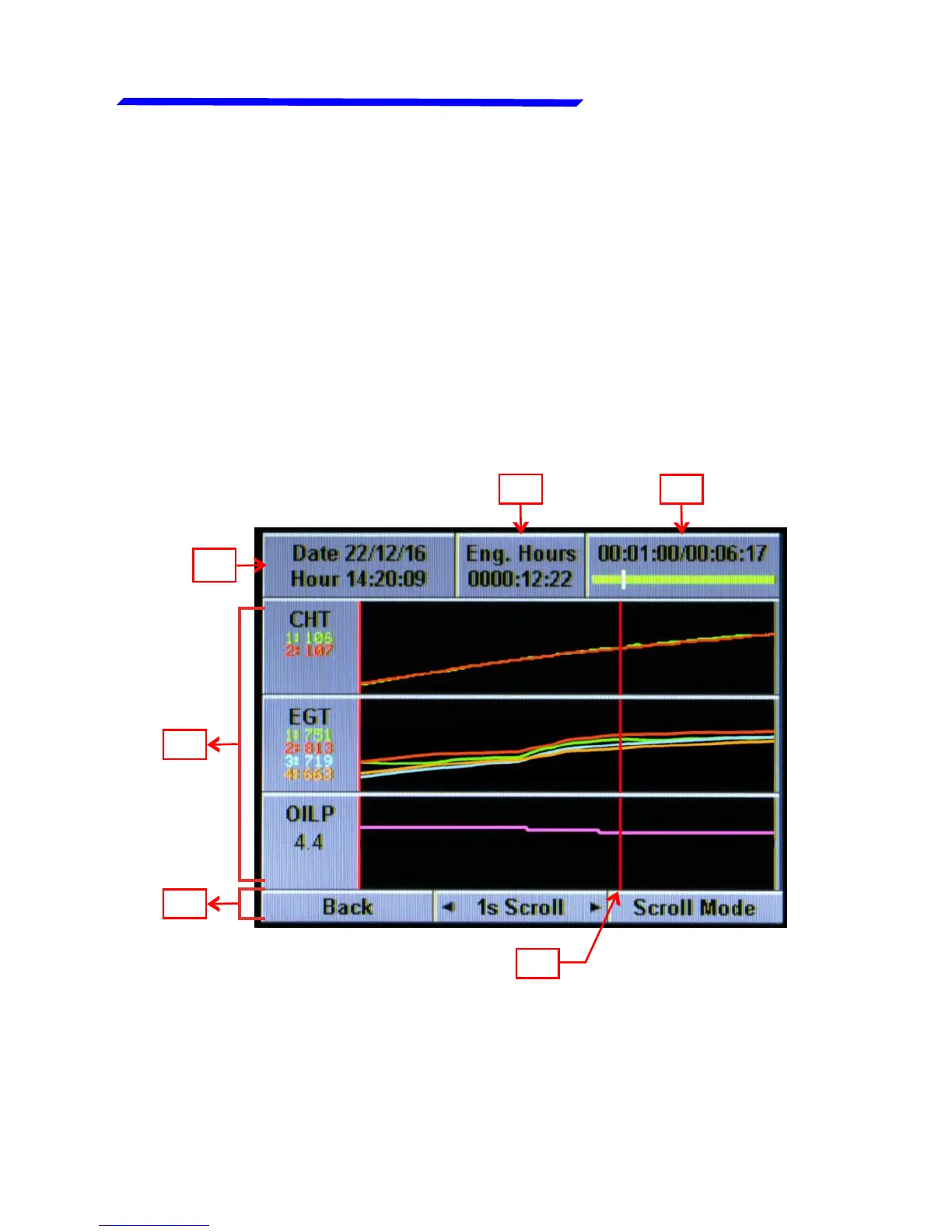
● To view a flight select it and then click the knob; a screen like
this will appear:
2
1
3
4
5
6



 To Next Page