iTuner Manual
9
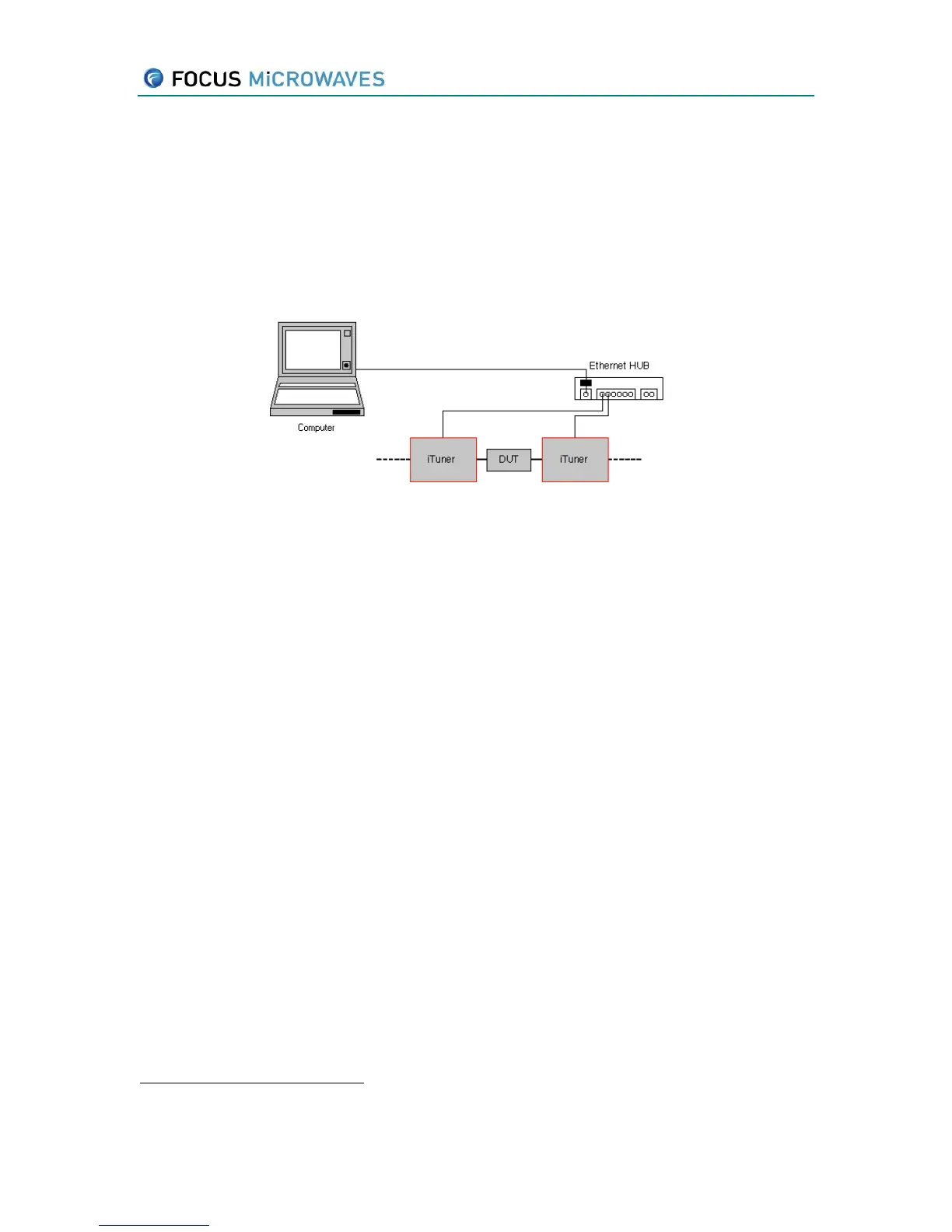
2.3 Multiple tuner TCP/IP connection
Ensure that each tuner has a different IP address by powering up each tuner; the IP addresses
will be shown on each tuner’s display window. If each tuner does not have a unique IP, connect
the tuners first using the single tuner setup method (as shown above) and change the IP address
of each tuner to ensure all tuner IP addresses are different using the instructions below
(Connection Setup). Connect the tuners via an Ethernet HUB, using standard RJ-45 cable
, to the
computer to be used for control as shown below.
Figure 2-7: Multiple-Tuner Configuration
Non crossed over RJ-45 cable.



 To Next Page