iTuner Manual
66
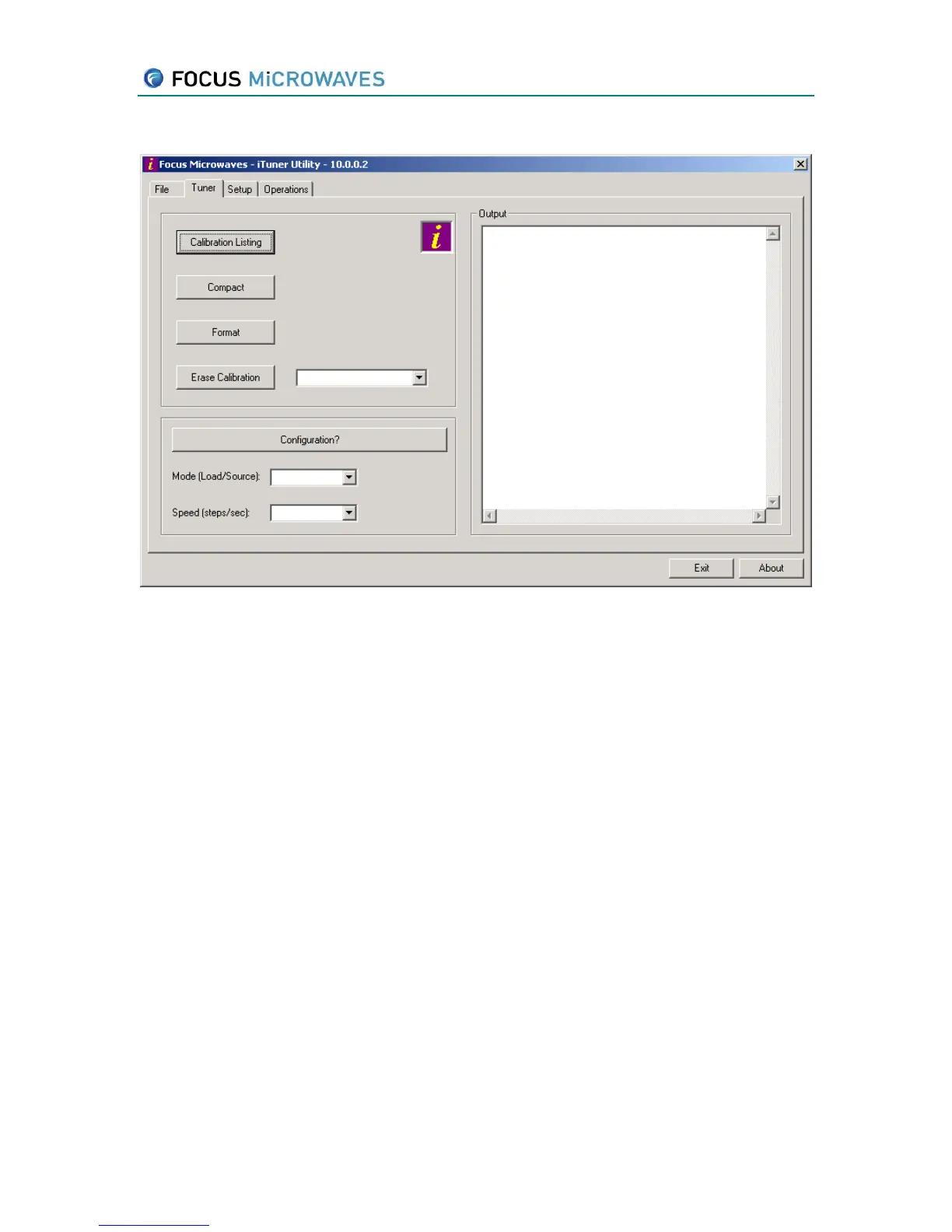
7.2 Tuner Tab
Figure 7-2
The “Calibration Listing” button will show the current listing of all calibrations currently
stored in the iTuner. (same as in the File Tab).
The “Compact” defragments the iTuner’s file system. Note: this operation may take
several minutes to complete
The “Erase Calibration” button erases the calibration whose id is selected in the drop
down list to the right.
The “Configuration?” button retrieves the configuration and setup information of the
iTuner
The “Mode” dropdown list is used to configure the tuner as either a source or load
tuner.
The “Speed” dropdown list is used to set the speed of the iTuner.



 To Next Page