iTuner Manual
4
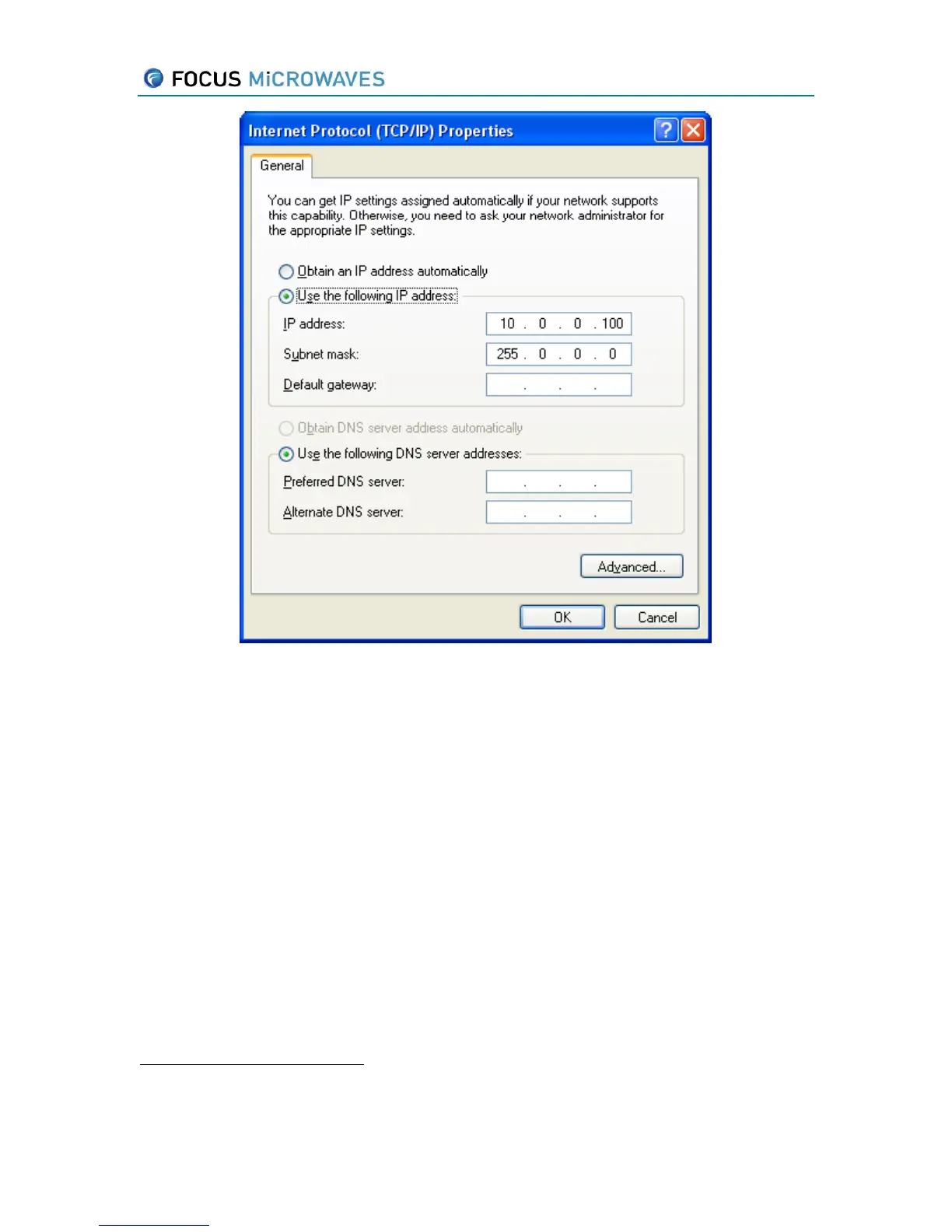
Figure 2-4
5. Record the IP address entered for later use.
IMPORTANT: The tuner uses a subnet mask of 255.255.0.0. Therefore the first to numbers of
the IP address of the client must match the first two numbers of the IP address of the tuner.
IMPORTANT: Computers use an IP-to-Physical address translation table used by the address
resolution protocol (ARP). After swapping tuners, or after changing the IP address of a tuner,
we strongly recommend to clear the ARP entries on the computer. From the DOS prompt, type
ARP –d *, or ARP /h for help on using the ARP command.
2.2 Single tuner TCP/IP connection
Determine the tuner’s IP address by powering up the tuner; the IP address will be shown on the
display window.
Connect the tuner via a RJ-45 crossover cable
to the computer to be used for control as shown
below.
RJ-45 crossover cable has the send and receive lines ‘crossed’ this allows the cable to be used to connect
between two Ethernet devices directly, without the use of a hub or router.



 To Next Page