iTuner Manual
44
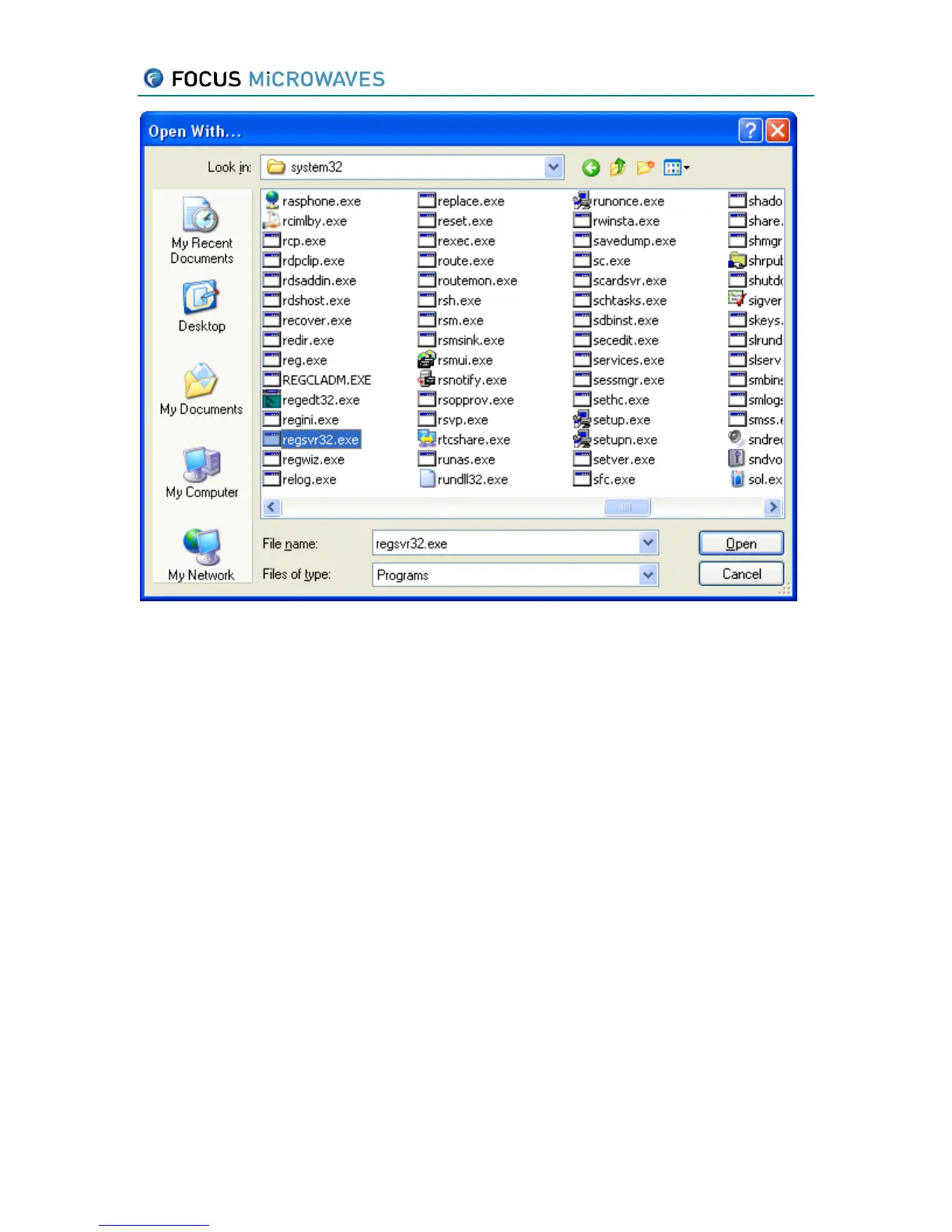
Figure 5-2
Browse to find regsvr32.exe (as shown above) that permits you to register the ActiveX. You can
find this program in C:\WINDOWS\system32 or C:\WINNT\system32 directory (this depends on
the version of Windows). A message should appear saying that registration has succeeded.
5.2 Programming with ITunerX
Like any ActiveX control, iTuner.ocx exports an interface that contains:
Properties
Methods
Events
Properties are basically variables, and the way you access them depends on the programming
language you are using. Some languages, such as VB acces properties directly, other languages
(such as C++) use set/get methods for properties. Further, properties can be Read only, Write
only, or Read/Write.
Methods are called like functions, with a certain number of parameters.
Events are used by the control to notify the application when something special happens, for
instance the TCP/IP socket to the tuner has been disconnected. You have to program an
EventHandler in your application to catch events fired by the control.



 To Next Page