iTuner Manual
10
3 Configuring Load Pull Explorer
In order to allow the calibration and manipulation of tuners several configuration steps must be
completed. These steps are as follows:
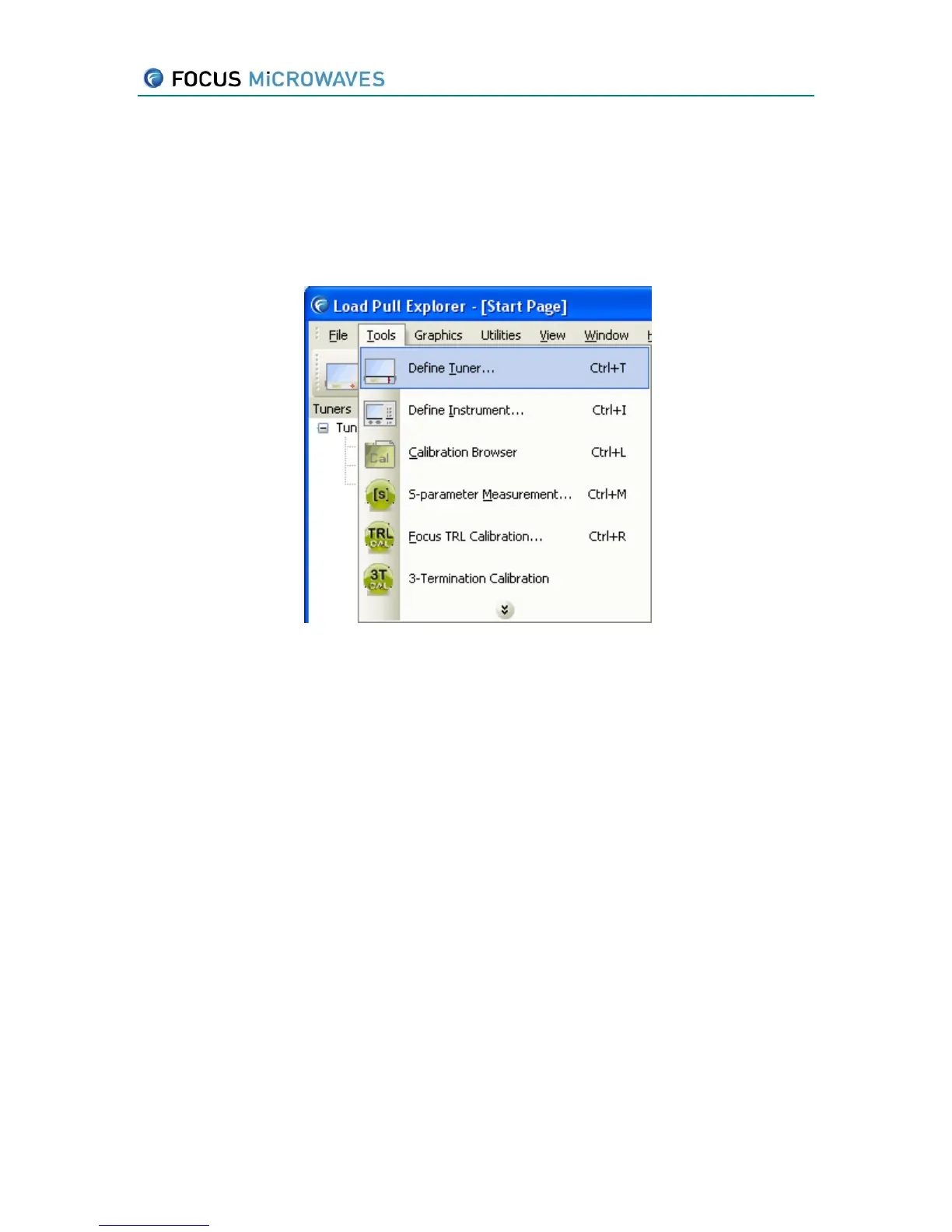
The tuner(s) need to be defined in Load Pull Explorer. Select Define Tuner… in the Tools menu
(Figure 3-1).
Figure 3-1
This will open to the Tuner Properties window (Figure 3-2). In this window, enter the required
information and press Save when done. Tuner limit information is located on the front of the
each tuner.
Serial # The serial number of the tuner
Type The type can be any of the following:
CCMT, CCMT-2C, PMT, PMT-TC, MPT, MPT-TC, MPT-TCW, MPTLite
Mode LOAD (output) or SOURCE (input)
Step Size Motor step size in µm
Xmax Maximum x position in “motor steps” (must be set for each probe)
Ymax Maximum y position in “motor steps” (must be set for each probe)
Controller TCPIP, USB or SIMULATION. If TCPIP is used the address must also be
set. If USB is used the USB terminal (1, 2, 3 or 4) must also be set.



 To Next Page