iTuner Manual
63
6.2 Uploading Calibration Data using Load Pull Explorer
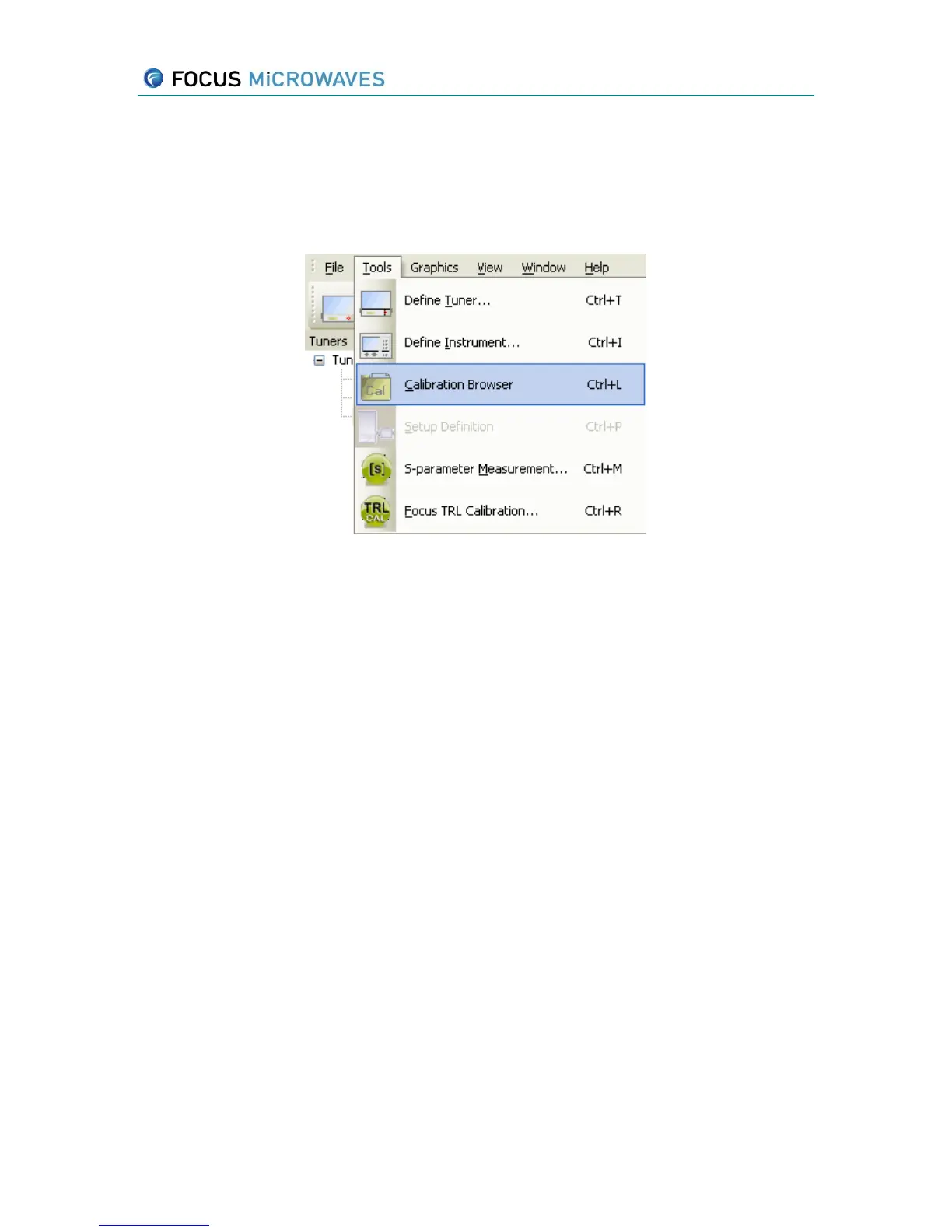
The calibration browser is accessible through the Tools menu. Press the Calibration Browser
from the Tools menu (Figure 6-4).
Figure 6-4
This browser (Figure 6-5) displays the frequency and the date/time in which the calibrations
were measured. The right-click menu on the individual calibrations allows the user to display the
calibration points on a Smith Chart, view the calibration data, export the calibration to a location
on the hard drive (.cal), upload the calibration to the iTuner and delete calibrations. Calibration
files measured using Twin.exe can be imported by selecting a tuner and pressing the Import
button.
CCMTs that are iTuners also have the added capability of uploading calibrations from the
Calibration Browser to iTuner memory. This functionality is optimal for iTools users. Selecting
ID/Fo will upload the calibration frequencies as harmonics – under the same calibration ID in the
iTuner. Selecting ID/frequency will upload each calibration frequency separately – each will have
their own calibration ID.
The Split functionality allows the user to split a multi-frequency calibration into separate
calibrations that may be used as individual fundamental (fo) calibrations. The operation will
create a separate entry for each calibration frequency.



 To Next Page