Setup Information
The Setup Information menu allows the driver to pro-
gram various features of the ICU4M. See
Fig. 4.18.
The setup features include:
1.
Service intervals (OFF/MILES/HOURS)
2.
Outside temperature warning (ON/OFF)
3.
Target MPG
4.
LCD lamp (ON/OFF)
5.
Driver message center brightness
6.
Language (English/French/Spanish)
7.
Units of measurement (English/Metric)
8.
Driver select (ON/OFF)
9.
Reset parameters to original settings
Vehicle Information Screens
The vehicle information screens display hardware
and software information, including the Freightliner
part number and switch ID of the ICU. See
Fig. 4.19.
ICU4Me
Functions
ICU4Me settings and the driver message center are
controlled using the ICU4Me control switch located
on the dash, and the + and – switches mounted in
the right-hand pod of the steering wheel. See
Fig. 4.20 and Fig. 4.9.
The driver message center is divided into four sec-
tions. The odometer and cruise control status field
are displayed along the bottom of the message cen-
ter. When cruise control is active, the cruise control
D
I
A
G
N
O
S
T
I
C
I
N
F
O
R
M
A
T
I
O
N
A
C
T
I
VE
F
A
U
L
T
S
3
2
H
I
S
T
D
AS
H
F
A
U
L
T
S
L
AS
T
C
L
R
123456.7
+
SA(
t
e
x
t
)SA
#
SP
N
#
SP
N
(
t
e
x
t
)
F
M
I
#
LAST OCCUR 123456.7
1234 TI
M
ES
FIRST OCCUR 123456.7
1234 TI
M
ES
faults when odo
m
eter is
<
254
M
I.
M
I
LES
T
O
N
EX
T
SE
R
V
I
C
E
I
N
T
E
R
VAL
I
SSE
T
T
O
M
I
LES
HOLD
+
TO CLEAR
DASH FAULTS
A
LL
F
A
U
L
T
S
C
L
EA
R
E
D
R
+
SE
R
V
I
C
E
I
N
F
O
R
M
A
T
I
O
N
SE
R
V
I
C
E
W
AS
DU
E
M
I
LES AGO
SA(
t
e
x
t
)SA
##
SP
N
####
SP
N
(
t
e
x
t
)
F
M
I
##
2SecTi
m
eout
This will also clear other vehicle ECU’s inactive
If overdue:
R
=
H
o
l
dto
r
e
s
et.
P
U
S
H
+
KEY
T
O
C
O
N
F
I
R
M
C
LEA
R
C
onf
i
r
mat
i
on
sc
r
een
w
ill
d
i
s
p
l
a
y
r
i
ght afte
r
the f
i
r
s
tho
l
d.
−−
−
−
−
+
−−
+
−
−
+
−−
−
+
+
12345
12345
12345
f54560101/30/2012
My Info
From Engine Information Screen
To Setup Screen
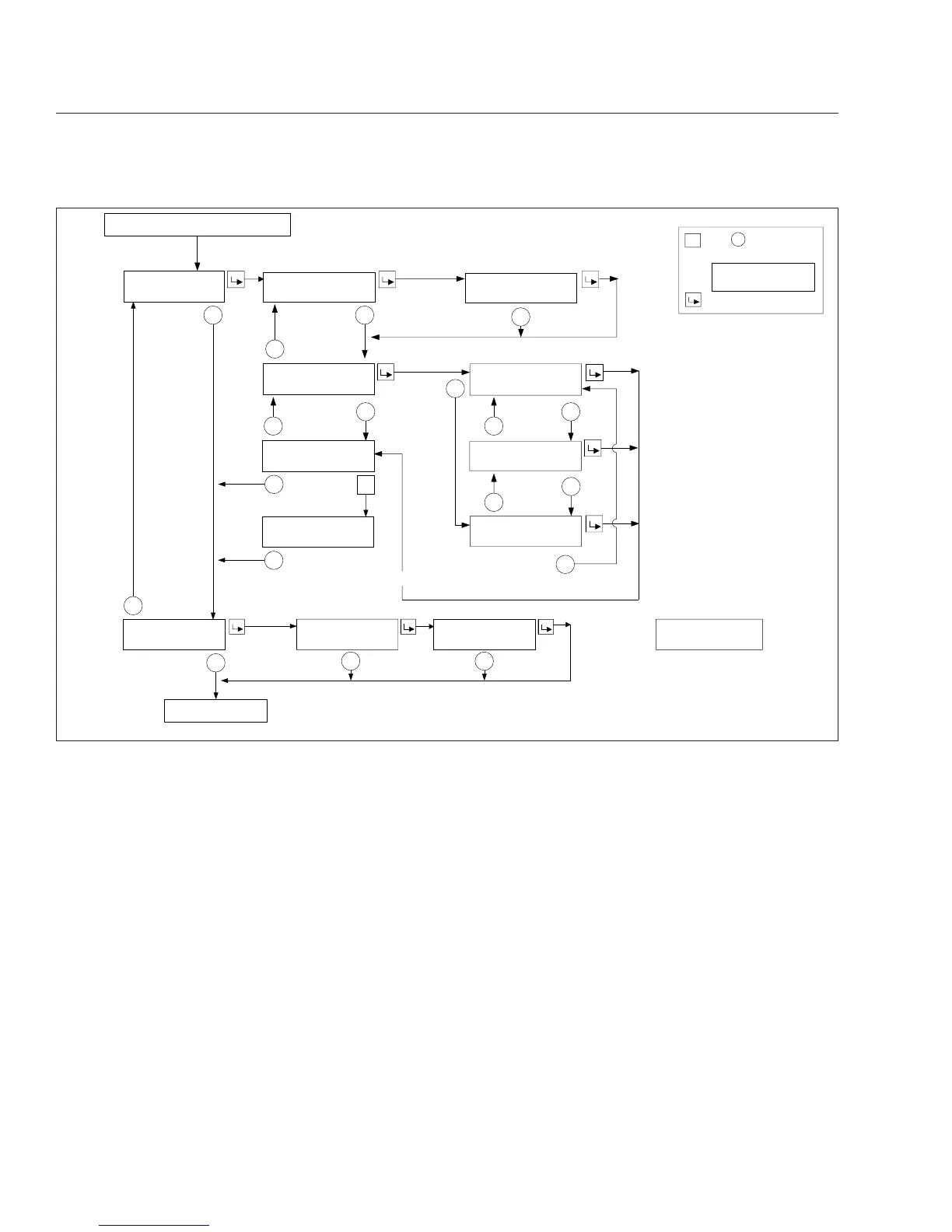
Fig. 4.17, ICU4M Diagnostic Information and Service Information Screens
Instruments
4.19











 To Next Page