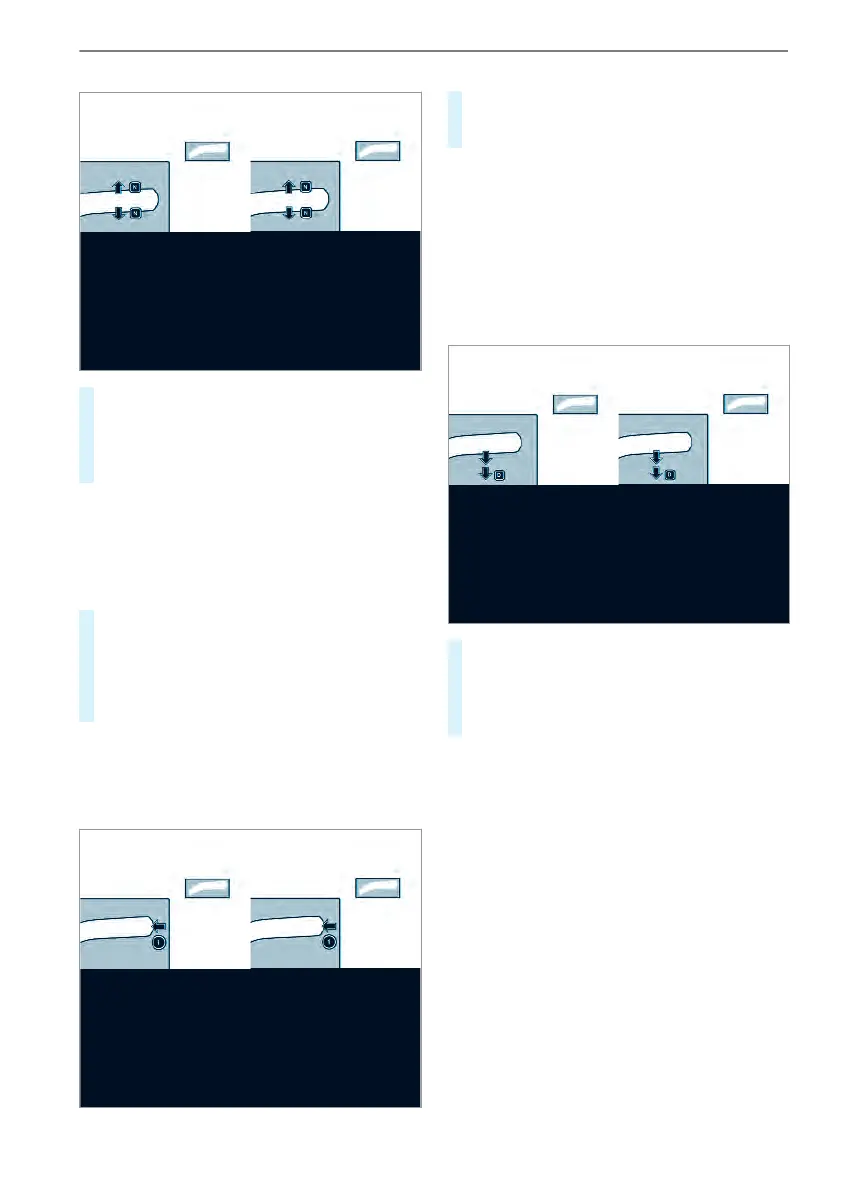
#
Press thebrake pedal and theDIRECT
SELECT leverupwards or downwardstothe
firstpoint of resistance.
Transmission position display i is shown in
themultifunction display.
Releasing thebrake pedal will allowyou to move
thevehicle freely,e.g. to push it or towit.
If theautomatic transmission should also
stay in neutral ii when theignition is
switched off, carry out thefollowing:
#
Startthe vehicle.
#
Depress thebrake pedal and shifttoneutral
i.
#
Release thebrake pedal.
#
Switchoff theignition.
%
If youthen leave thevehicle and theSmart‐
Keyisstillinthe vehicle, theautomatic trans‐
mission will stay in neutral i from then on.
Engaging parkposition P
#
Press button 1.
Transmission position display j is shown in
themultifunction display.
Park position j is engaged automaticallywhen
one of thefollowing conditionsismet:
R
Youswitch offthe engine in transmission
position h or k.
R
Youopen thedriver's door when thevehicle is
stationaryorwhen drivingataverylow speed
and in transmissionposition h or k.
Engaging driveposition D
#
Depress thebrake pedal and push the
DIRECT SELECTleverdownwards pastthe
firstpoint of resistance.
Transmission position display h is shown in
themultifunction display.
The automatic transmission shifts through the
individual gearsautomaticallywhen it is in trans‐
mission position h.This is determined by the
following factors:
R
Position of theaccelerator pedal
R
Driving speed
120
Driving and parking



 To Next Page