%
Vehicles without ActiveDistance Assist
DISTRONIC: youcan call up themain menu
of theon-boardcomputer withthe ò but‐
ton.
#
To browsethrough themenu bar: swipe to
theleftorright on left-handTouchControl
2.
#
To call up amenuorconfirmaselection:
press left-handTouchControl 2.
#
To browsethrough displays or lists in the
menu: swipe upwards or downwardsonleft-
hand TouchControl 2.
#
To call up asubmenu or confirmaselec‐
tion: press left-handTouchControl 2.
#
To exit asubmenu: press backbutton on the
left 1.
If youare in asubmenu and press and hold back
button on theleft 1,the main menu will appear.
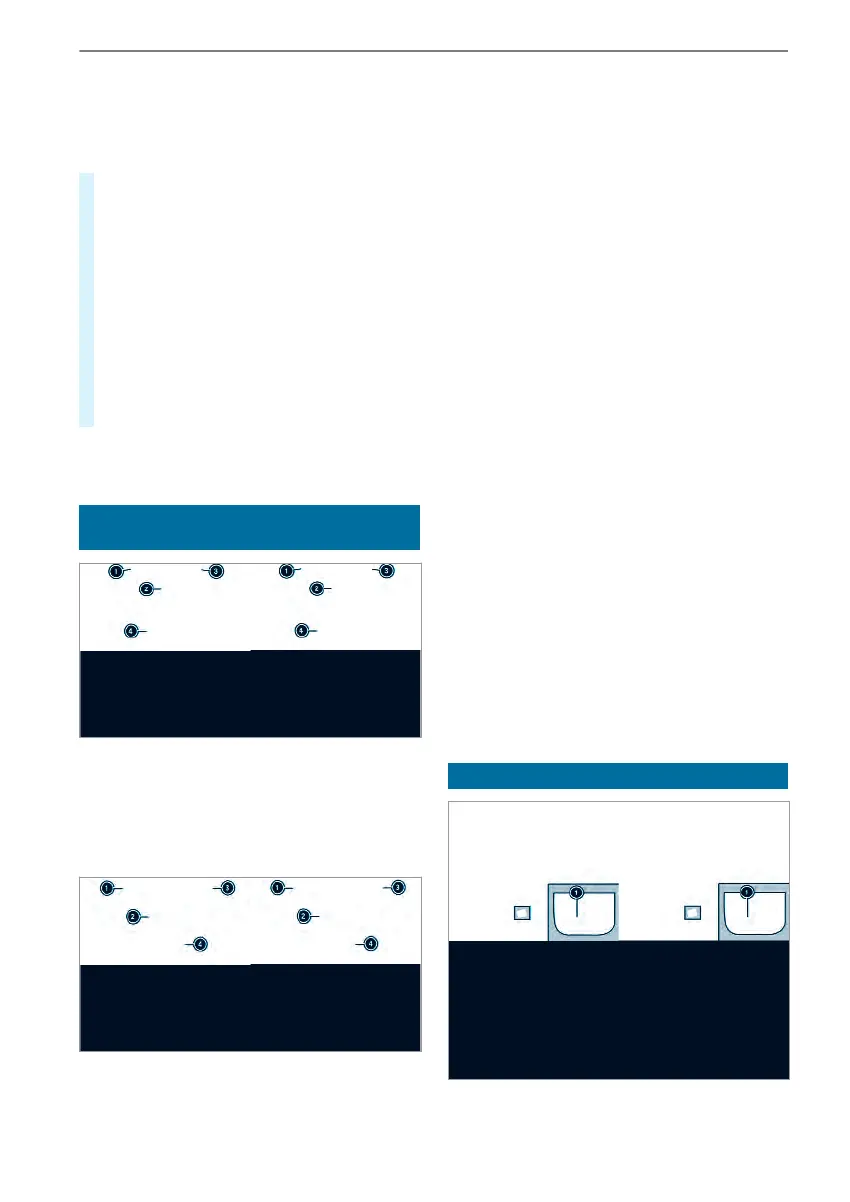
Overviewofthe displays on themultifunc‐
tion display
Instrument Displaywithcolor display
1
Outsidetemperature
2
Transmission position
3
Time
4
Displaysection
Instrument Displaywithblack and whitedis‐
play
1
Outside temperature
2
Displaysection
3
Time
4
Transmission position
Further displays on themultifunction display:
Z
Gearshiftrecommendation
é
Parking AssistPARKTRONIC switched
off
¯
Cruise control (/ page 148)
ç
ActiveDistance Assist DISTRONIC
(/ page 149)
z
DSR (/ page 123)
ë
HOLD function(/page 151)
_
AdaptiveHighbeam Assist
(/ page83)
Û
ATTENTION ASSISTswitched off
1
Adoor is notfully closed.
è
Rear window wiper switched on
(/ page92)
+
LOWRANGE active(/page123)
SOS
NOT
READY
Emergency call system notactive
h
ActiveLaneKeeping Assistswitched
off(/page158)
æ
ActiveBrake Assist switched off
(/ page145)
e
Blind SpotAssist switched off
(/ page154)
Setting theinstrument lighting
168
Instrument Displayand on-boardcomputer



 To Next Page