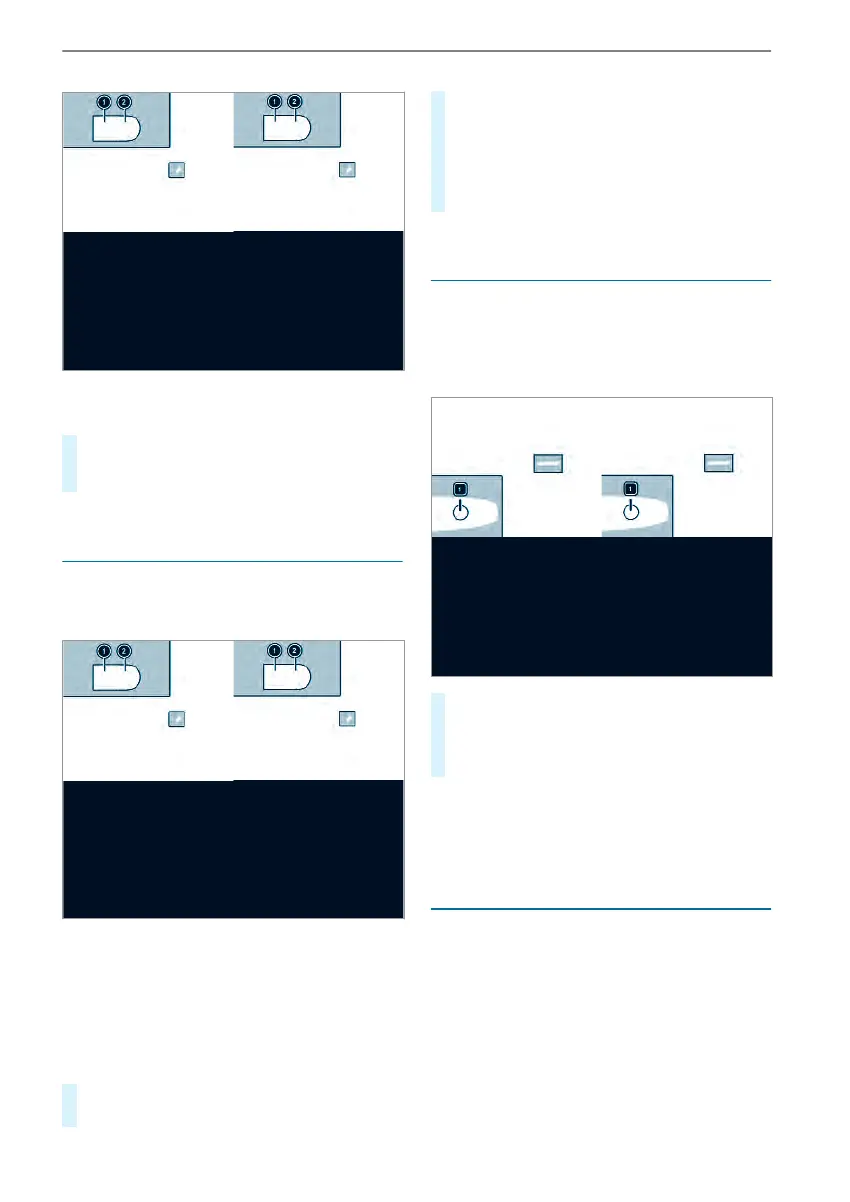
Example: central locking buttons in thedriver's
door
#
To lock/unlockthe entirevehicle: press
button 1 (unlock) or 2 (lock) when the
doorsare closed.
Switching theautomatic locking feature
on/off
When theignition is switched on and thevehicle
is driving at aspeed above 9mph (15km/h), the
vehicle locks automatically.
Example: central locking buttons in thedriver's
door
Thereisadanger of being lockedout when the
function is activated in thefollowing situations:
R
When tow-startingorpushingthe vehicle
R
On theroller dynamometer
#
When thedoorsare closed, switchonthe
powersupply or ignition.
#
To switchon: press and hold button 2 for
approximately five seconds.
An acoustic signal sounds.
#
To switchoff: press and hold button 1 for
approximately five seconds.
An acoustic signal sounds.
Unlocking/locking thedriver's door withthe
emergency key
%
If youwant to lockthe vehicle completely
with theemergency key, press thebutton for
thelocking mechanism from inside firstwith
thedriver's door open. Then lockthe driver's
door withthe emergency key.
#
To unlock: turnthe emergency keycounter-
clockwise to position 1.
#
To lock: turnthe emergency keyclockwise to
position 1.
%
Right-handdrive vehicles: turnthe emer‐
gency keyinthe oppositedirection in each
case.
Using thegrabhandleswhengettingintoand
out of thevehicle
The entrances on busesare equipped withgrab
handles and steps.
%
To avoid risks:
R
When getting intoand outofthe vehicle,
only use thegrabhandles and steps. Only
they aredesigned forsuchaload.
R
Keep steps and entry sills free from dirt,
e.g. mud, clay, snowand ice.
Opening and closing
47



 To Next Page