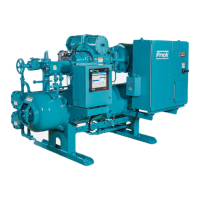
RXB PLUS ROTARY SCREW COMPRESSOR UNITSS70-101 IOM
Page 42
TROUBLESHOOTING
THE RXB PLUS MICROPROCESSOR
This section contains information on troubleshooting and
making corrections to the microprocessor and control cir-
cuits of the RXB PLUS unit. The section is composed of
four parts: a general information section, a troubleshooting
guide, a repair procedure guide, and a section with illustra-
tive schematics and data.
GENERAL INFORMATION
THE COMPONENTS WITHIN THE
MICROPROCESSOR CONSOLE
CAN BE INADVERTENTLY DAM-
AGED BY STATIC ELECTRICITY OR MISHANDLING.
ONLY QUALIFIED TECHNICIANS SHOULD DIRECTLY
HANDLE THESE COMPONENTS.
1. DO NOT REMOVE the microprocessor console cover or
attempt to make corrections to the microprocessor power
supply without shutting off the control power. Accidental
shorts can irreparably damage the SBC (single board com-
puter) or the display screen.
2. DO NOT HANDLE the SBC or the display screen board
when their cables are disconnected without first attaching a
ground strap to prevent static electrcial discharge from your
body.
Most problems encountered with the microprocessor and
control circuits will be the result of a wiring fault, blown fuse,
or failure of a peripheral control such as a solenoid coil or a
pressure transducer. Faults in the computer, while possible,
are unlikely. If a fault develops in the computer, the prob-
ability is that all functions will cease and the display screen
will go blank.
The control system of the RXB PLUS compressor consists
of a 120 volt AC (high voltage) side and a DC (low voltage)
side. The 120 volt side actuates solenoids, relays, alarms,
and other electromechanical functions. The DC side oper-
ates the computer and its various sensors. The microproces-
sor console contains the SBC (single board computer) and
one display screen.
When working within the micropro-
cessor console, 120 VOLTS CAN
CAUSE INJURY OR DEATH.
To troubleshoot the low-voltage side of the RXB PLUS con-
trol circuits, it is necessary to have the following tools:
1. Accurate digital multimeter.*
2. Small wire stripper.
3. Small screwdriver.
4. Small snip nose pliers.
5. 15 watt soldering iron (no larger).
6. .032,60/40 rosin core solder.
7. IC chip extraction and insertion tools.*
8. Grounding strap.*
9. Static free grounded work surface.
* Available from Frick. Order kit no. 111Q0451862
TROUBLESHOOTING FRICK SBC MICROPROCESSOR SYSTEM
(REFER TO WIRING DIAGRAMS)
SYMPTOM PROBABLE CAUSES and CORRECTIONS
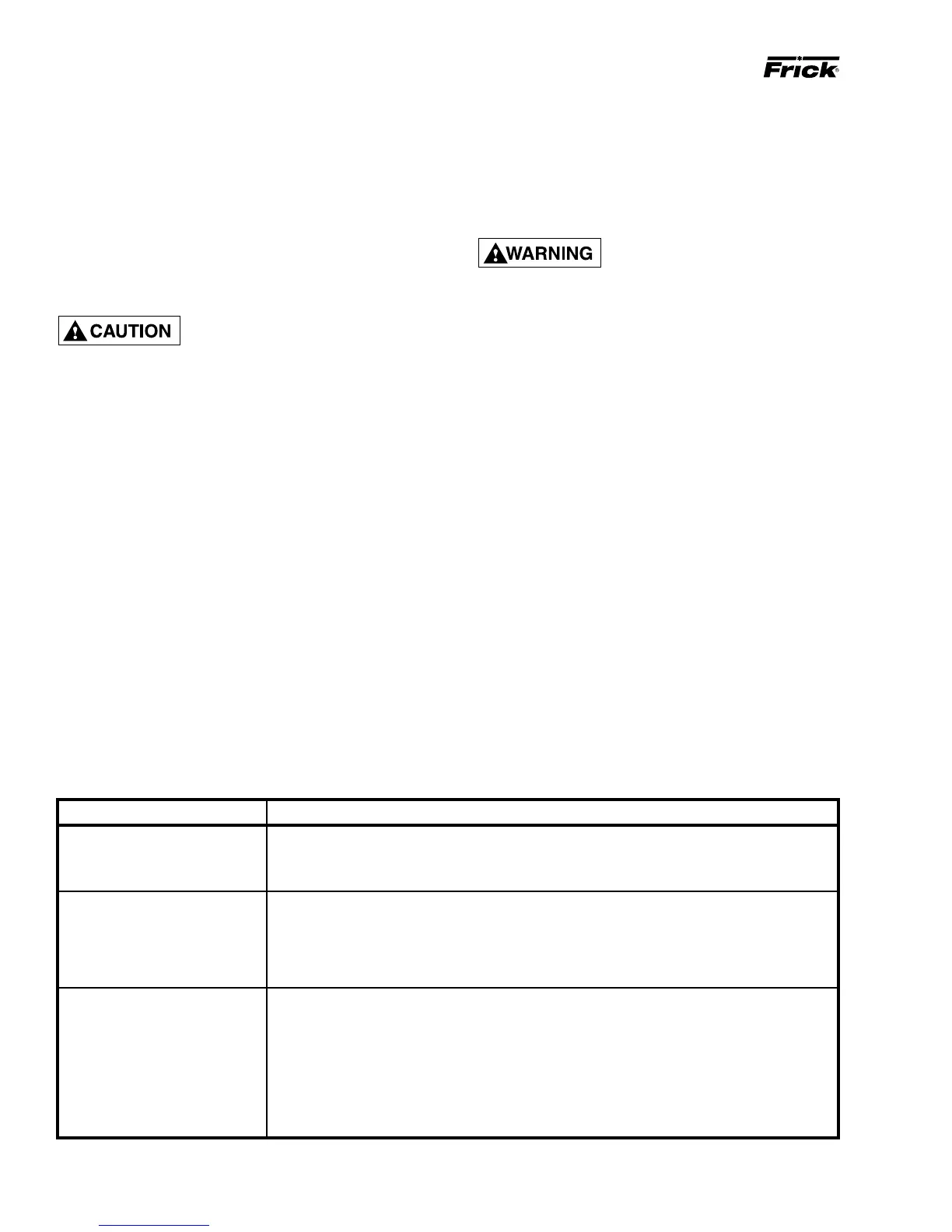
DISPLAY IS INOPERATIVE Check the 10 amp fuse (2FU) which controls all voltage going to the microprocessor.
Shut off power to the microprocessor and confirm that all cable and wire connections
are made.
COMPRESSOR AUXILIARY Output 1 controls the Compressor Start Relay (2CR). If the compressor does not start
SHUTDOWN and the LED for Output 1 is on, check the fuse FU1 (1.5 amp). If the problem persists,
check the interposing relay (2CR).
The Compressor Starter Auxiliary Contacts turn on Input 5 when they are closed.
These contacts are located on the Compressor Starter.
OIL HEATERS DO NOT The oil heaters should operate only when the compressor is NOT running and the oil in the
OPERATE separator sump is cold.
If the oil heaters do not work, check fuse 1FU (10 amp). If the fuse is not blown, check between
Wires 25 and 2. If 120VAC is not found, check between wires 26 and 2. If 120VAC is found
between wires 26 and 2, the Oil Heater Relay is defective. Next, check the voltage between
Wires 11 and 2. If 120 VAC is present, the Oil Heater Relay is defective.
If you do not read 120VAC between Wires 9 and 2 when the LED for output 10 is on, check the
fuse (FU10).
MAINTENANCE



 To Next Page