5.3 Calibration Procedures
5.3.1 Learn wire sensors………………………….....5.5
5.3.2 Edge Calibration…………………………...….5.6
5.3.3 Set country………………………………...…..5.7
5.3.4 DK Calibration………………………….….….5.7
5.3.1 Learn Wire Sensors
This is a calibration of the wire sensors. This must always be performed after replacement of a
wire sensor or main board.
IMORTANT: if this procedure is not performed the message ‘Move from wire’ will display
on the manual controller, in automatic mode initiation, regardless of where the unit is
positioned.
A. Place the Robomow inside an operating perimeter wire, at least 1m (3ft) from the nearest
wire.
B. Select Learn Wire Sensors in the ‘Service’ menu.
C. Verify that the perimeter switch is on.
Note: it is important to confirm. If
this is not done, the calibration will
not be recorded.
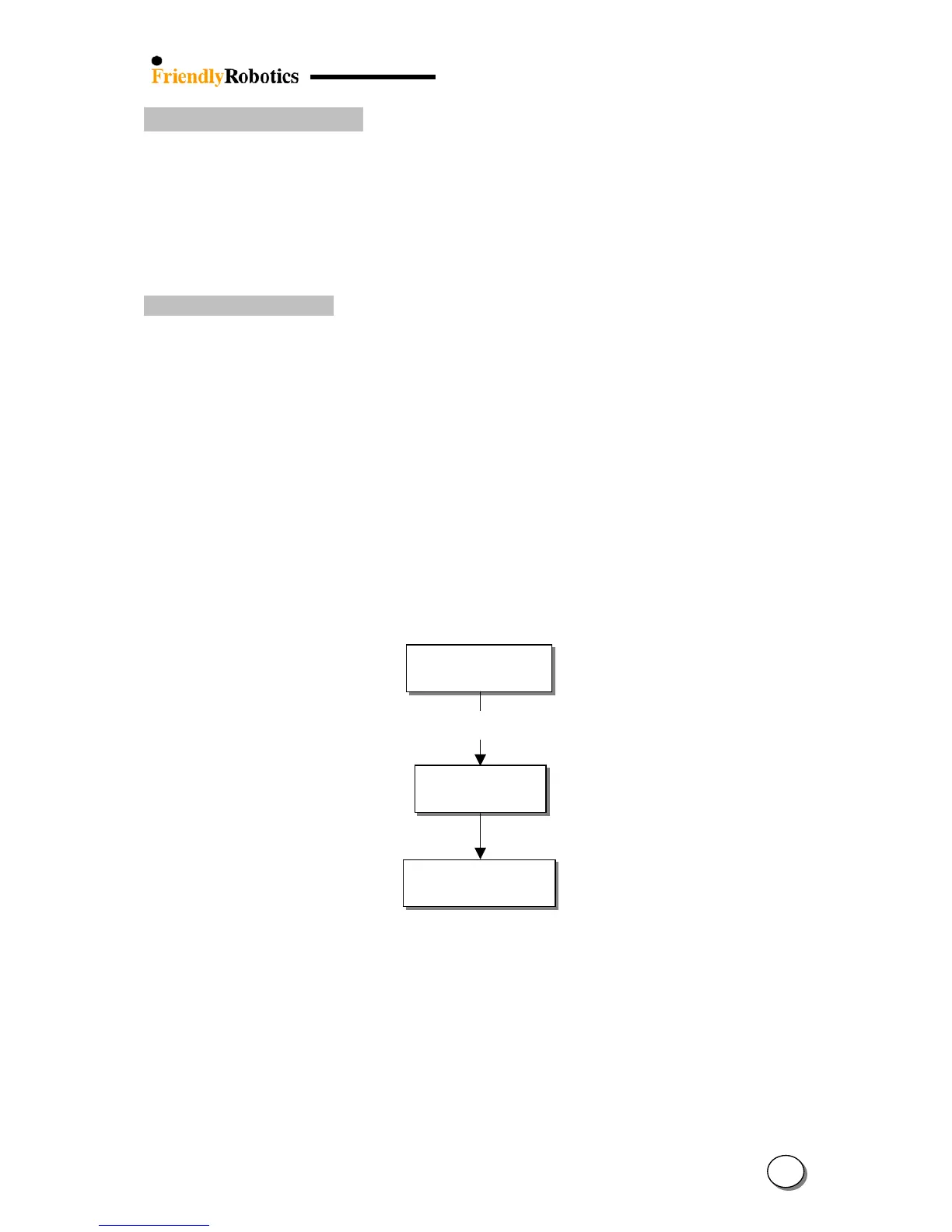
D. Perform Learn Wire Sensors as described below:
Press GO button to confirm
Note: if the perimeter switch is off a ‘No wire signal’ message will be displayed.
Was:0 now:a no:0
Confirm
Press the GO button
Wait…
Learn wire snsrs
Press GO
(This number above is
an exam








 To Next Page