EasyManua.ls Logo

Friendly Robotics robomower RL800 - Page 37

Default Icon
213 pages
Print Icon
To Next Page IconTo Next Page
To Previous Page IconTo Previous Page
Loading...
2
4
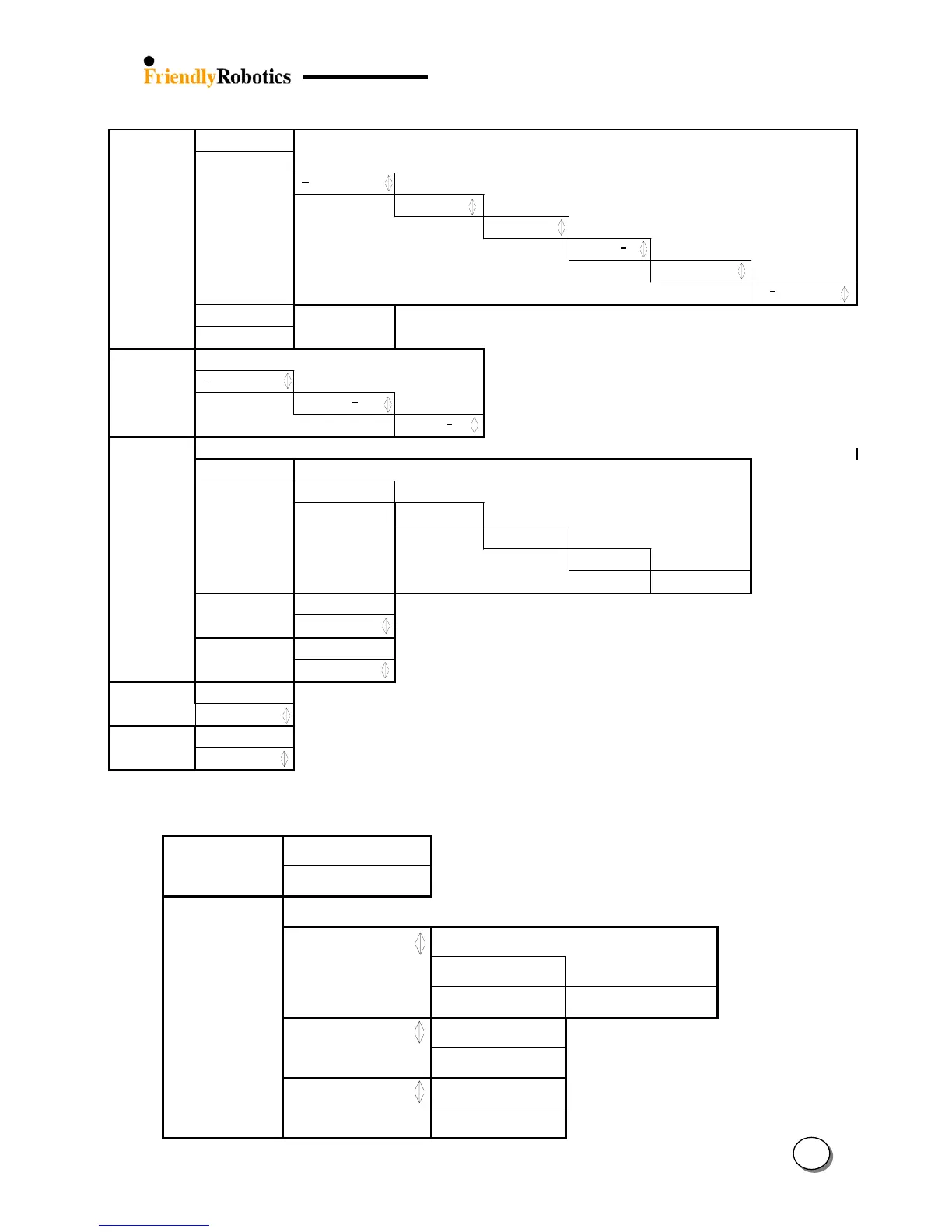
3.0 Docking Options (RL1000 only):
3.1 Weekly program
Press GO
Set program
Press GO
M
T W T F S S
Press GO
Entry point: 1
Confirm
Work time 2:20
Confirm
Depart 11:30
next digit
Mode: Edge+Mow
Confirm
M
T
W T F S S
Press GO
Display program
Press GO
M T W T F S S
+ - + + - + +
3.2 Time: Mo 17:08
Press GO
M T W T F S S
Press GO
Monday 0
0:00
next digit
Depart 11:3
0
next digi
t
3.3 Entry Points
Press GO
Set Entry Points
Pres GO to learn
Entry 1: Docking
Pres GO for next
Entry 2 of 4
Press GO to set
Entry 3 of 4
Press GO to set
Entry 4 of 4
Press GO to set
learn completed
Back to default
Press GO
Back to default
Confirm
Entry Points on
Press GO
Entry points on
Confirm
3.4 Auto depar
t
Press GO
Auto depart on
Confirm
3.5 Skip next depart
Press GO
Skip next off
Confirm
4&5.Child Guard and Safety Tests items:
4.0 Child guard off
Press GO
Child guard off
Confirm
5.0 Safety Tests
Press GO
5.1 front wheel snsr
Press GO to test
Front Wheel:
on the ground
Front Wheel:
Lifted
*-- ok D--discon.
Front: -- Rear: --
Press any key
. . . . . . . . .
5.2 Bumpers
Press GO to test
5.3 Buttons
Press GO to test

Table of Contents

Related product manuals