EasyManua.ls Logo

Friendly Robotics robomower RL800 - Page 38

Default Icon
213 pages
Print Icon
To Next Page IconTo Next Page
To Previous Page IconTo Previous Page
Loading...
2
5
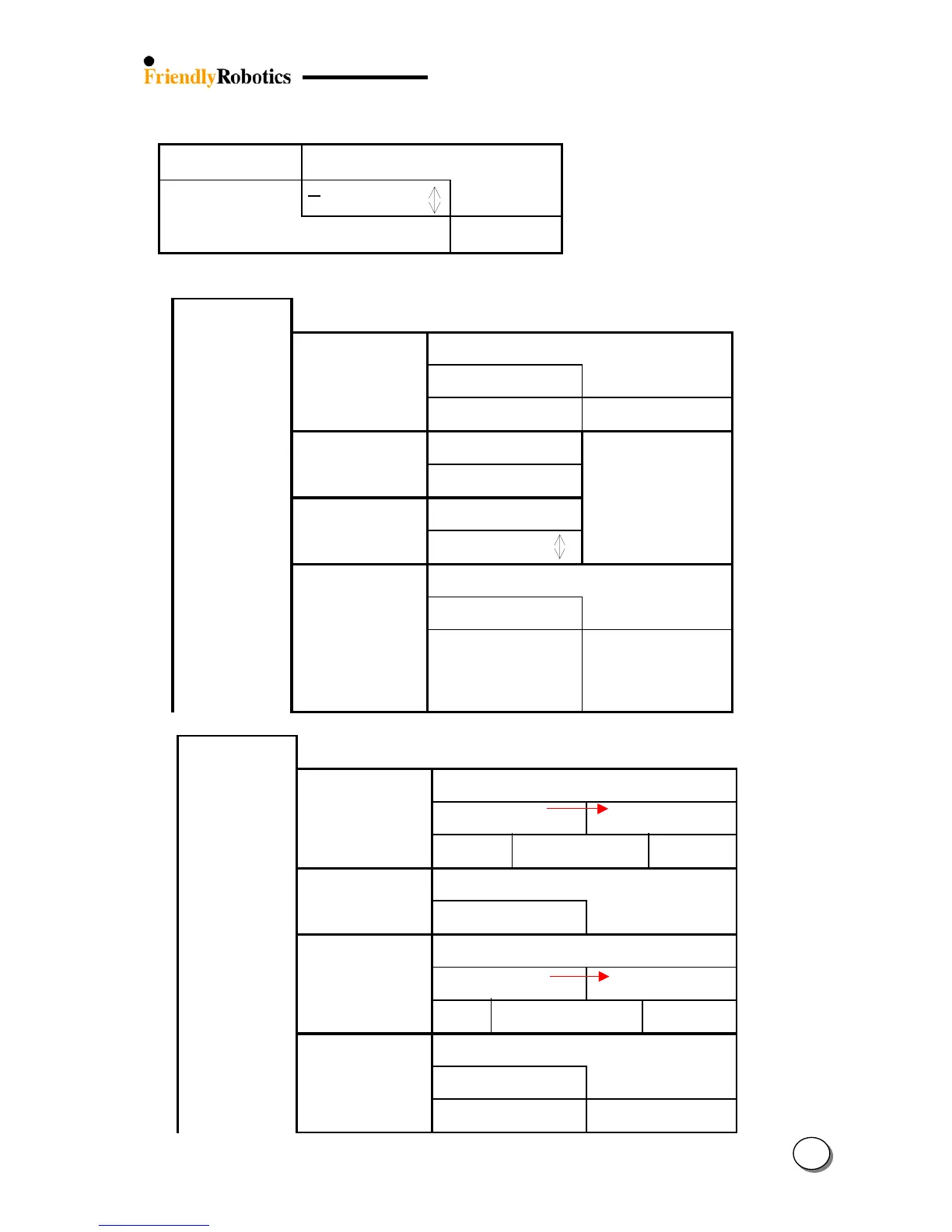
6. Service (Password required):
Password req.
Press GO
0
0000 (00)
next digit
key 12321
Confirm
6.1 Calibrations
Press GO
6.1.1 Learn wire snsrs
Press GO
wait…
Confirm
was:x Now:x No:a
confirm
Edge calibration
xxx done
USA
Confirm
activate motors
Confirm
Done score
DK problem
failed! K = 18
xxx xx xxxx
retry elsewher
6.1.2 Edge calibration
Press GO
6.1.3 Set Country
Press GO
6.1.4 DK calibration
Press GO
e
6.2 Tests
Press GO
6.2.1 Wire sensors
Press GO to tes
t
wait… test passed
advanced confirm
-aaa +bbb
-ccc +ddd
6.2.2 Rain senso
r
Press GO to tes
t
Rain sensor
10 7 2
6.2.3 Direction Keeper
Press GO to tes
t
wait… test passed
advanced confirm
1058943 +xxx
1974593 +yy
y
6.2.4 Drive motors
Press GO to tes
t
activate motors
confirm
test passed
advanced

Table of Contents

Related product manuals