EasyManua.ls Logo

Friendly Robotics robomower RL800 - Page 67

Default Icon
213 pages
Print Icon
To Next Page IconTo Next Page
To Previous Page IconTo Previous Page
Loading...
3
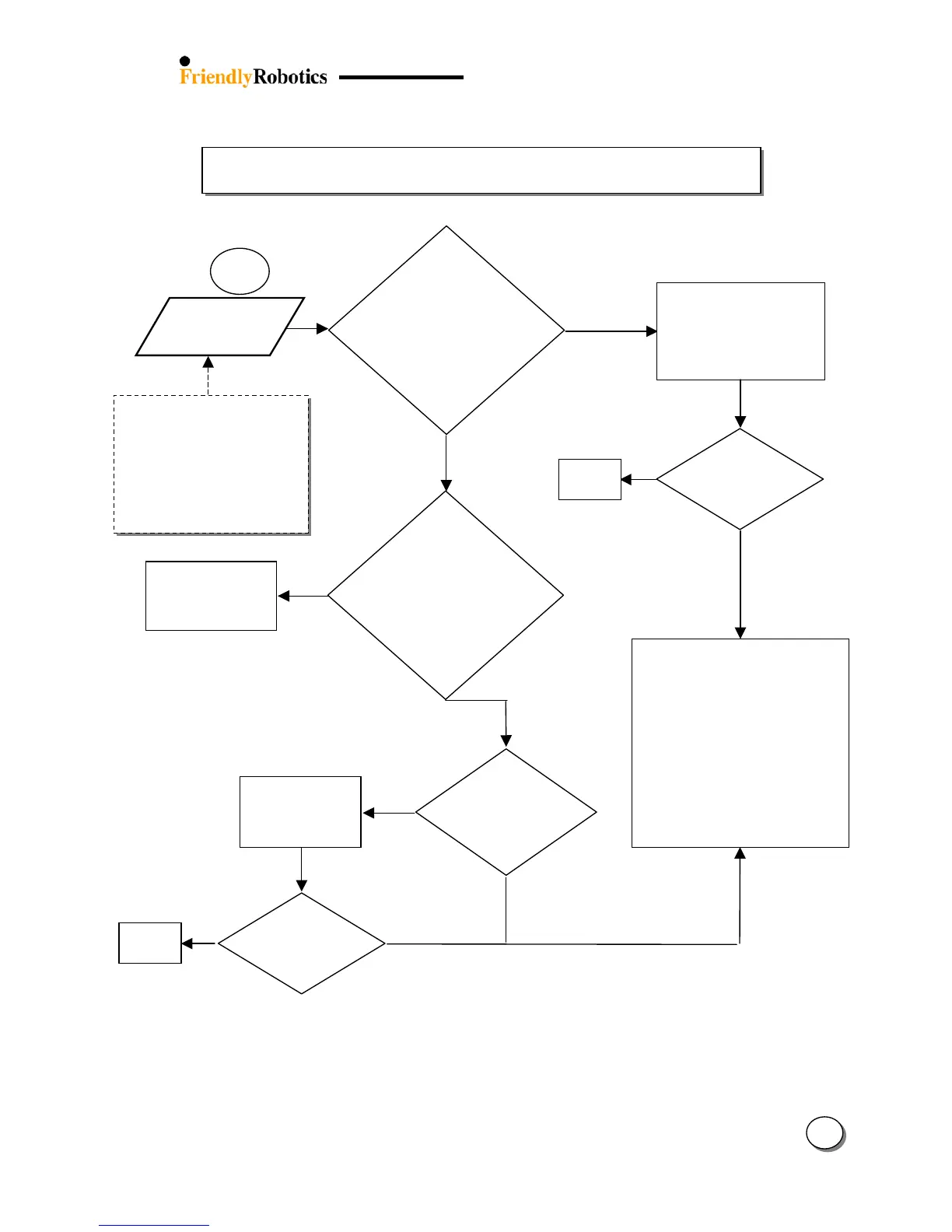
3.2.2 Power & Charging Problems (con.)
12
3.2.2.2
‘Charging
Failure’
messa
g
e
Refer to Service
Bulletin
#RL0305-07
(Section 7)
Mower
is ok
Ambiance
temperature durin
g
charging is > 160ºF
(70 ºC) or < 32ºF
(0 ºC) for more
than 12 hours
?
NO
Y
ES
Make sure the
mower is char
g
ed in
the suitable
temperatures range
Y
ES
Does the Main
Board P/N is
ESBC045B?
NO
Is the
messa
g
e still
displayed?
After many
hours
Immediately
Is the message
displayed
immediately as the
mower is connected
to the charger or
after a few hours of
char
g
in
g
?
NO
Is the
messa
g
e still
displayed?
Y
ES
NO
Mower
is ok
Replace Main Board (SPP0019B)
and follow the instructions
attached to the spare part board
(Service Bulletin) – use the most
updated S/W version flash and
complete the following settings
(under the ‘Service’ menu):
o ‘Learn wire sensors’ (Refer to
chapter 5.3.3)
o ‘Edge Calibration (Refer to
chapter 5.3.2)
o ‘Set country’
o ‘DK Calibration’ (Refer to chapter
5.3.1

)
Disconnect the Power
Supply, perform reset by
liftin
g
the Power Pack from
mower and re-insert it after
10 seconds and reconnect
the Power Supply
In any case of chargin
g
problem or failure, it is
recommended first to
perform the charging
test as explained in
section 5.4.9 (page
5.13).
Y
ES

Table of Contents

Related product manuals