EasyManua.ls Logo

Friendly Robotics robomower RL800 - Page 80

Default Icon
213 pages
Print Icon
To Next Page IconTo Next Page
To Previous Page IconTo Previous Page
Loading...
3
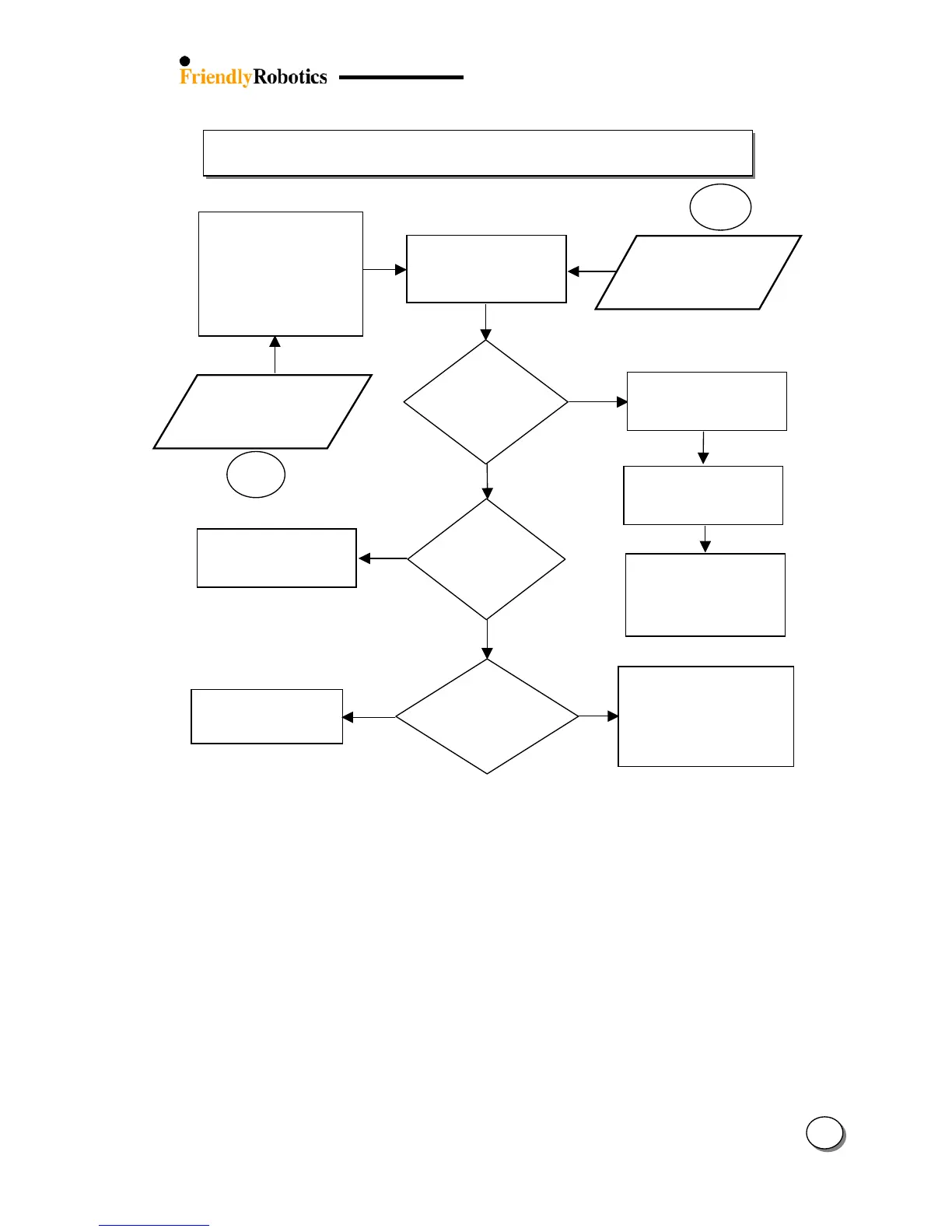
3.2.7 Drive Problems
25
Robomow stops
with ‘Drive
overload – press
GO’ message
Has the
Robomow
touched an
obstacle?
Y
ES
NO
Y
ES
NO
Set up Perimeter Wire
around the obstacle or
remove it from the lawn
Is the
bumper
functionality
OK?
Refer to section 3.2.9.4
Bumper is not respondin
g
while hitting an obstacle
Y
ES
Robomow stops
with ‘Drive
overload –
Cooling, wait…’
NO
Is it a recurrin
g
problem at the
same obstacle?
Check to insure the
mower is not stuck,
allowing the wheels to
rota
t
e but unable to move
3.2.7.2
The drive motors have
been working under a
severe load for too long –
There is no need to do
anything – Robomow will
renew
automatically the
operation, as the mowing
motor will cool down.
Remove the Robomow from
the obstacle and continue
the operation. If it reoccurs,
set up perimeter wire around
the obstacle or remove it
from the lawn
3.2.7.1
Check that nothing is
interferin
g
with the wheel
rotation (visual check)
Drive the Robomow
manually and confirm it
moves in a straight line
T
est the ‘Drive motors’ in
the ‘Service’ menu and
refer to fault number in
section 5.6 – Diagnostics
fault code

Table of Contents

Related product manuals