5 Inial start-up
Perform inial start-up only aer all work as described in
Ä
Chapter 4
„Installaon“ on page 19 has been carried out.
5.1 Switching on
n The de
vice must be connected to the power supply if this has not
been done already.
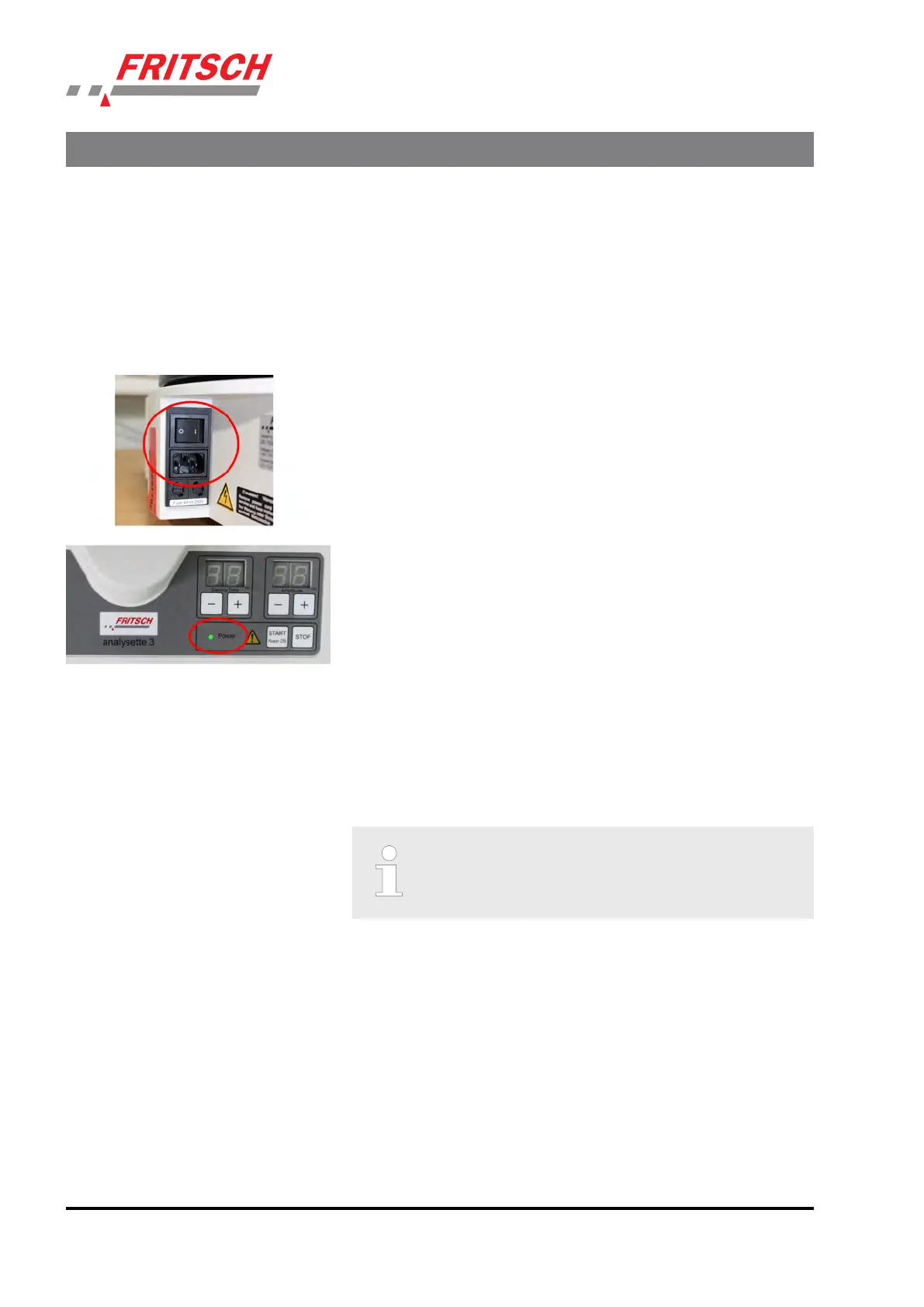
n Switch on the device with the main switch on the back of the device.
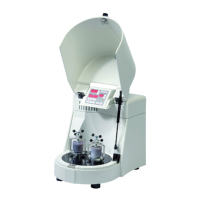
n The POWER lamp on the control panel lights up.
n The displays show the default seng.
5.2 Funcon check
n Clamp 2 t
est sieves (2) with clamping lid (1).
n Set the amplitude to 2 mm (See
Ä
Chapter 6.7 „Seng the ampli‐
tude“ on page 32)
n When everything is correctly clamped, start the funcon check with
"S
TART".
Whether the set amplitude has been reached can be
check
ed on the display or on the amplitude plate on the
lid.
5.3 Switching o
n Pr
ess the STOP key and switch o the main switch.
Inial start-up
- 22 -


 To Next Page