6.7 Seng the amplitude
Selecng the amplitude:
n The
vercal oscillaon amplitude can be set in 0.1 mm steps using
the + / - keys. Values between 0.1 and 3 mm can be set with the
ANALYSETTE 3 PRO.
If the MICRO key is pressed (MICRO lights up), an amplitude between
0.1 and 0.5 mm can be set. (ANALYSETTE 3 PRO only!)
6.7.1 Displaying the amplitude
Aer ANALYSETTE 3 PRO is started, the display above the amplitude set-
ting indicates the actual amplitude.
When the sieving or grinding process is nished the display shows the
selected amplitude.
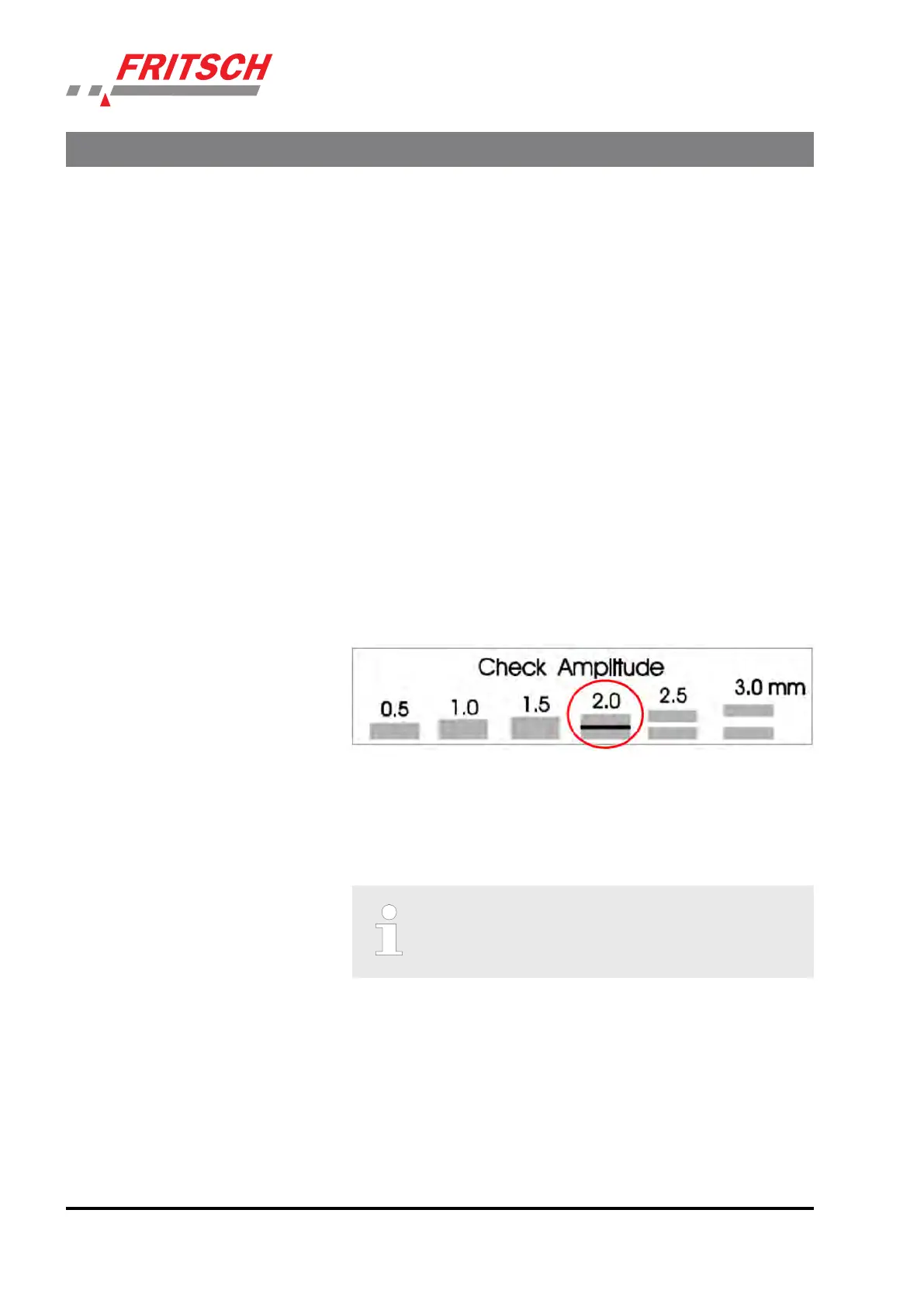
The amplitude can also be checked on the amplitude plate on the
clamping lid. (ANALYSETTE 3 SPARTAN) The lines that appear to touch
one another display the set amplitude. The principle is based on the per-
sistence of vision of the human eye.
Example for 2 mm amplitude:
The amplitude in the ANALYSETTE 3 PRO is measured in regular intervals
b
y the device and readjusted if necessary.
6.8 Interval me
Applicaon:
For sieving bulky material with a low density, to shorten
the sie
ving me and in case of a backup during sieving.
The length of the sieving interval can be selected in increments of sec-
onds using the + / - keys. The pause interval is basically 1 second long for
sieving mes between 1 - 30 seconds.
Connuous operaon is set by holding down the "-" key unl "P" or "00"
appear
s on the display.
When sieving parcularly light sieving stock (e.g grains or plasc), the
sieving pauses speed up the sieving process considerably, since the light
sieving stock in the sieving pause can fall through the moving mesh wire
of the sieve onto the next nest sieve fracon.
Using the device
- 32 -


 To Next Page