FAQ | 5
B1820023_en | Service handbook Lambdatronic H 3200 - T4e 113
5.8.2 Carrying out a software update on the touch control
NOTICE!If several touch controls are installed, we recommend the use of several
USB sticks to perform the updates in parallel!
r Insert the USB stick with the necessary data (autostart.txt, froresetdemo.inc,
frorestart.inc, rootfs.ubi, update, V 60.01 B01.38.15 K37) into the USB port.
Ä Note: the data files must not be located in sub-directories!
Ä System message for restart is displayed
r Tap “OK” to carry out a restart of the touch control
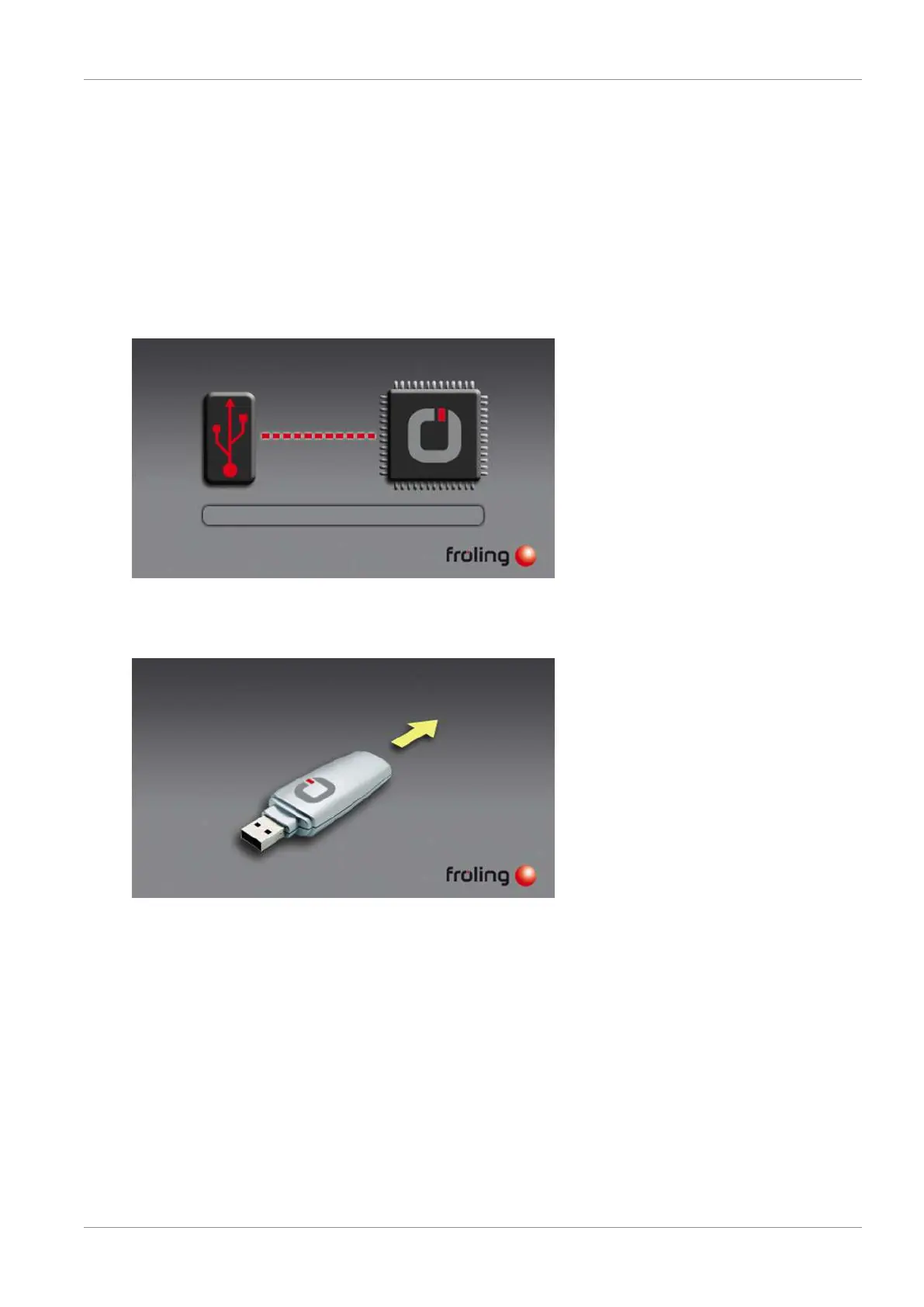
Ä After the restart, the update process will begin automatically
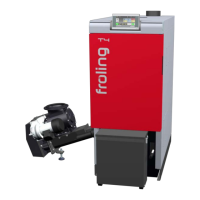
Once the update is complete, a message will appear that you can remove the stick
r Remove the USB stick
Ä The touch control restarts automatically
The touch control software is up-to-date following the restart.
r Perform updates to any other touch controls





 To Next Page