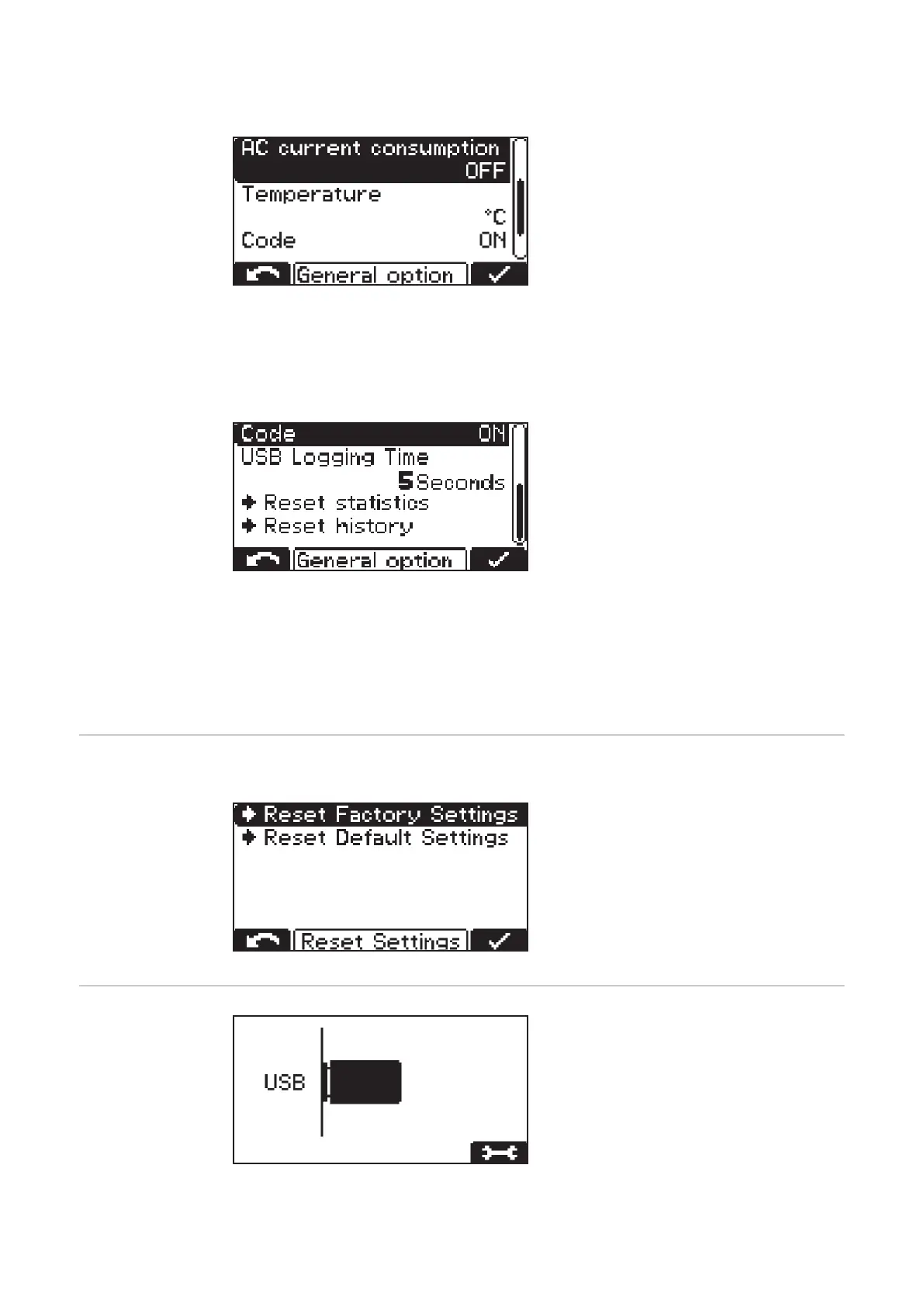
Temperature:
- Temperature in °C/°F
Code:
- Code entry required/not required to enter configuration mode ("Code ON/OFF")
USB Logging Time:
- Time interval for the charging para-
meters logged on the USB thumb
drive (s) ("USB Logging Time")
Reset statistics
Reset history
Detailed information regarding statistics and history can be found in the "Statistics mode"
and "History mode" sections.
Reset settings The menu item below "General options" offers 2 possibilities to reset all settings:
Reset Factory Settings:
- Reset the settings made to the factory
settings.
Reset Default Settings:
- Resetting the settings made to the
manufacturer's default settings.
USB mode In USB mode, the display shows whether
a USB thumb drive is plugged in.
The USB thumb drive must meet the fol-
lowing specifications:
- Formatting: FAT32
- 32 Gigabyte maximum
- No multiple partitioning
The I-SPoT-VIEWER software (www.fronius.com/i-spot) supports the visualization and
evaluation of the data on the USB thumb drive.
48









 To Next Page