Load dealer text
- Here a text file can be loaded from the USB thumb drive, which is displayed as soon
as the device is in an error state.
- The text file can contain the contact details of the dealer, for example.
- The file must be saved on the USB thumb drive in the ".txt" format in "unicode".
- The file name must be "dealer.txt".
- The number of characters is limited to 99.
* If a USB thumb drive is plugged in during charging, the csv files are saved dir-
ectly on the USB thumb drive. The folder structure, which is also created auto-
matically, contains the "Datalog" folder instead of the "Charges" folder.
Status codes
If a fault occurs during operation, the display may show certain status codes. This can be
caused by the following:
- Battery error
- A battery with an unsuitable voltage has been connected.
- The device has overheated.
- A software or hardware error has occurred.
Battery error:
If the battery reports an error state, the battery charger will display this error as a battery
error including the corresponding error number of the battery. The respective error ex-
planation can be found in the Operating Instructions for the battery.
If an error message appears on the display and the error cannot be rectified independ-
ently:
1
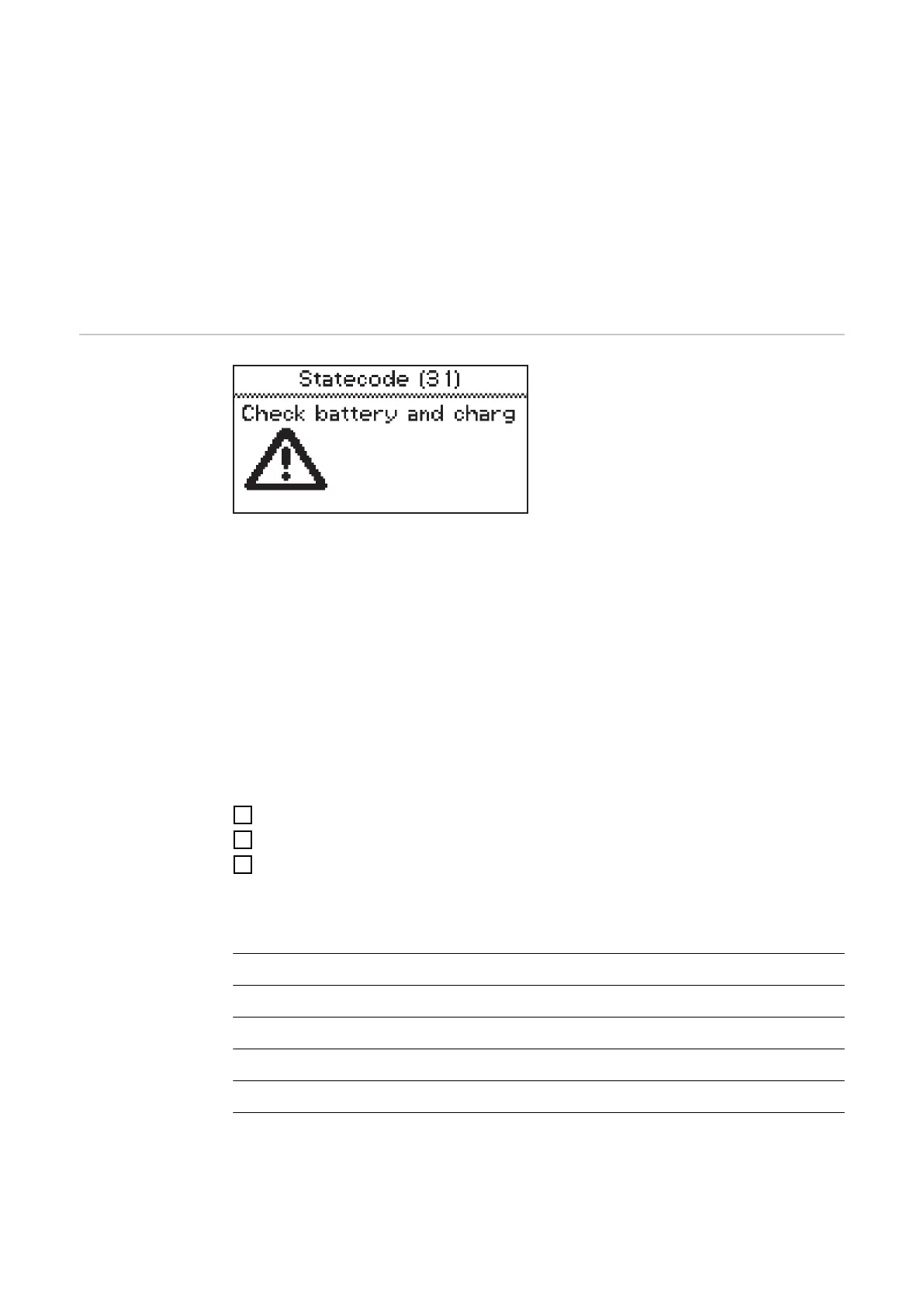
Note down the displayed status code: e.g., "Statecode (31)".
2
Note the configuration of the device.
3
Contact your authorized Service Partner.
If the device is in an error state, a freely defined text can be displayed, which can
contain the contact details of the distributor, for example.
Status codes with an external cause
No. Cause / Remedy
(11) Check mains voltage
(12) Check grid (phase failure)
(13) External temperature sensor defective
(14) Electrolyte circulation defective (pressure switch does not switch)
(15) No control voltage detected
50









 To Next Page