3 Basic Operations
100
3
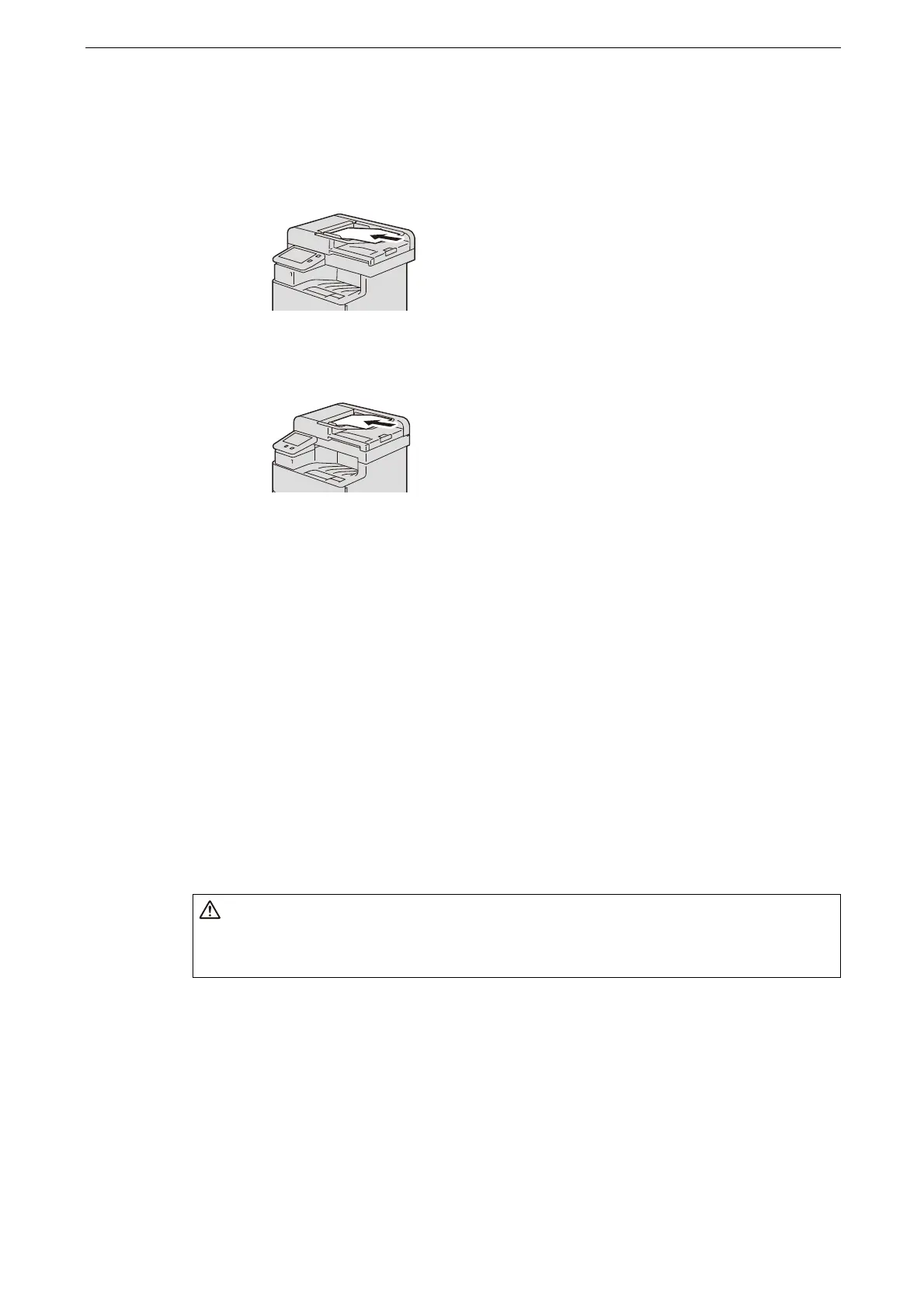
Load the original into the center of the document feeder with its side to be read (side 1 for
double-sided original) face up.
ApeosPort-VII C4421
ApeosPort-VII C3321
Do not load originals exceeding the maximum fill line. It might cause paper jams or device malfunctions.
Document Glass
The document glass supports a single sheet, a book, or other similar originals. The available
maximum sizes are as follows:
For ApeosPort-VII C4421
215.9 x 355.6 mm
Standard size: A4 or 8.5 x 14" (legal)
For ApeosPort-VII C3321
215.9 x 297.0 mm
Standard size: A4 or 8.5 x 11" (letter)
If you use ApeosPort-VII C4421, the document glass automatically detects standard size
originals.
1
Open the document cover.
Make sure that the touch screen is active, and then load an original. Otherwise, the device may not properly
detect the original size.
Do not apply excessive force to hold thick document on the document glass. It
may break the glass and cause injuries.



 To Next Page
 Loading...

