3 Basic Operations
92
2
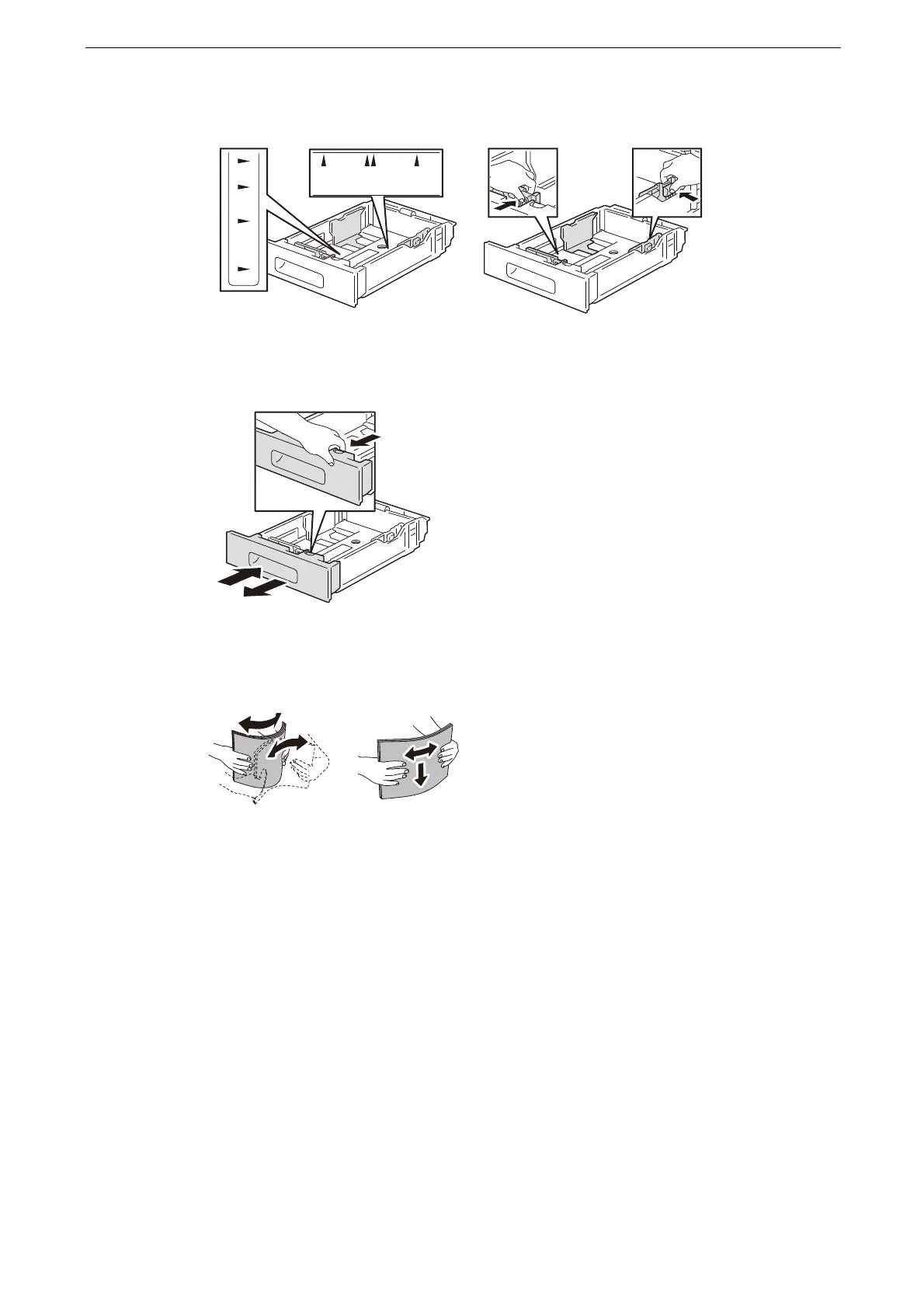
Adjust the paper guides to the desired paper size.
For Legal-size paper, to extend the front of the tray, press the release latch,then pull the
tray out.
3
Fan the paper well, and align the edges of the paper stack on a level surface to avoid paper
jams and misfeeds.
4
Load paper into the tray with the print side face up.
For 1-sided printing, load letterhead paper face up with the top of the paper toward the
back of the tray.
For 2-sided printing, load letterhead and pre-printed paper face up with the top edge
feeding into the printer.
B5
A5 A4
7.25” 8.5”
B5
A4
10.5”
11”



 To Next Page
 Loading...

