Fax/Internet Fax
233
Fax
4
Fax/Internet Fax
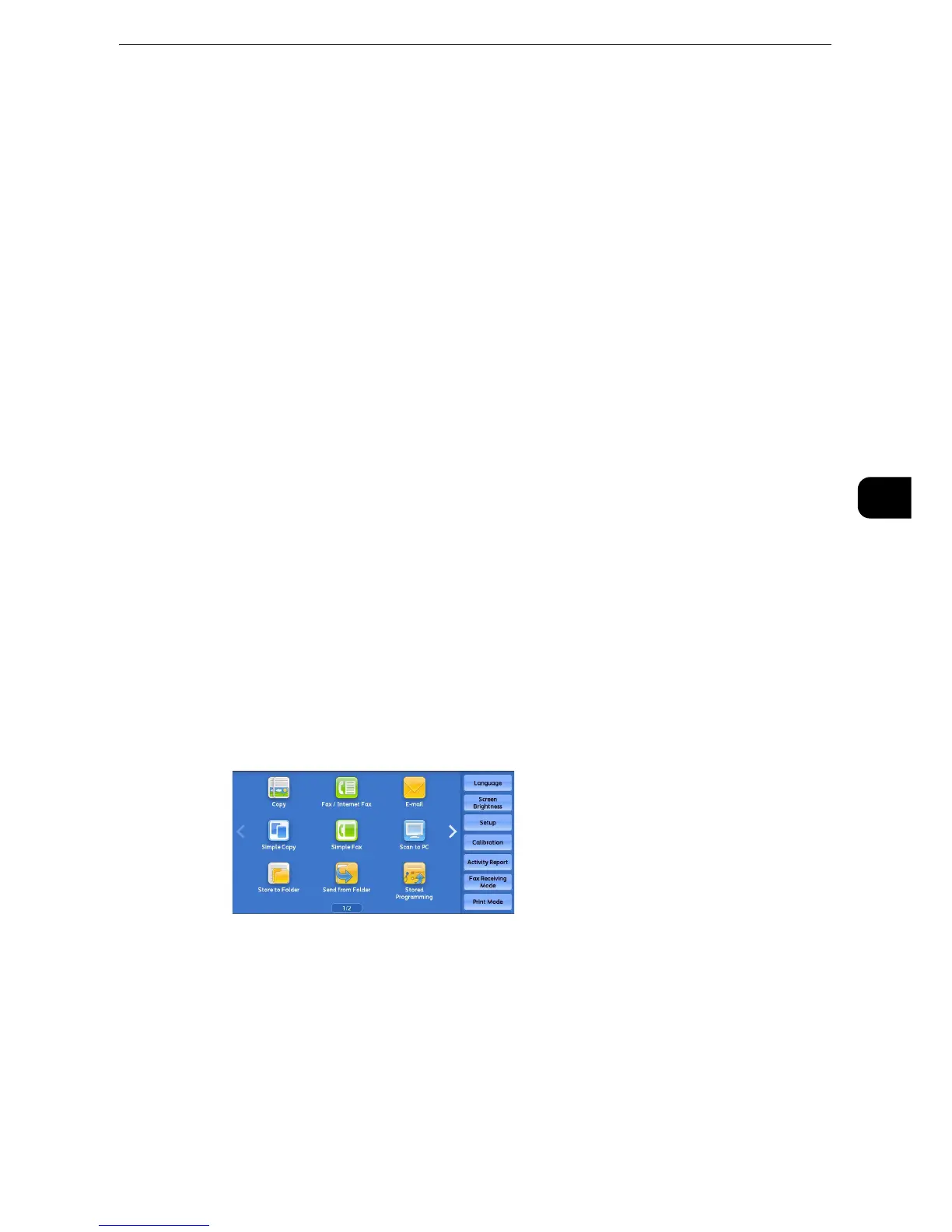
You can select [Fax/Internet Fax] or [Simple Fax] on the Services Home screen to set the
features for the Fax service.
This section describes the features you can select on the [Fax/Internet Fax] screen.
"Internet Fax/Fax/IP Fax (SIP) (Selecting Internet Fax/Fax/IP Fax (SIP))" (P.234)
"Specifying a Destination Using the Address Book" (P.234)
"Address Book (Specifying a Destination Using the Address Book [Type 1])" (P.235)
"Address Book (Specifying a Destination Using the Address Book [Type 2])" (P.239)
"Speed Dialing (Specifying a Destination Using an Address Number)" (P.241)
"Add New Address (Registering a Destination on the Address Book)" (P.243)
"Specifying a Destination Using a One-Touch Button" (P.246)
"Specifying a Destination Using the Keyboard Screen" (P.247)
"Specifying a Destination Using the Redial Feature" (P.248)
"Specifying a Line (Port)" (P.248)
"Removing/Confirming a Recipient" (P.251)
"Previewing the Read Images during a Fax/Internet Fax Job" (P.252)
"Lighten/Darken (Adjusting Fax Density)" (P.252)
"2 Sided Scanning (Transmitting 2-sided Originals)" (P.253)
"Original Type (Selecting the Document Type)" (P.255)
"Resolution (Specifying the Scanning Resolution)" (P.255)
z
You can customize the layout of features displayed on the [Fax/Internet Fax] screen. For more information, refer to "Tools" > "Fax
Service Settings" > "Screen Defaults" in the Administrator Guide.
1 Select [Fax/Internet Fax] on the Services Home screen.
2 Select a feature on the [Fax/Internet Fax] screen.
z
Depending on the settings for [Fax Screen Default] in the System Administration mode, the [Fax Address
Book] screen is displayed. For more information, refer to "Tools" > "Fax Service Settings" > "Screen Defaults" >
"Fax Screen Default" in the Administrator Guide.



 To Next Page
 Loading...

