Fax/Internet Fax
245
Fax
4
8 Select [Next].
z
To return to the previous screen, select [Back].
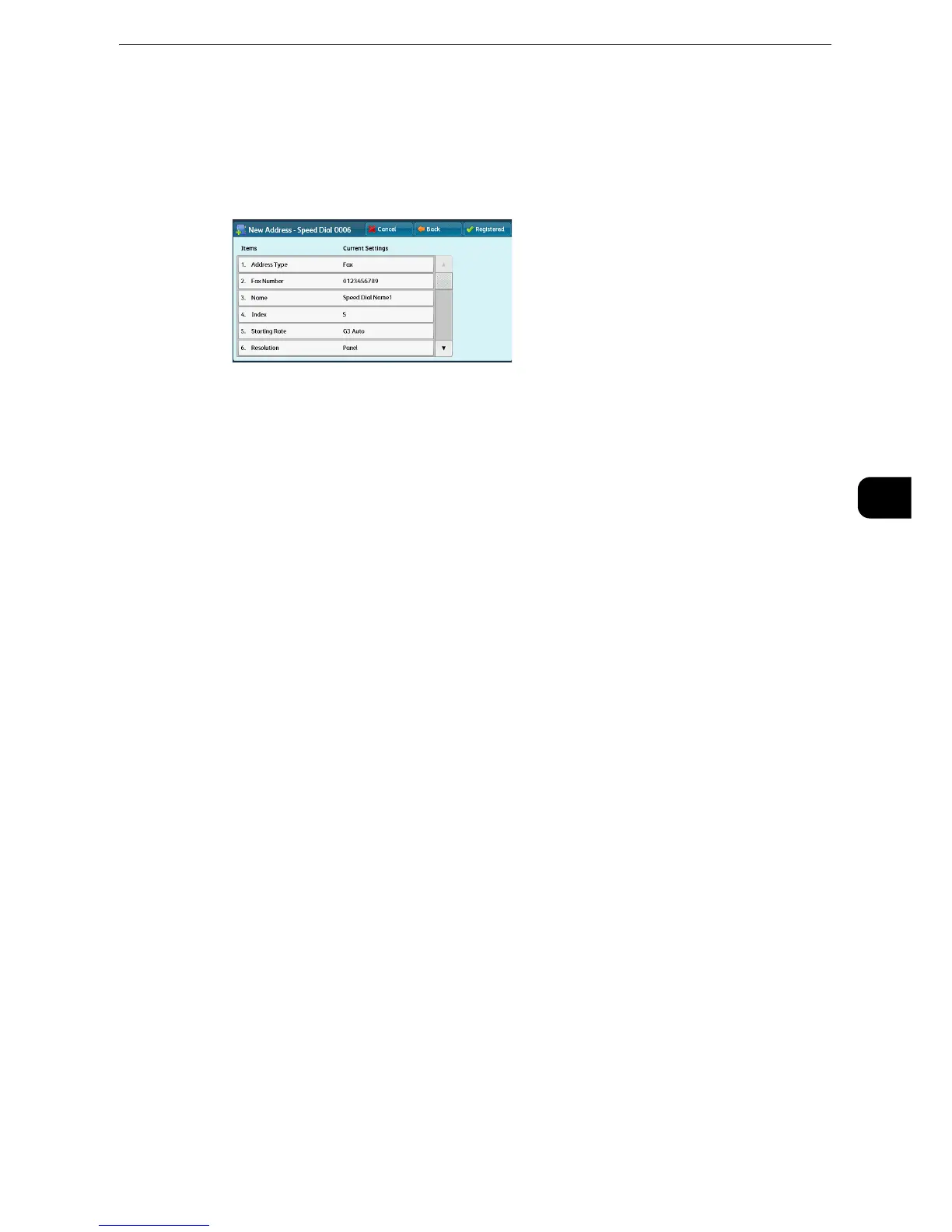
9 Select and set an item.
The following items appear:
z
Address Type
z
Fax Number
z
E-mail Address
z
Name
z
Index
z
Extension / Outside Line
z
Relay Station Setup
z
Starting Rate
z
Resolution
z
Cover Page
z
Maximum Image Size
z
Delay Start
z
Remote Folder
z
F Code
z
Relay Broadcast
z
Billing - Day Time, Billing - Night Time, Billing - Midnight
z
Internet Fax Profile
z
S/MIME Certificate
z
The items to be displayed on the screen depend on the Address Book entry type. For more information on the
setting items, refer to "Tools" > "Setup" > "Add Address Book Entry" in the Administrator Guide.
z
To delete the input data and return to the [Fax Address Book] screen, select [Cancel].
z
The items displayed on the screen depend on the Address Book entry type. For more information on the setting items, refer to
"Tools" > "Setup" > "Add Address Book Entry" in the Administrator Guide.
10 When the settings are completed, select [Registered].
z
To return to the previous screen, select [Back].



 To Next Page
 Loading...

