Fax/Internet Fax
253
Fax
4
1 Use [ ] and [ ] to adjust a density level.
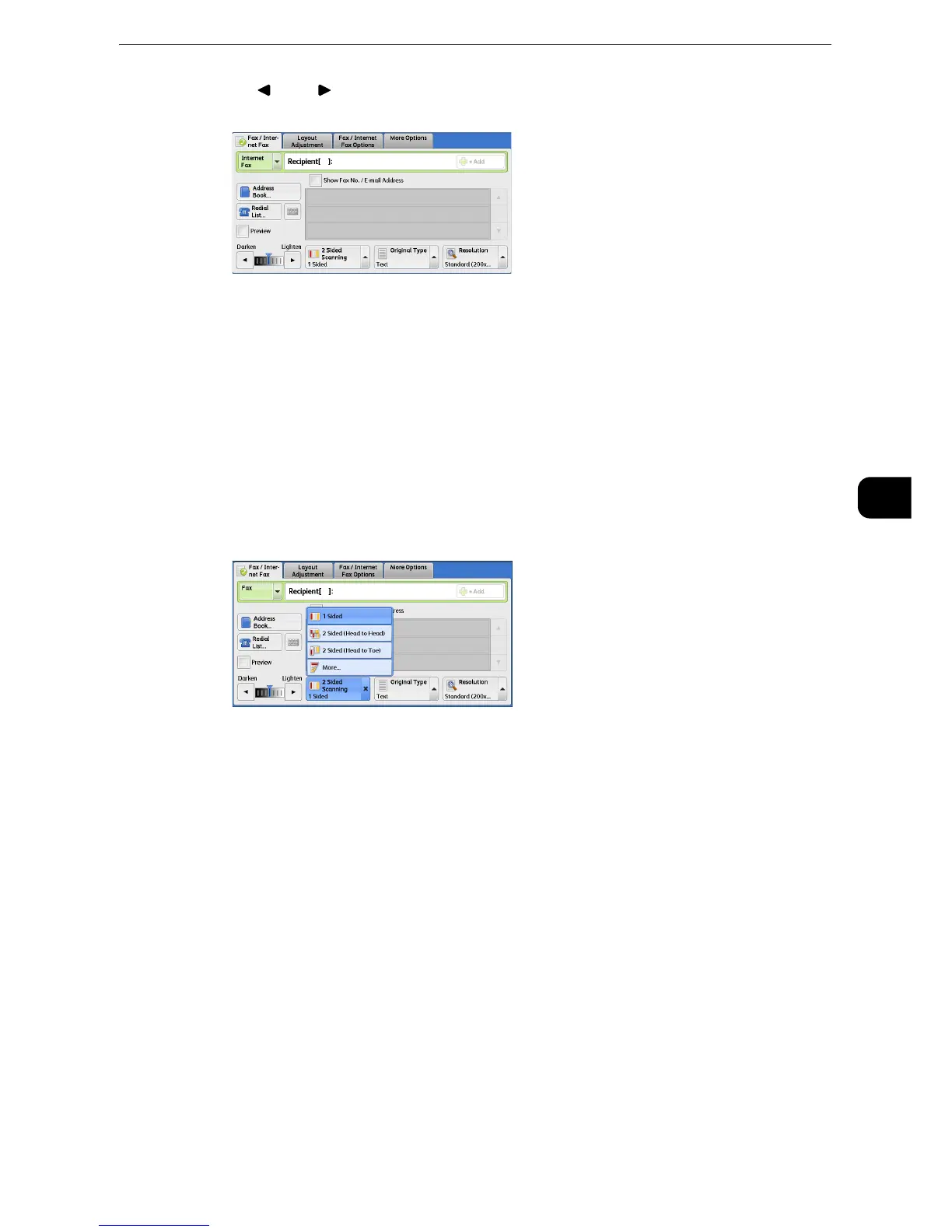
2 Sided Scanning (Transmitting 2-sided Originals)
You can scan a 1-sided or 2-sided document on one or both sides of paper for fax
transmission.
z
The image on the back side of a 2-sided document is rotated so that it is placed in the same orientation as
the image on the front side.
z
This feature does not appear for some models. An optional component is required. For more information,
contact our Customer Support Center.
1 Select a scan option.
1 Sided
Select this option to scan one side of the document.
2 Sided (Head to Head)
Select this option when both sides of the 2-sided document are in the same orientation.
2 Sided (Head to Toe)
Select this option when both sides of the 2-sided document are in opposite orientations.
More
Displays the [2 Sided Scanning] screen.



 To Next Page
 Loading...

