Registering/Deleting/Renaming Stored Programs
463
Stored Programming
8
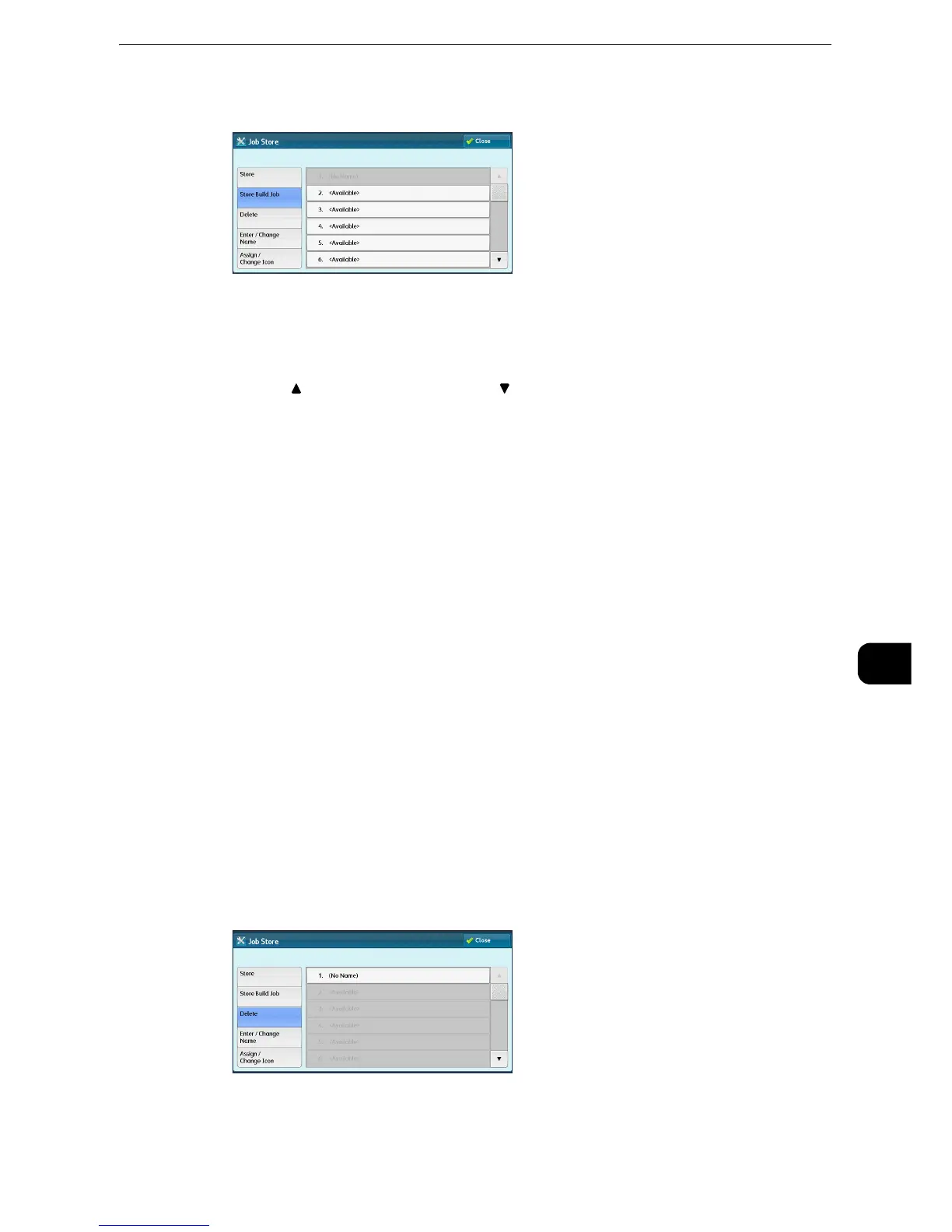
1 Select [Store Build Job].
2 Select a number to register a stored program.
z
Once a job is stored to a button, it cannot be overwritten.
z
Select [ ] to return to the previous screen or [ ] to move to the next screen.
z
Scroll the list by drag or flick operation to switch the screen to be displayed. For information on how to drag or
flick, refer to "Touch Screen" (P.84).
3 Set the feature you want to register.
z
The machine sounds an audible tone while a stored program is being registered.
z
Press the <Interrupt> button to cancel registration.
z
You can change the volume of the sound that notifies that a stored program is being registered. For information on the settings,
refer to "Tools" > "Common Service Settings" > "Audio Tones" > "Stored Programming Tone" in the Administrator Guide.
4 Press the <Start> or <Clear All> button.
z
An icon is displayed to the left of each registered stored program for Build Job.
z
If no name is entered for a registered stored program, the name becomes “(No Name)”.
z
For information on how to name a registered stored program, refer to "Entering/Changing a Stored Program Name" (P.464).
Deleting Stored Programs
The following describes how to delete stored programs.
1 Select [Delete].



 To Next Page
 Loading...

