Q2ec-FM004917
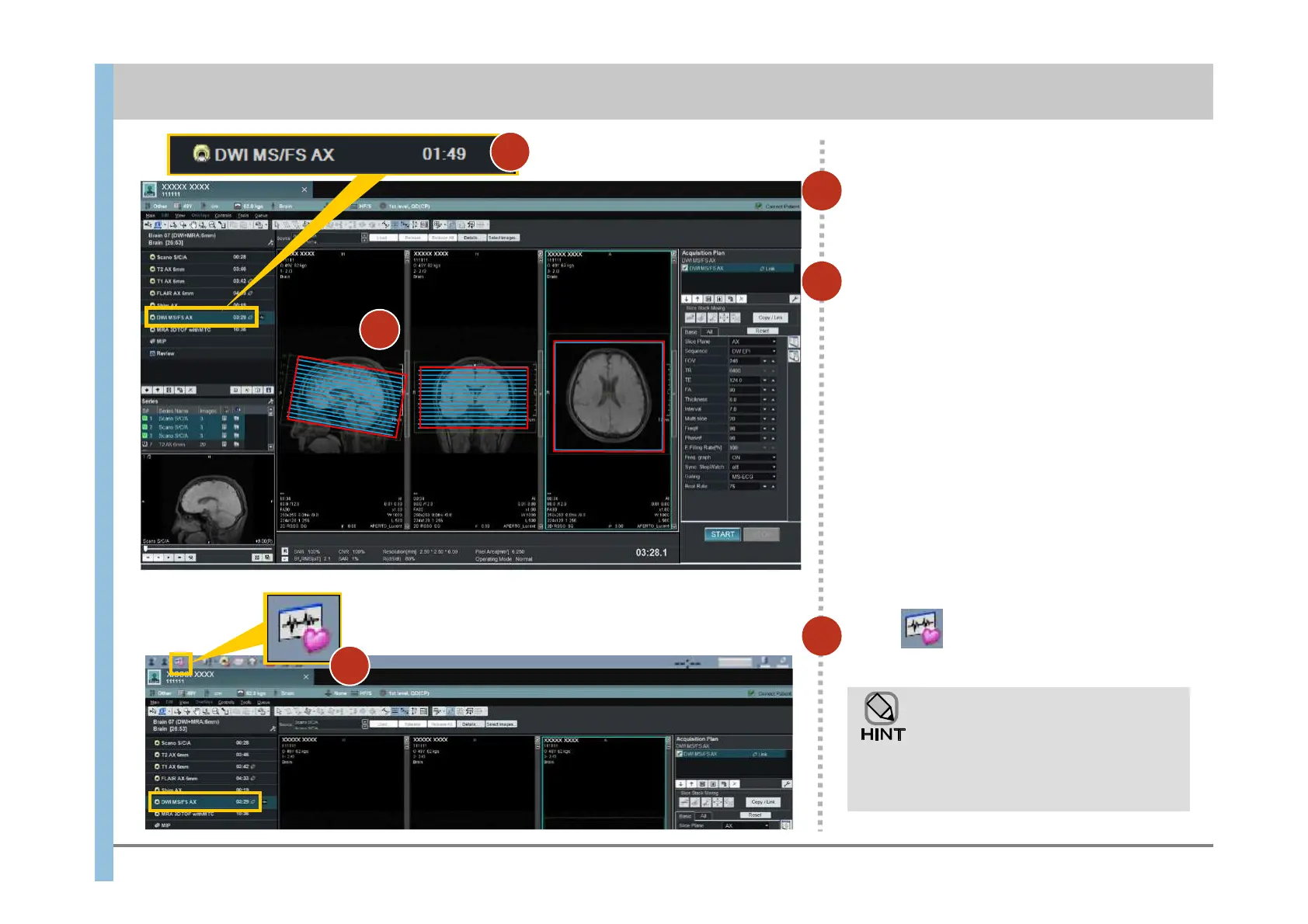
Select DWI MS/FS AX.
4
Click in the launcher.
The WaveForm window opens.
6
Check the position of the slice lines.
If the slice lines are blue , the same slice lines
as those of the link source have been set by
Position Link.
To reset the slice lines:
5
DWI uses pulse wave synchronization.
For details about attaching a gating
sensor, see 6.6.
1)Remove the position link with the link source
(see 6.7)
2)Position the slice lines(see 6.2,step 2)
3)Set a position link from the slice lines to the
imaging that will be performed later(see 6.7)
Chapter 6 Imaging
- 6.4 Imaging of diffusion weighted images (DWI) (reservation):for Gating -
4
5
6













 To Next Page