Q2ec-FM004930
5
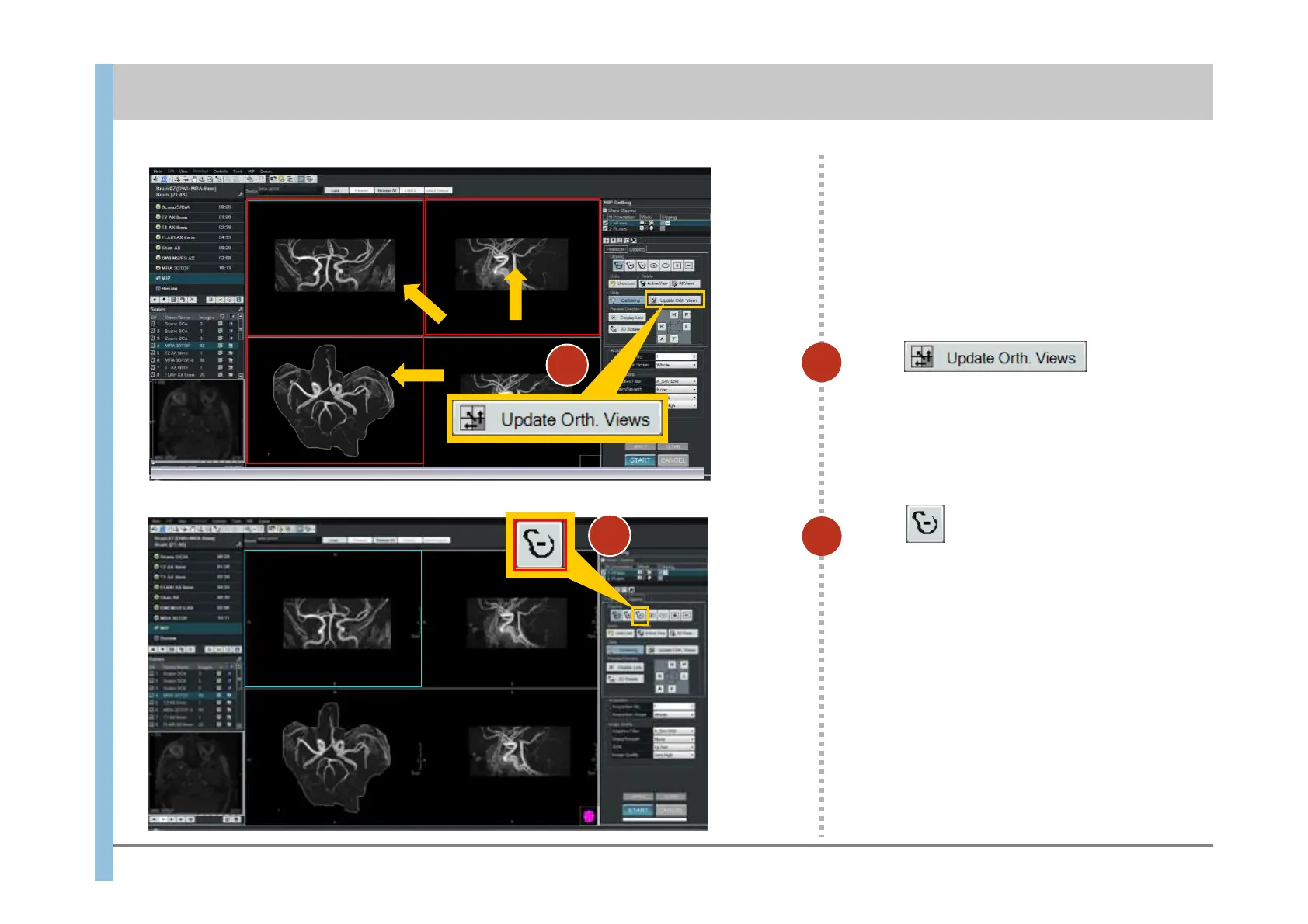
Click .
Only the area you enclosed in the lower left
image remains in the images in the window
other than the lower right image.
Click to choose Minus Free
Shape.
6
5
Chapter 8 Image Processing
- 8.1 Clipping processing and MIP rotation -
6













 To Next Page