4. Setting Up NXT Machines in Flexa QD002-07
124 NXT Setup Manual
23.It is possible to check and change the settings for the different bases by clicking the plus
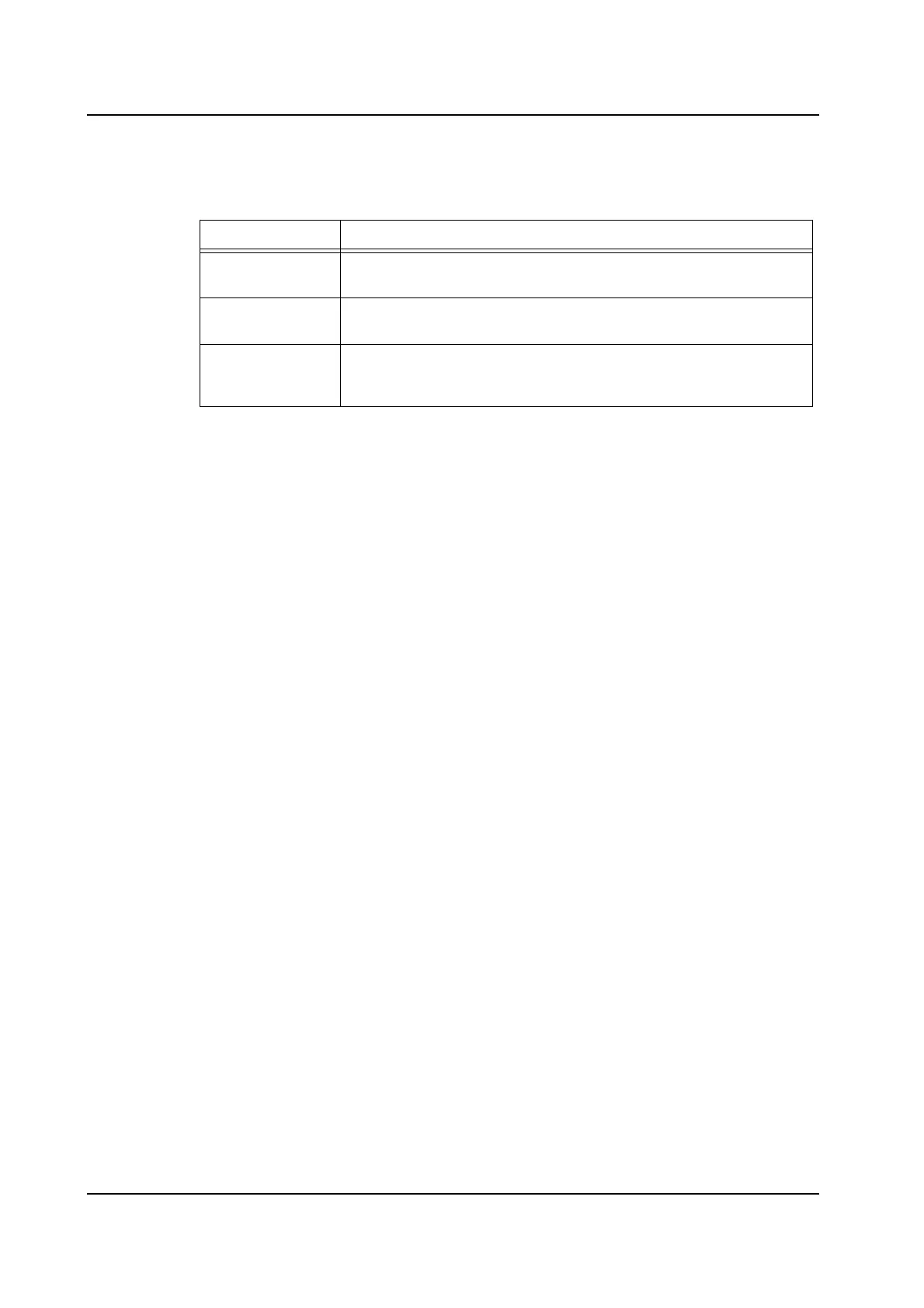
in front of the base name. The settings for that base then display. The chart below
explains the meanings of the different settings.
24.After specifying the communication settings for the machine, click [Save] and then
[Close] to close the [Edit Machine] dialog box.
25.If the line was a “real line” then a dialog box displays with a message regarding updating
the transmission server. Click [Yes] to update the transmission server with the new
information.
Field Label Meaning
Base Name Specifies the IP address or the network name of the base. This is
necessary to enable communication with the base.
Base Type Specifies the number of open positions that are on the base. This
specifes the type of base.
Machine
Communication
Server
This is the name of the computer that is running the Machine
Communication Service. This computer also runs the Line Monitor
Server and Transmission server.



 To Next Page