Actions (for Windows users)
115
9. Click the [Attach] button.
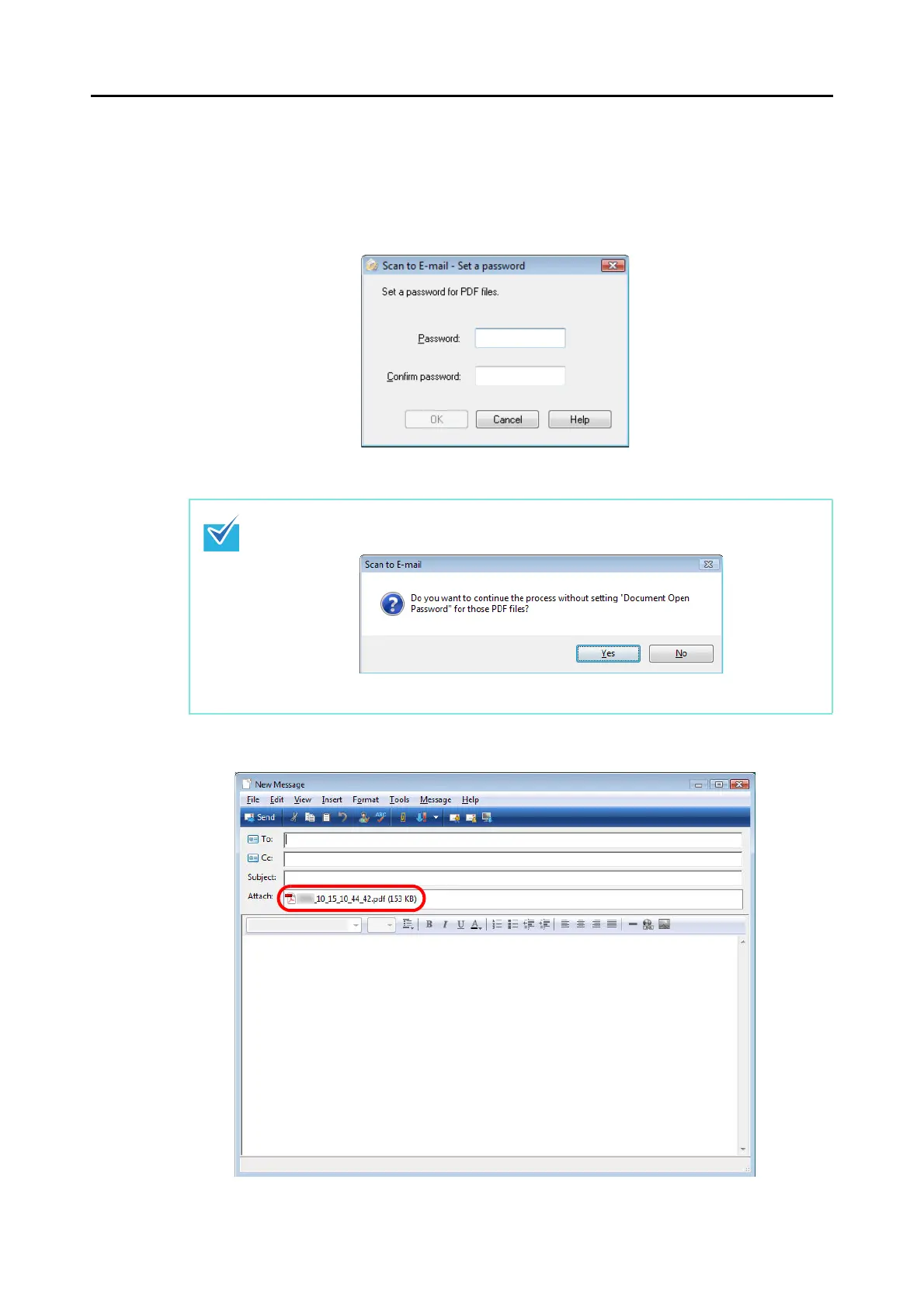
When the [Set a "Document Open password" for PDF files] check box is selected in
the [Scan to E-mail - Options] dialog box or the [Scan to E-mail] dialog box, the [Scan
to E-mail - Set a password] dialog box appears.
Enter a password, and then click the [OK] button.
An e-mail message dialog box appears with the file attached.
The following message appears if you click the [Cancel] button in the [Scan to E-mail - Set a
password] dialog box.
If you do not want to set a document open password, click the [Yes] button.



 To Next Page
 Loading...













