Configuring ScanSnap Manager (for Mac OS users)
245
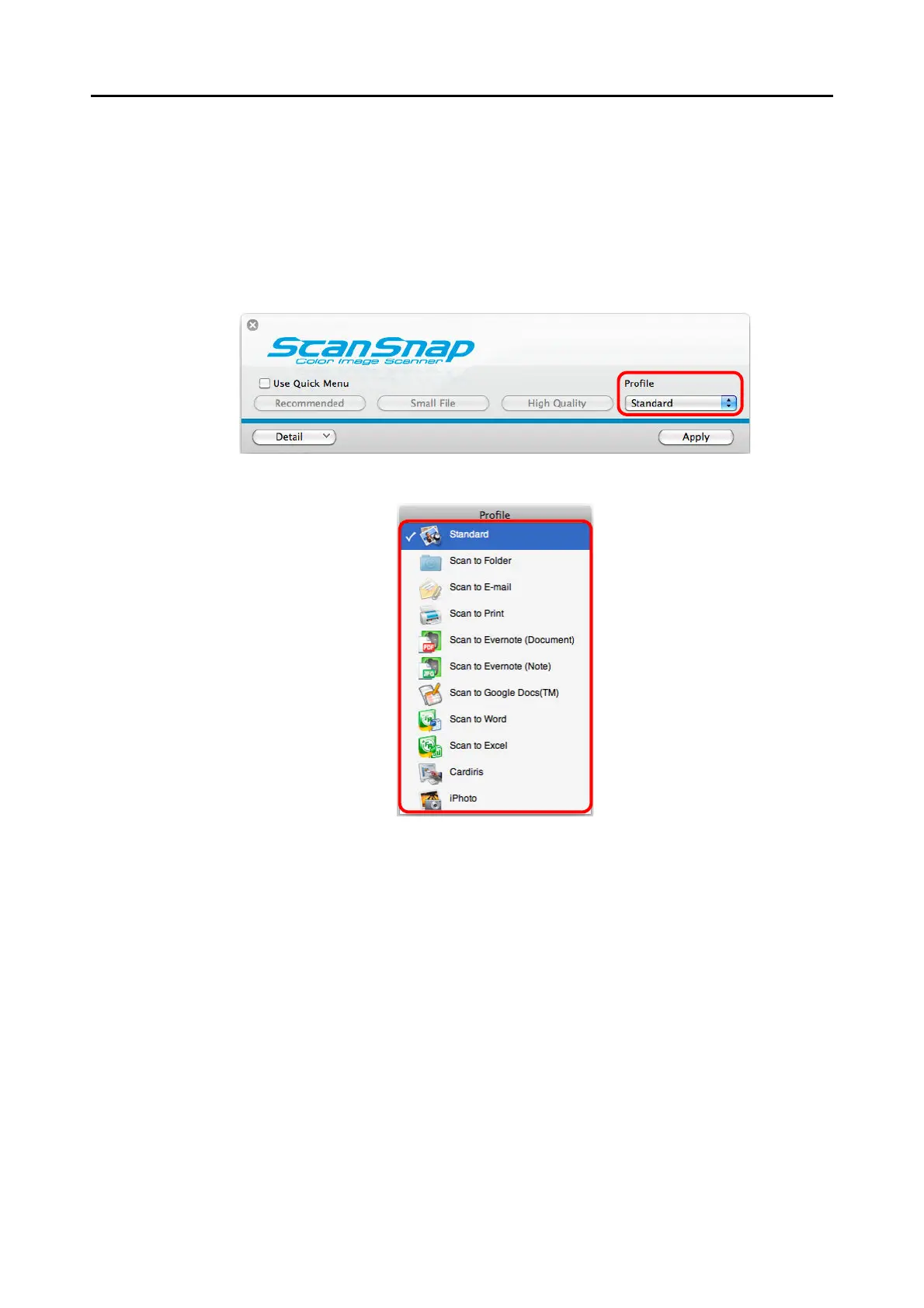
■ Profile Management
You can manage up to 20 profiles.
You can select a profile in the [Profile] pop-up menu in the ScanSnap setup window or from
the Profile menu.
z [Profile] pop-up menu
z Profile menu
Once the frequently used scan settings are saved as profiles, you do not have to open the
ScanSnap setup window to change scan settings every time you perform scanning. You can
easily switch to an appropriate profile you want by just selecting it.
For details about how to add, change or delete profiles, refer to the following:
z To add new profiles (
page 246)
z To change scan settings for profiles ( page 249)
z To rename profiles ( page 251)
z To delete profiles (
page 253)



 To Next Page
 Loading...













