Actions (for Windows users)
178
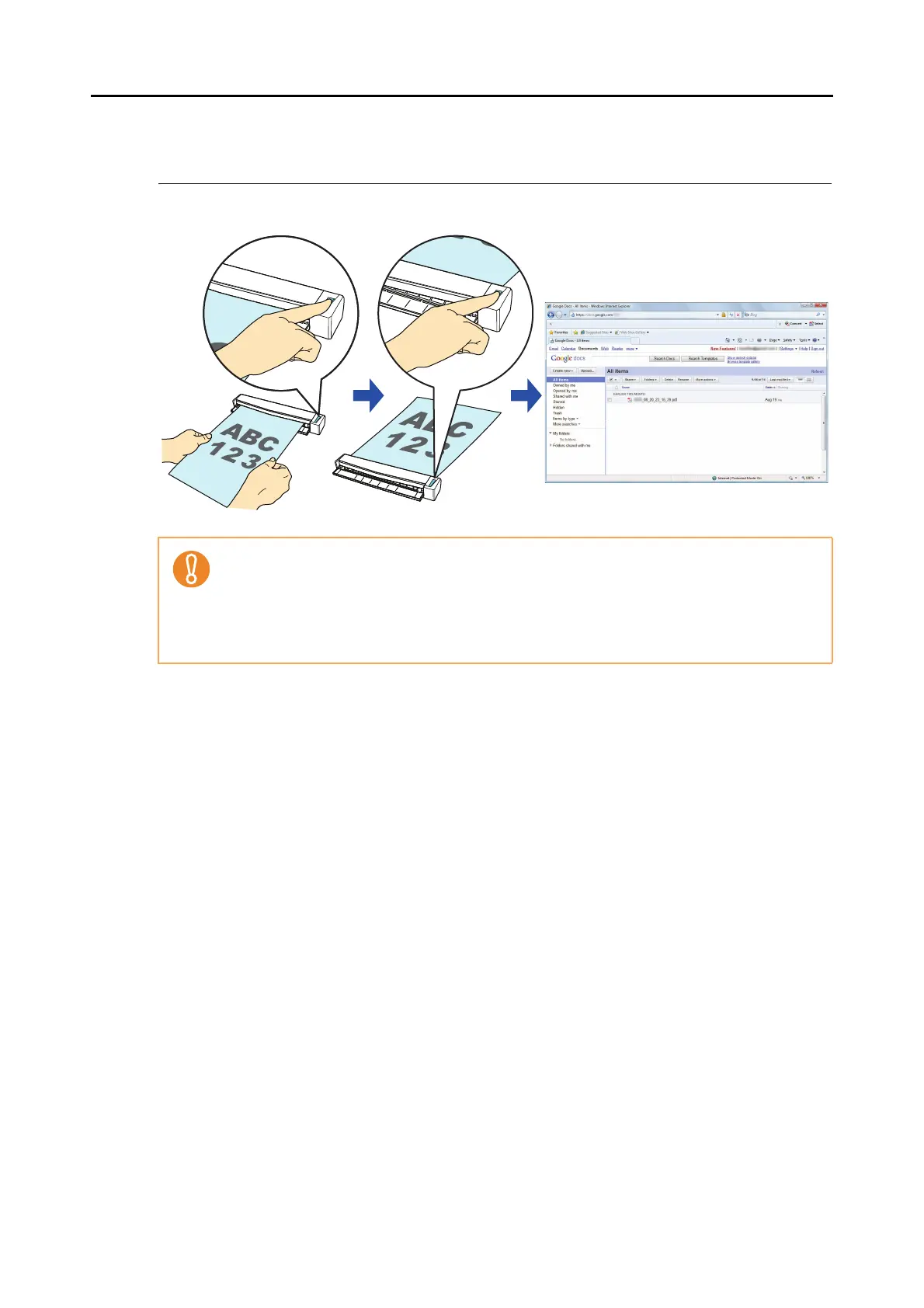
■ Saving Documents to Google Docs
This section explains how to save the scanned image as a PDF file to Google Docs.
For details about the procedure to scan and save the scanned image to Google Docs using or
without using the Quick Menu, refer to the following:
z Using the Quick Menu (
page 179)
z Without Using the Quick Menu ( page 183)
You need to have .NET Framework 3.0 installed in order to use this function.
Note that .NET Framework 3.0 is also included in .NET Framework 3.5 (SP1 or later). It is
recommended that you use .NET Framework 3.5 (SP1 or later) by updating Windows.
You need to install .NET Framework 3.0 separately even if .NET Framework 4.0 or later is
already installed because .NET Framework 3.0 is not included in the .NET Framework 4.0 or
later version.



 To Next Page
 Loading...













