Actions (for Windows users)
117
■ Using the ScanSnap as a Copy Machine
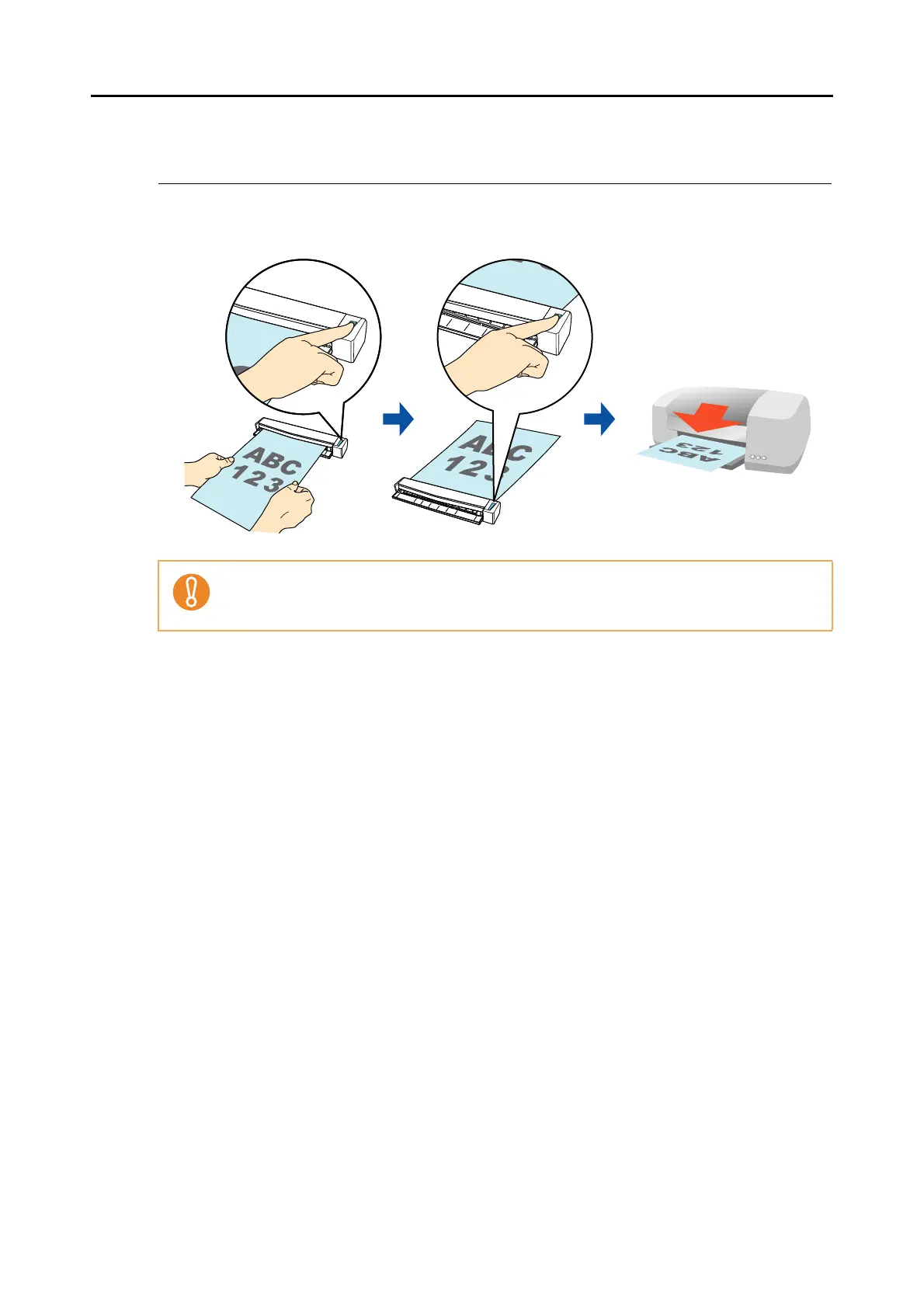
This section explains how to print the scanned image with a printer.
When a printer links with ScanSnap Manager, the ScanSnap can be used as a copy machine.
For details about the procedure to scan and print the scanned image using or without using
the Quick Menu, refer to the following:
z Using the Quick Menu (
page 118)
z Without Using the Quick Menu ( page 121)
Note that shadows around the edges of the document may appear as lines on the generated
scanned image, depending on the scanning method and paper conditions. If you print such an
image, the printed image will also have lines appearing in it.



 To Next Page
 Loading...













