Actions (for Windows users)
131
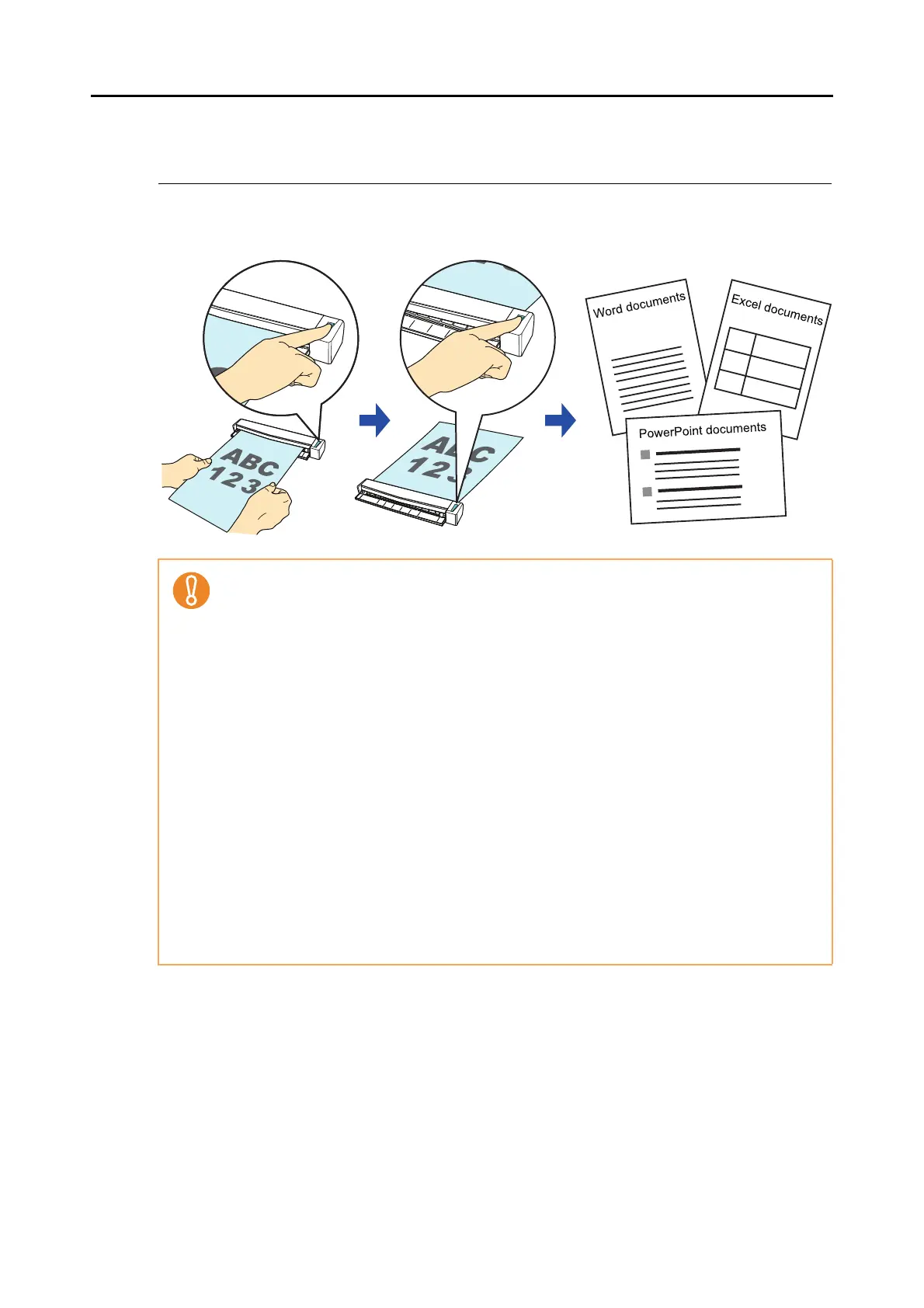
■ Converting into Word/Excel/PowerPoint Documents
This section explains how to convert the scanned image into Word/Excel/PowerPoint files
using ABBYY FineReader for ScanSnap bundled with the ScanSnap.
z The following applications must be installed in your computer in order to perform text-recogni-
tion:
- ABBYY FineReader for ScanSnap (bundled with the ScanSnap)
-Word
- Excel
-PowerPoint
- Visual Basic for Applications of Office Shared Features (installed at the same time when
you perform a standard installation of Microsoft Office)
z You cannot view the documents converted into Word, Excel and PowerPoint files unless
these applications are installed and you completed the user registration to use them. Install
these applications and complete the user registration to view the converted documents on
your computer.
z ABBYY FineReader for ScanSnap can be used with the following versions of Word, Excel
and PowerPoint:
- Word: 2010/2007/2003/2002
- Excel: 2010/2007/2003/2002
- PowerPoint: 2010/2007/2003/2002
z Do not use this function while you are working in Word, Excel or PowerPoint. In addition, do
not use Word, Excel or PowerPoint while this function is being executed. Otherwise, a mes-
sage such as "Call is rejected by callee" may appear and the conversion result may not be
displayed.



 To Next Page
 Loading...













