ScanSnap Manager Icon and Operations (for Windows users)
58
ScanSnap Manager Icon and Operations
All operations on the ScanSnap are managed by ScanSnap Manager.
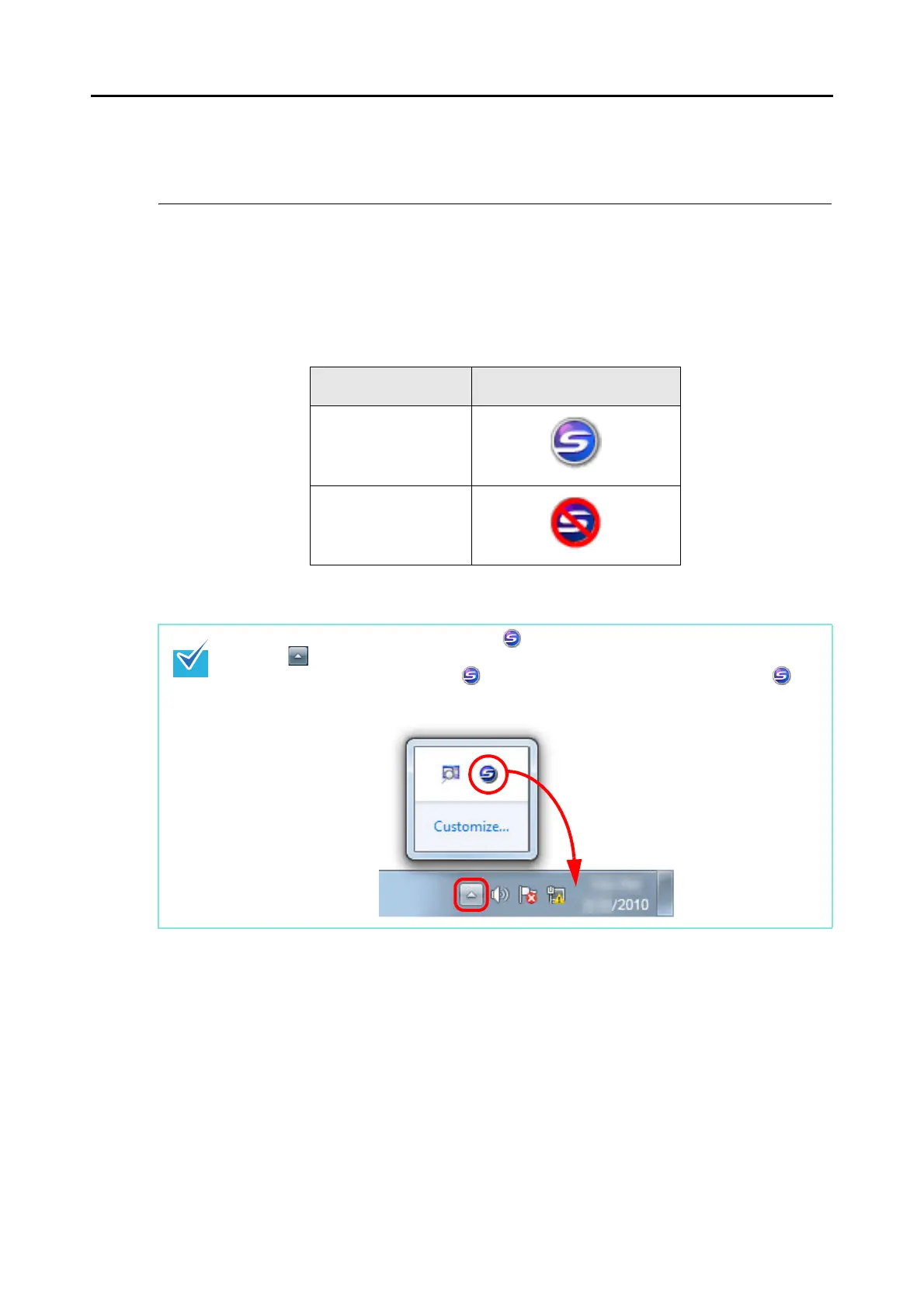
The ScanSnap Manager icon automatically appears on the taskbar when Windows starts up.
The ScanSnap Manager icon indicates whether or not ScanSnap Manager is successfully
communicating with the ScanSnap. The appearance of the icon changes according to the
communication status as shown below.
A menu is displayed when you click the ScanSnap Manager icon.
Status ScanSnap Manager icon
Communicating
Not communicating
In Windows 7, the ScanSnap Manager icon is displayed in the menu which appears when
you click on the taskbar.
To have the ScanSnap Manager icon always displayed on the taskbar, drag the icon and
drop it onto the taskbar.



 To Next Page
 Loading...













