Actions (for Windows users)
146
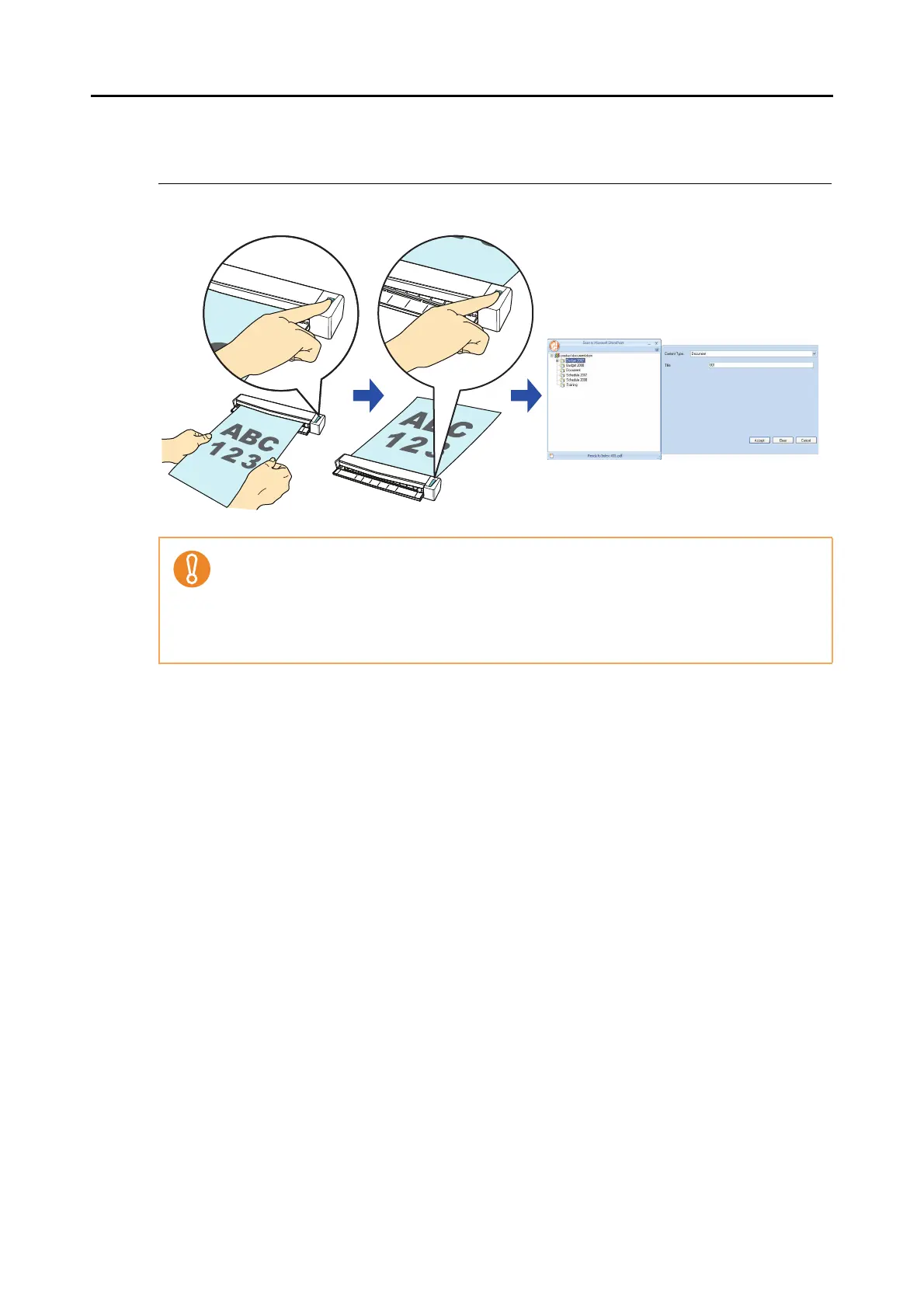
■ Saving Data in SharePoint
This section explains how to save the scanned image in SharePoint or Office Live.
For details about the procedure to scan and save the scanned image in SharePoint/Office
Live using or without using the Quick Menu, refer to the following:
z Using the Quick Menu (
page 147)
z Without Using the Quick Menu (
page 151)
z To save a large file to SharePoint or Office Live, you may need to have the system adminis-
trator change the SharePoint or Office Live setting.
z When you start up Scan to Microsoft SharePoint for the first time, you need to register a
SharePoint site. Once you register the SharePoint site, ScanSnap Manager automatically
connects to that site from the next startup.
For more details, refer to the Scan to Microsoft SharePoint User Guide.



 To Next Page
 Loading...













