Configuring ScanSnap Manager (for Mac OS users)
255
■ Automatic Linkage with Applications
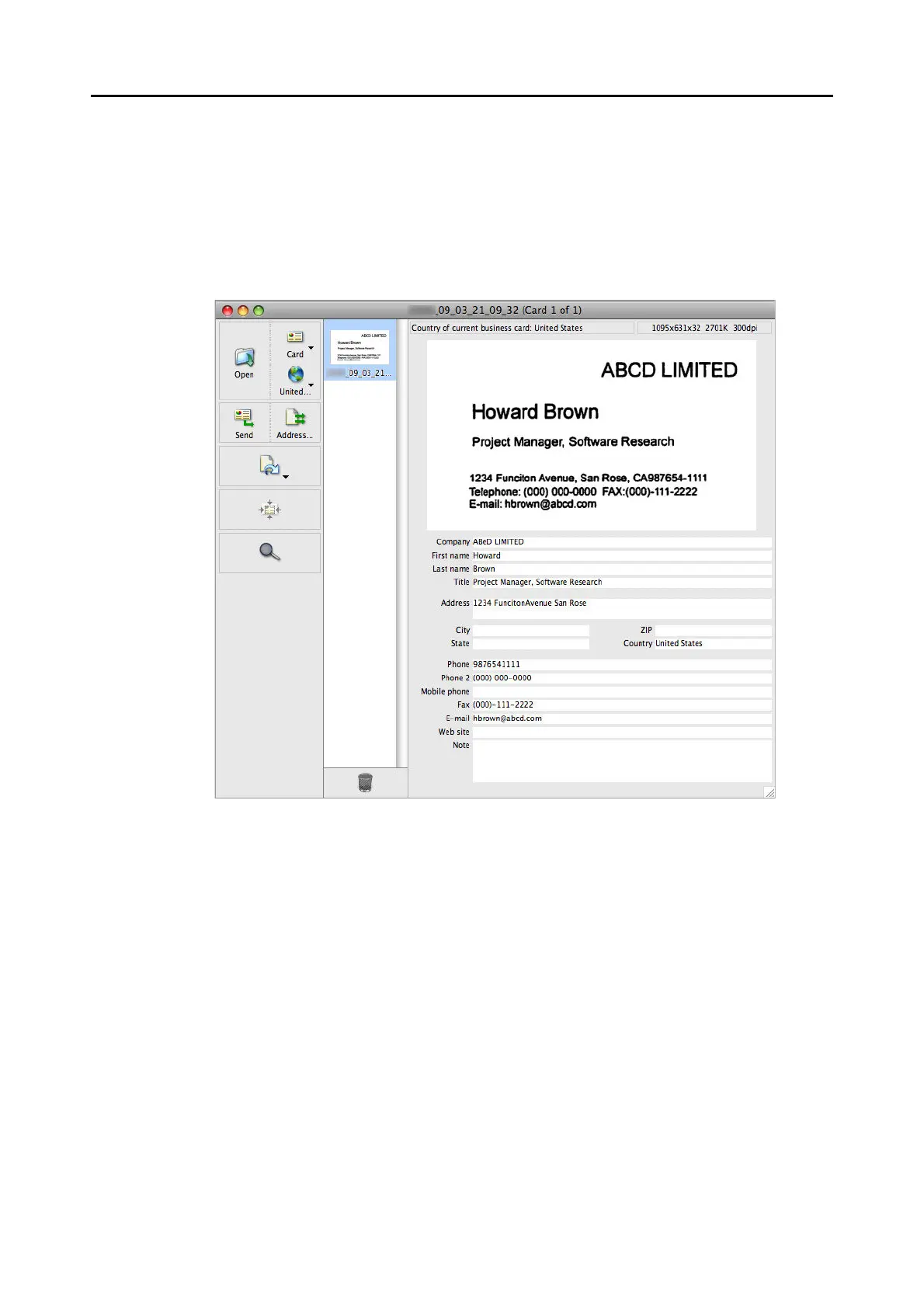
When Cardiris is active (Cardiris menu appears in the menu bar), scanning business cards by
pressing the [Scan/Stop] button on the ScanSnap automatically starts the linkage between
ScanSnap Manager and Cardiris even when the Quick Menu is enabled. The scanned card
image is displayed in Cardiris when automatic linkage is established.



 To Next Page
 Loading...













