Installing in Mac OS
49
■ ScanSnap Software
Install the following software:
z ScanSnap Manager
z ABBYY FineReader for ScanSnap
z Cardiris
The procedure is as follows.
1. Turn on the computer and log in as a user with Administrator privileges.
2. Insert the Setup DVD-ROM into the DVD-ROM drive.
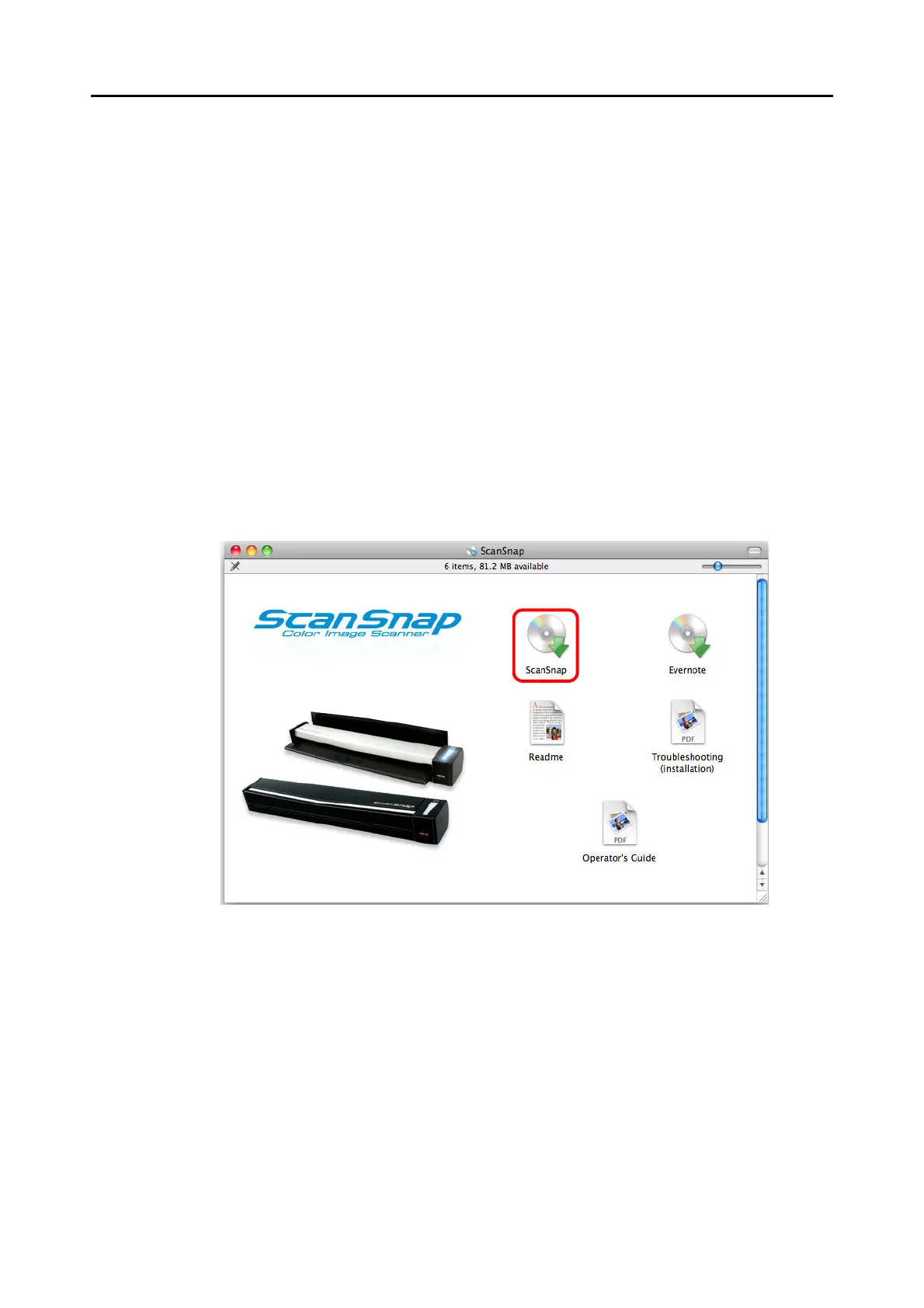
The [ScanSnap] window appears.
3. Double-click the [ScanSnap] icon.
A confirmation message appears to proceed with the installation.



 To Next Page
 Loading...













