Actions (for Mac OS users)
300
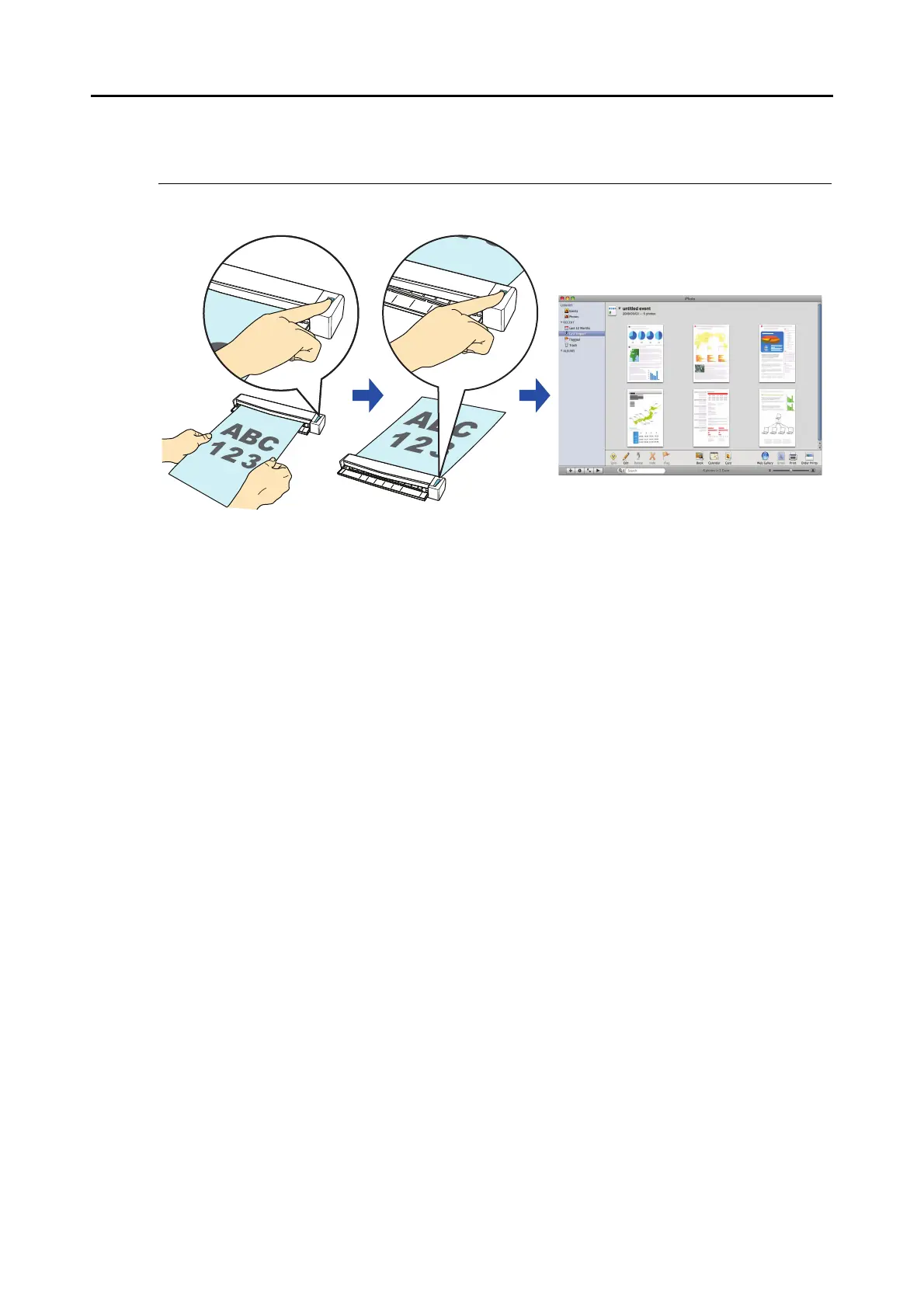
■ Storing Scanned Images in iPhoto
This section explains how to store the scanned image in iPhoto.
For details about the procedure to scan and store the scanned image in iPhoto using or
without using the Quick Menu, refer to the following:
z Using the Quick Menu (
page 301)
z Without Using the Quick Menu ( page 303)



 To Next Page
 Loading...













