Actions (for Mac OS users)
299
4. Click the [Send] button or select [Process] [Send] on the menu bar.
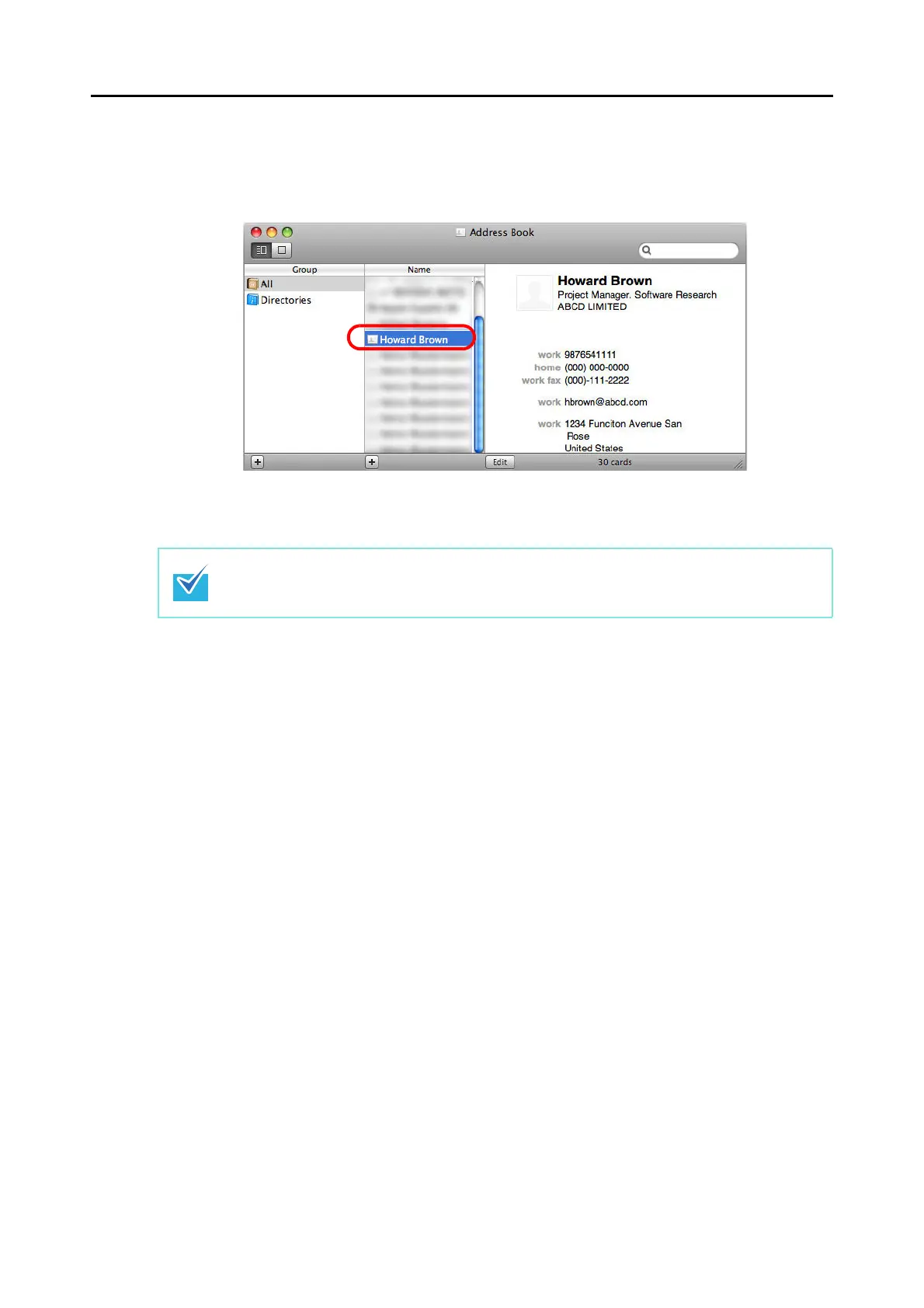
The Address Book window appears, and the recognized characters of all scanned
business cards in the card toolbar are registered in the Address Book.
5. Select [Cardiris] [Quit Cardiris] on the menu bar to quit Cardiris.
z The recognition result of scanned business cards can be output in text or vCard format.
z For more details, refer to Cardiris GETTING STARTED and Cardiris Help.



 To Next Page
 Loading...













