Actions (for Mac OS users)
298
Using the Address Book in Cardiris
To register the recognized characters of a scanned business card in the Address Book,
perform the following procedure.
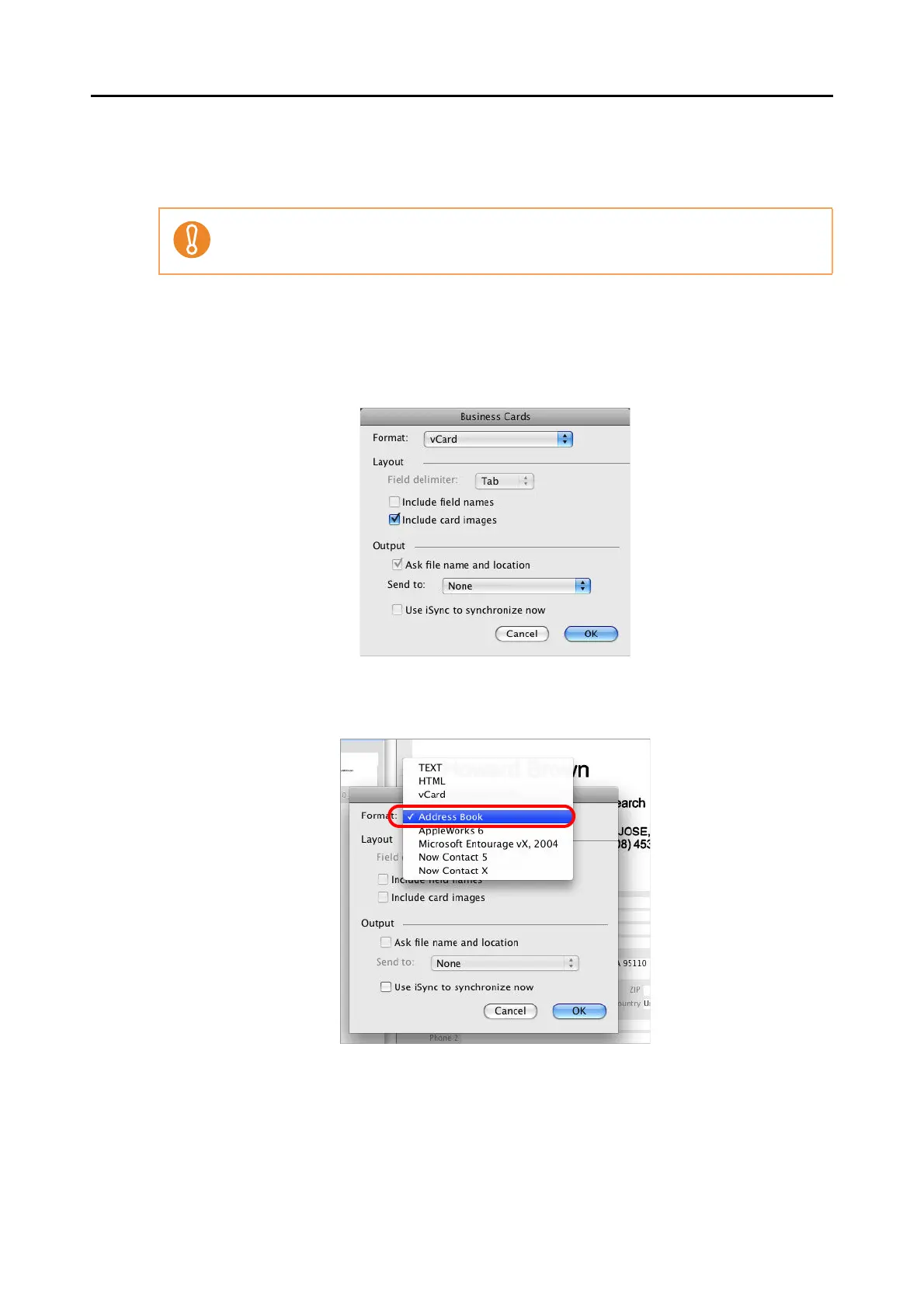
1. Click the [Format] button or select [Settings] [Output Format] on the
menu bar.
The following window appears.
2. Select [Address Book] in the [Format] pop-up menu.
3. Click the [OK] button.
Do not exit Cardiris when setup or message window is open.



 To Next Page
 Loading...













