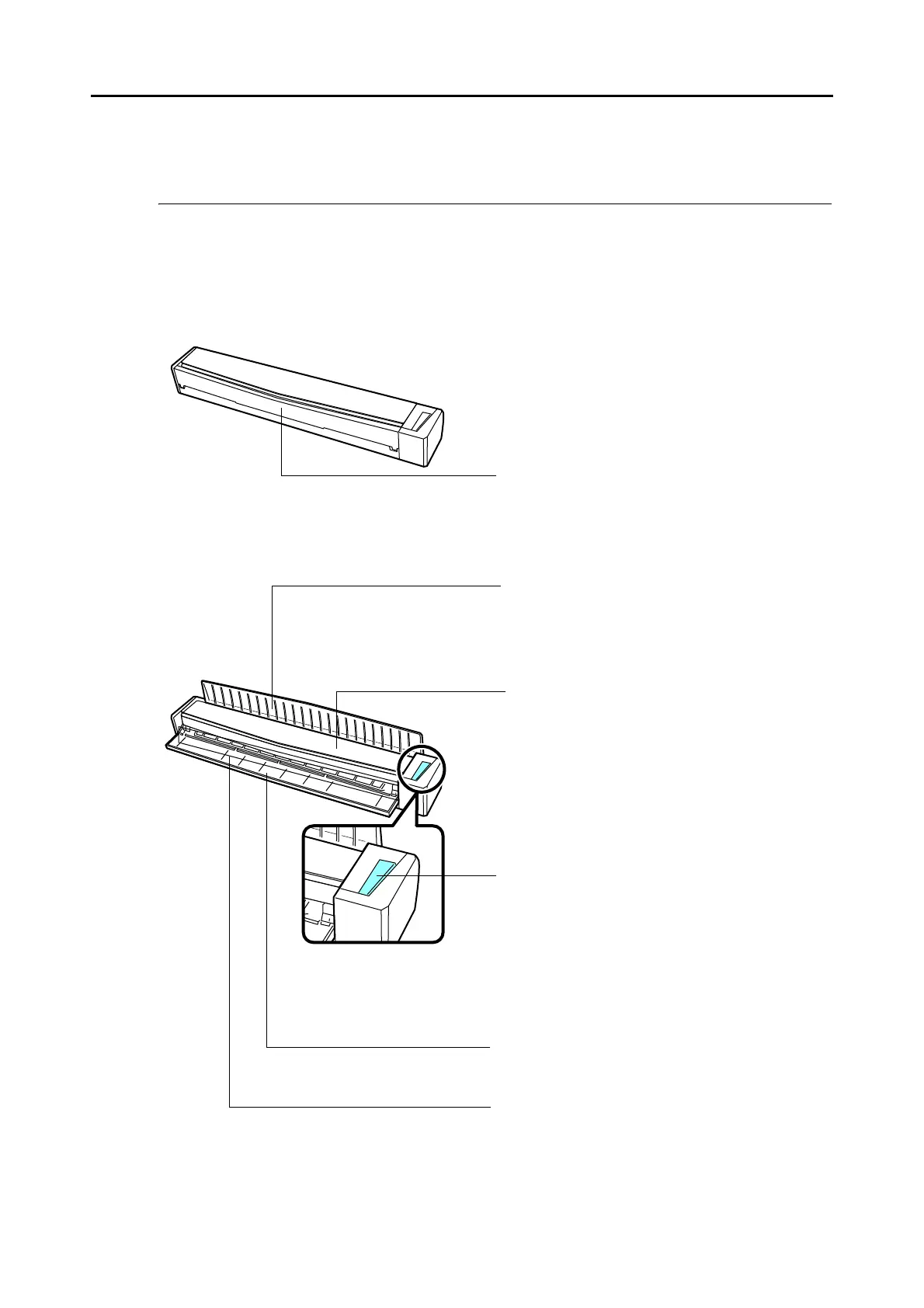
[Scan/Stop] button
Press this button to start or finish scanning.
It indicates the status of the ScanSnap as follows:
Blue (lit) : Ready
Blue (flashing) : Scanning
Orange (flashing) : Error
Feed guide
You can load the document here after opening it.
Top cover
Open to remove jammed documents or clean the
inside of the ScanSnap.
For details about how to clean the inside of the
ScanSnap, refer to
"Cleaning the Inside of the
ScanSnap" (page 361).
Output guide
For details, refer to "Output Guide" (page 20).
Feeding section
Insert the document here to load.



 To Next Page
 Loading...













