Purchasing/Cleaning the Carrier Sheet
380
Purchasing/Cleaning the Carrier Sheet
This section explains about how to purchase/clean the Carrier Sheet.
■ Purchasing the Carrier Sheet
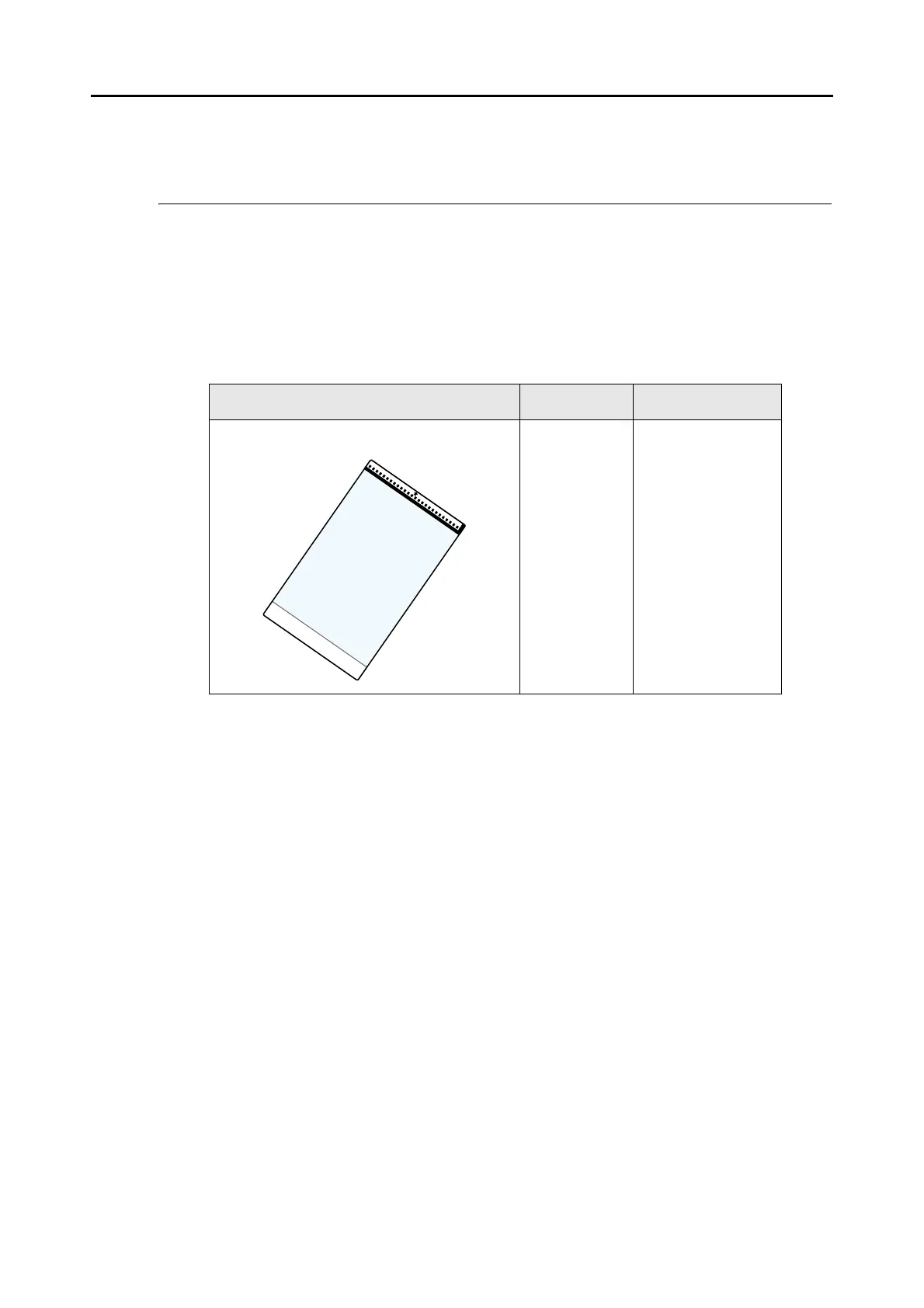
The product name and part number of the Carrier Sheet are as follows.
The Carrier Sheet should be replaced approximately every 500 scans.
However, replace it if damage or dirt is noticeable.
To purchase the Carrier Sheet, contact your FUJITSU dealer or an authorized FUJITSU
scanner service provider.
Name Quantity Part No.
ScanSnap Carrier Sheet 5 sheets PA03360-0013



 To Next Page
 Loading...













