Setting Items With/Without the Quick Menu
379
* : When using the Quick Menu, you can start an application to link with ScanSnap Manager from
the Quick Menu after scanning. Therefore, the [Application] tab is not displayed.
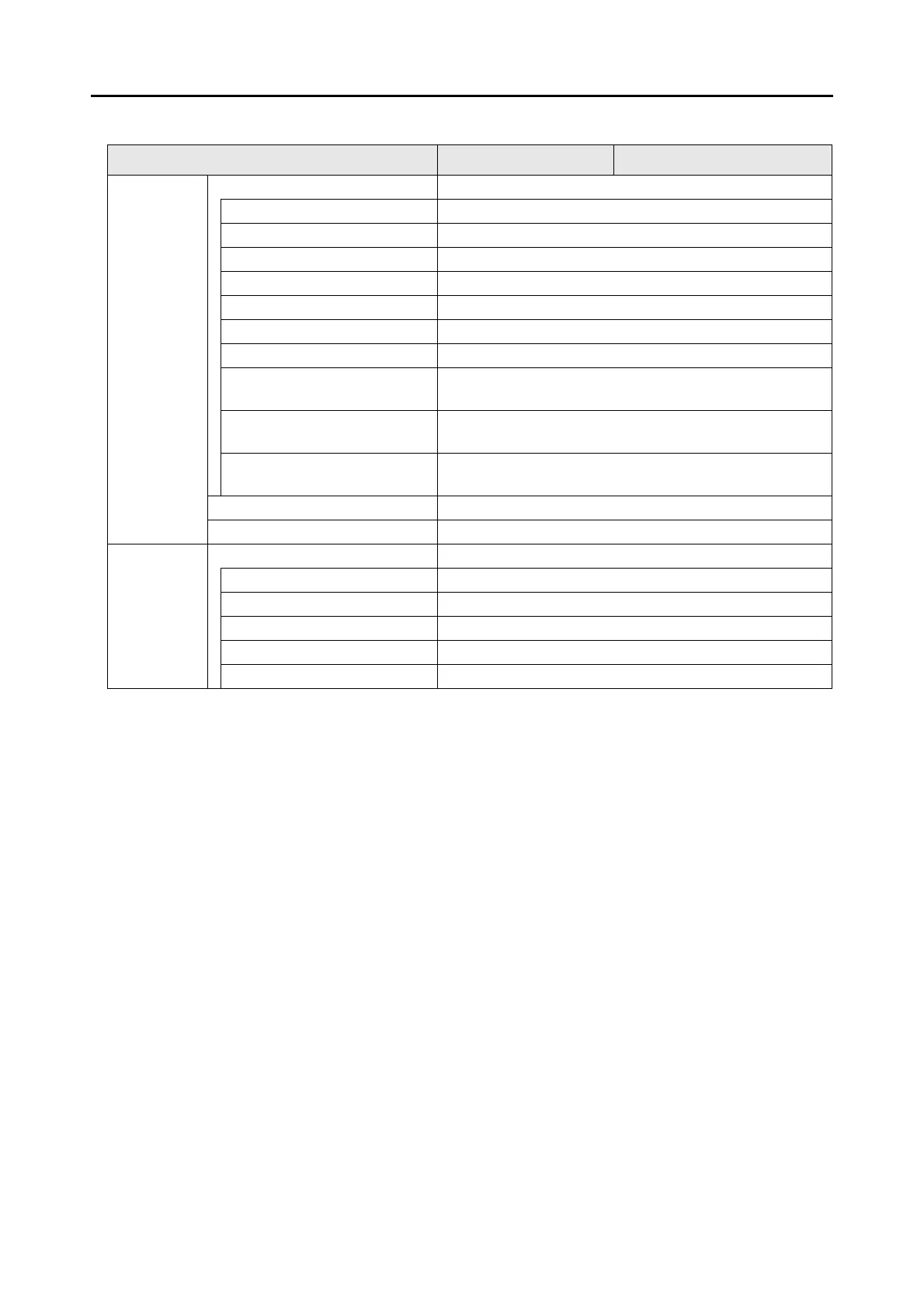
Paper Paper size OK
Automatic detection OK
A4 (210 × 297 mm) OK
A5 (148 × 210 mm) OK
A6 (105 × 148 mm) OK
B5 (JIS) (182 × 257mm) OK
B6 (JIS) (128 × 182mm) OK
Post card (100 × 148 mm) OK
Business card (90 × 55 mm, 55 ×
90 mm)
OK
Letter
(8.5 × 11 in. (216 × 279.4 mm))
OK
Legal
(8.5 × 14 in. (216 × 355.6 mm))
OK
Customize OK
Carrier Sheet Settings OK
Compression Compression rate OK
1OK
2OK
3OK
4OK
5OK
Setting Items With/Without the Quick Menu
Setting Item Using the Quick Menu Without Using the Quick Menu



 To Next Page
 Loading...













