Using the ScanSnap in Various Ways (for Mac OS users)
345
■ Long Page Scanning
Documents up to 863 mm (34 in.) in length can be scanned.
The following explains how to scan long pages.
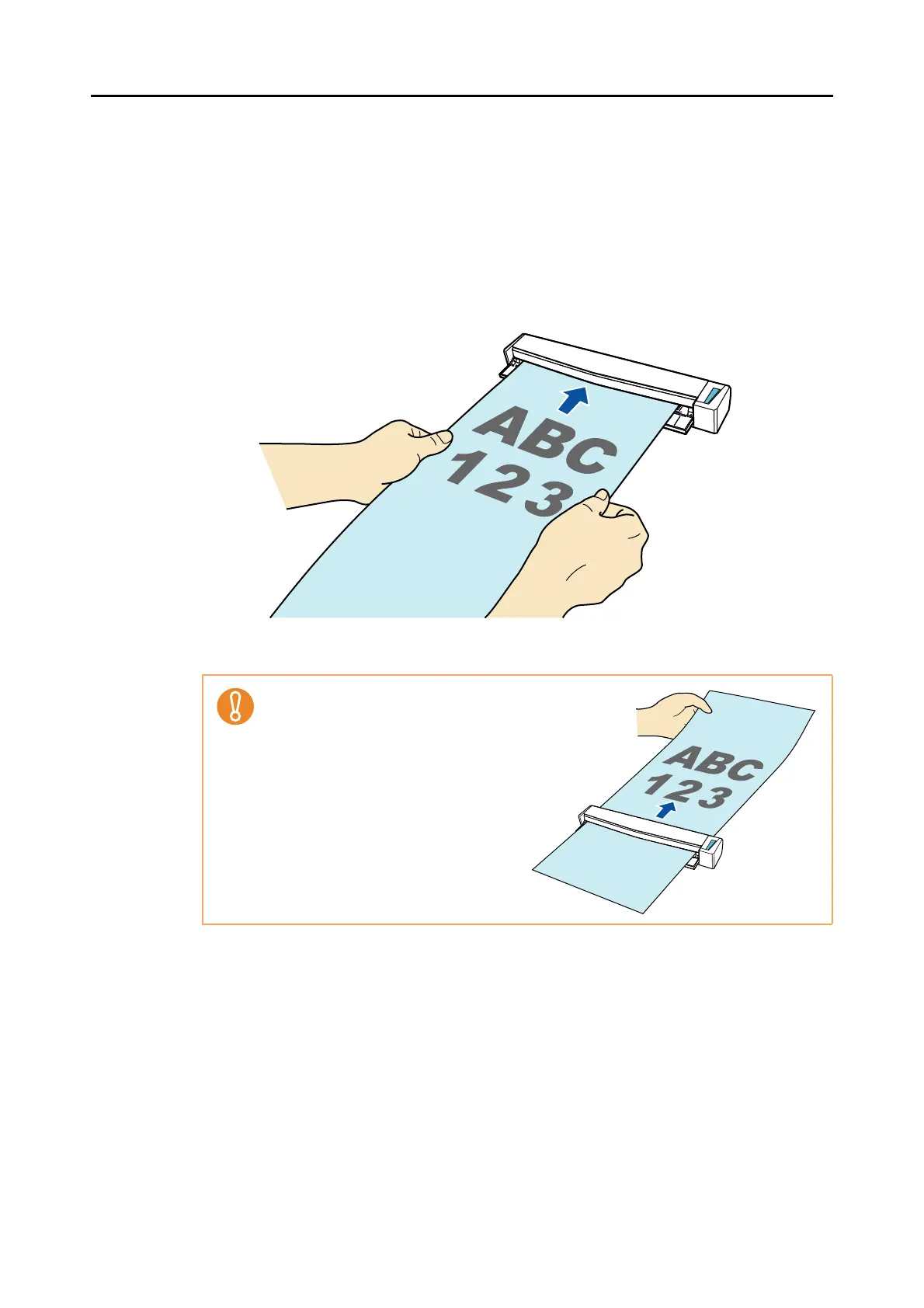
1. Insert the document straight into the feeding section of the ScanSnap,
with the scanning side facing up.
The document is pulled in until it is set inside the ScanSnap.
Secure enough space where the
document exits the ScanSnap, and pick
up the document with your hands to
prevent it from falling off the unit where
the ScanSnap is placed on.



 To Next Page
 Loading...













