Actions (for Windows users)
140
Using the Quick Menu
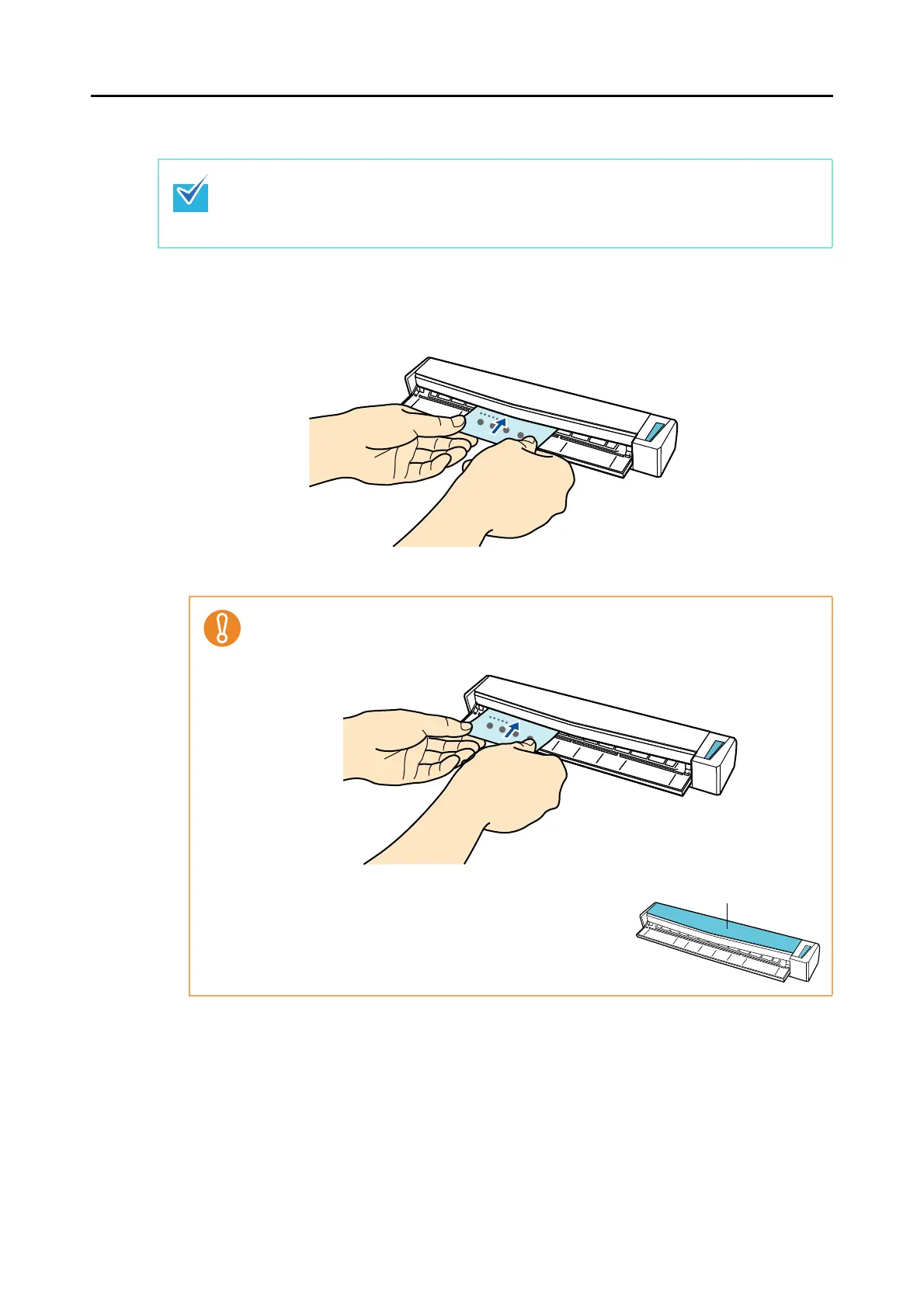
1. Insert the business card straight into the feeding section of the
ScanSnap, with the scanning side facing up.
Business card is pulled in until it is set inside the ScanSnap.
To use the Quick Menu, you need to select the [Use Quick Menu] check box in the ScanSnap
setup dialog box.
For details about how to perform scanning by using the Quick Menu, refer to
"Using the Quick
Menu" (page 63).
z When [Business card] is specified for [Paper size] in the [Paper] tab of the ScanSnap
setup dialog box, insert the business card by aligning it with the left edge of the feeding
section.
z If you perform a scan with the output guide open, a
paper jam may occur and damage business cards.
Make sure to close the output guide when you scan
business cards.



 To Next Page
 Loading...













