Actions (for Windows users)
169
7. Press the [Scan/Stop] button on the ScanSnap to finish scanning.
When you perform a scan with [JPEG(*.jpg)] selected for [File format] in the [File
option] tab of the ScanSnap setup dialog box, a PDF file is created from the JPEG
file. A separate PDF file is created for each JPEG file.
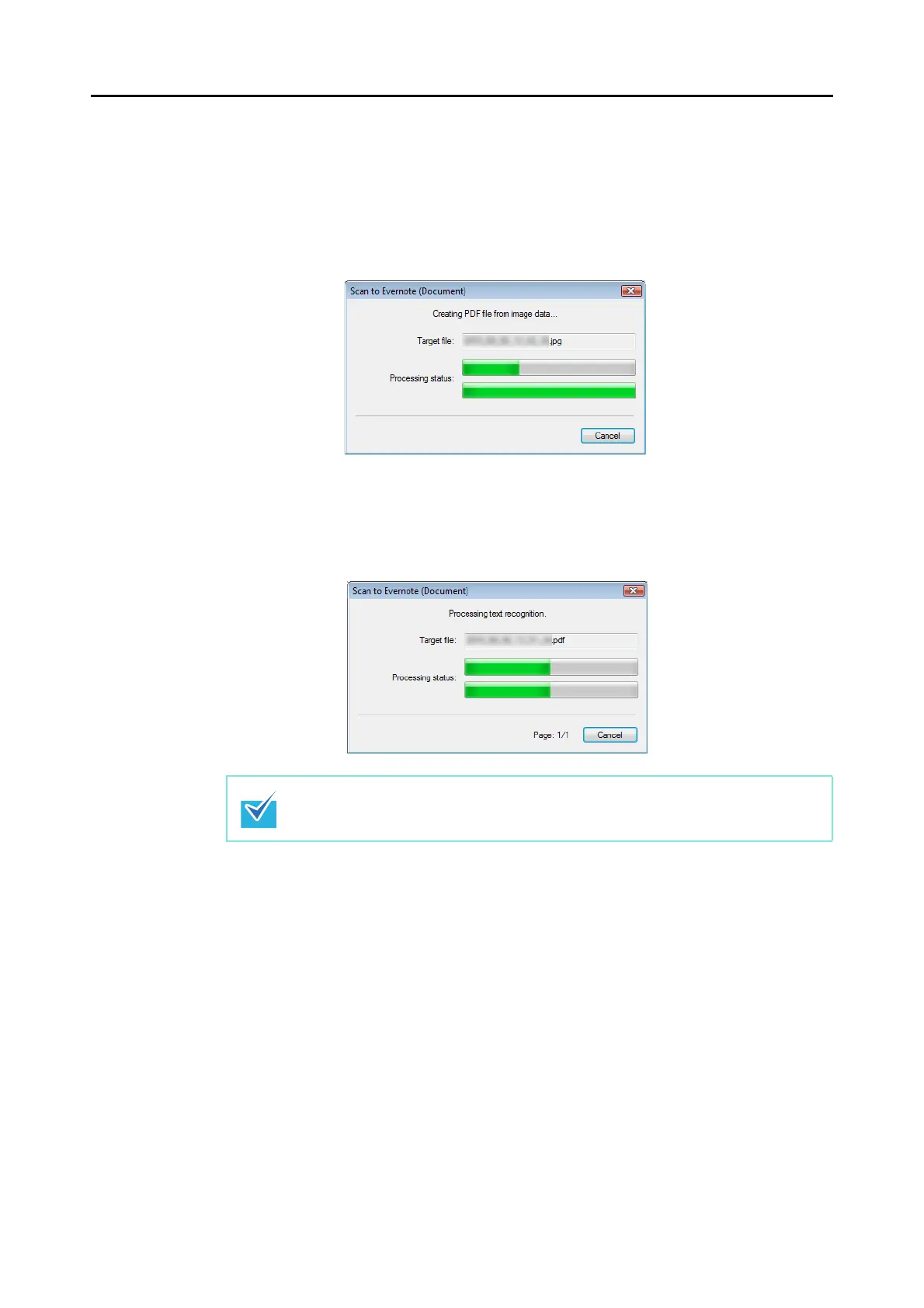
The following dialog box is displayed when the PDF file is being created.
If the [Convert to Searchable PDF] check box is selected in step
3., text recognition
is performed according to the [OCR options] settings in the [Scan to Evernote -
Options] dialog box.
The following dialog box is displayed during text recognition.
Text recognition will be performed if there are any pages containing text which is not
yet recognized. Note that text recognition will be performed on those pages only.



 To Next Page
 Loading...













